
Remove
Free AI image background removerRemove and edit backgrounds in one place
Highlights
What you can do with it
- Cut out a product photo for a listing
- Make a profile picture background transparent
- Add text and resize an image for social media
How to use it
- 1 Upload the image you want to edit
- 2 Let the AI remove the background automatically
- 3 Set the background to transparent or pick a new one
- 4 Resize, add text, or apply a template as needed
- 5 Download the finished image
Who it is for
Pros
- Free background removal with no skills needed
- Background, resize, and text tools included
- Works quickly in the browser
Limitations
- Free terms can change, so confirm on the site
- Complex edges like hair may need touch-up
- Very large images may be slower or limited
What Remove is
Remove-BG.AI is an AI-powered tool that removes image backgrounds quickly and for free. Once the background is gone, you can make it transparent, change the color, resize the image, add text, or swap in preset background templates. It is built so you can edit images in the browser without professional skills. That makes it useful for quick product shots, profile pictures, and simple graphic edits where you need a clean cutout fast and without extra software.
What you can do with it
- Remove an image background automatically on upload
- Set the background to transparent or a solid color
- Resize the image and add text
- Apply preset background templates for quick swaps
Who it is for
- Sellers who need clean product images
- Anyone making profile pictures or avatars
- People editing images without design skills
What to watch out for
Free terms and limits can change, so confirm them on the site before you depend on the service. Automatic cutouts can struggle with fine edges such as hair or transparent objects, so plan for some manual touch-up. Very large images may be slower or restricted. Output quality depends on the original photo, so a clean, high-contrast subject gives a cleaner result. Generated suggestions are for reference only, so verify anything that affects professional judgment or important data. Start with a small sample to confirm the output meets your expectations before processing the full batch. Save a backup of the original file before large batch jobs, and keep an exported copy of key results in case the page or service becomes temporarily unavailable. Save a backup of the original file before large batch jobs, and keep an exported copy of key results in case the page or service becomes temporarily unavailable.
FAQ
Is Remove-BG.AI free?
It is described as a quick, free way to remove backgrounds. Confirm current terms on the site.
What can I do after removing the background?
You can make it transparent, change the color, resize, add text, or use a preset template.
Do I need design skills?
No. It is designed so you can process images without professional skills.
Why it is free
What the official page says: 免费
Free limits, trial length and features are decided by the official site and can change at any time.
Product preview
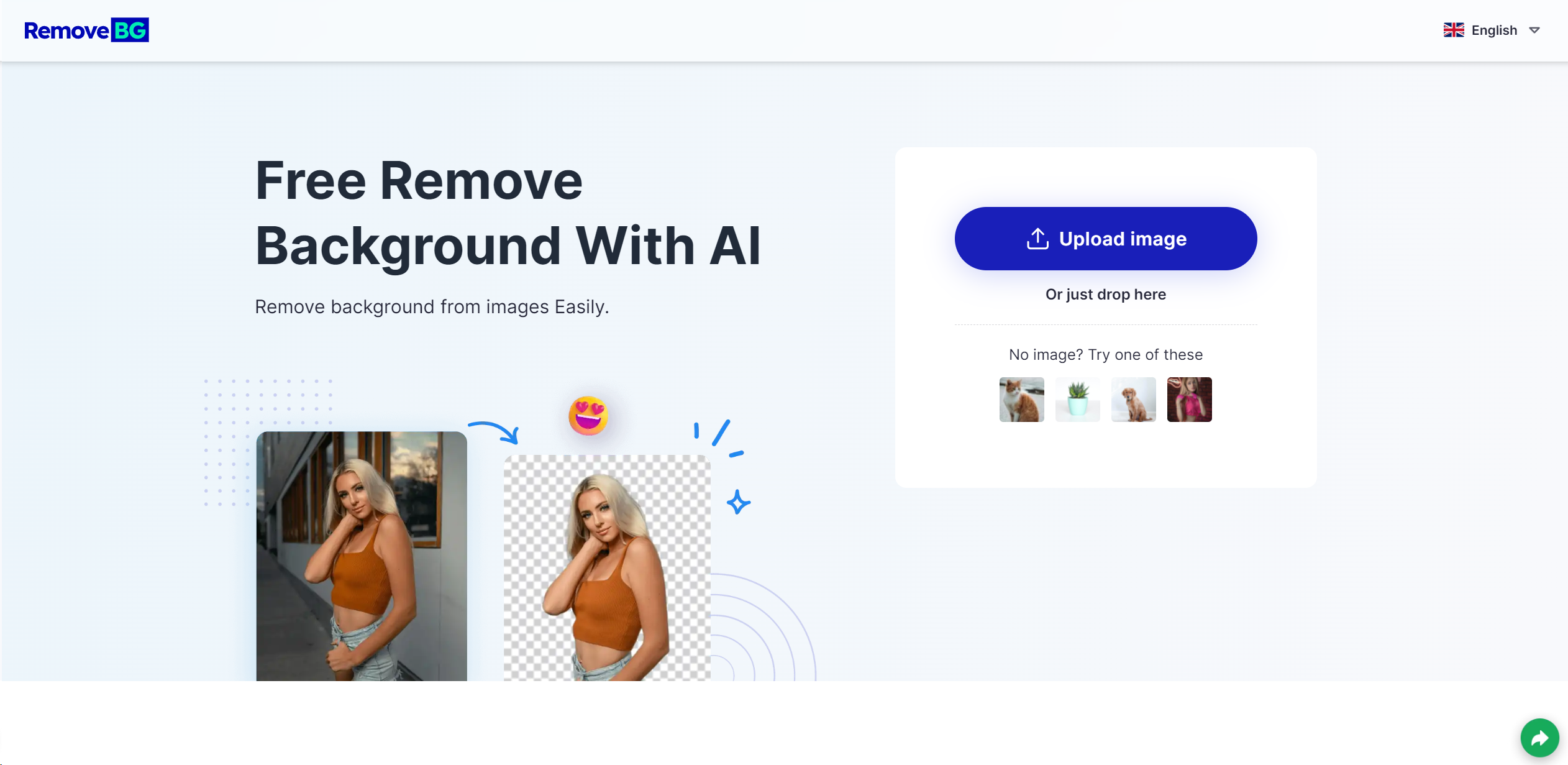
Screenshot archived from the listing page, for preview only.











