
Remove.bg
One click background removalCut out subjects in one click
Highlights
What you can do with it
- Cut out a product for a clean listing image
- Make a tidy profile picture
- Drop a subject into a new composite
How to use it
- 1 Open the Remove.bg website
- 2 Upload the image you want to process
- 3 Wait for the automatic background removal
- 4 Check the edges and download the result
- 5 Refine further in an editor if needed
Who it is for
Pros
- The whole flow is one click and a download
- No design skills are needed to get a usable cutout
- It serves both casual and professional users
Limitations
- The free trial has limits and volume work needs a paid plan
- Fine edges such as hair can need manual touch up
- It depends on the online service being available
What Remove.bg is
Remove.bg is a tool that removes image backgrounds with a single click. Intelligent algorithms analyze the picture, separate the background from the subject, and return a cutout that the site describes as quick and accurate. The tool is designed to be user friendly and needs no design experience, which is why it works for both individual users and design professionals. Access comes as a free trial plus paid subscription plans, and the paid plans add more advanced features and higher usage limits.
What you can do with it
- Remove a background from a photo in one click.
- Create a clean cutout for a product listing.
- Prepare a subject for a composite or a new backdrop.
- Handle many images when you move to a paid plan.
Who it is for
- Online sellers who need tidy product images.
- Designers building composites and layouts.
- General users who just want a neat profile picture.
What to watch out for
The free trial has limits, and processing many images points to a subscription. Fine detail such as hair or thin objects can need manual touch up after the automatic pass. Since it is an online service, plan around occasional downtime and keep original files safe. Start with a small sample to confirm the output meets your expectations before processing the full batch. Free tiers and usage limits can change, so check the current rules on the official page before relying on it long term. Save a backup of the original file before large batch jobs, and keep an exported copy of key results in case the page or service becomes temporarily unavailable.
FAQ
Is there a free trial?
Yes, the site offers a free trial alongside paid subscription plans.
How accurate is it?
The site says intelligent algorithms separate background and subject quickly and accurately.
Can I use it for commercial work?
The site says it suits design professionals as well as individuals, with paid plans for heavier use.
Do I need design skills?
No, the site says simple operation with no design experience required.
Why it is free
What the official page says: free trial
Free limits, trial length and features are decided by the official site and can change at any time.
Product preview
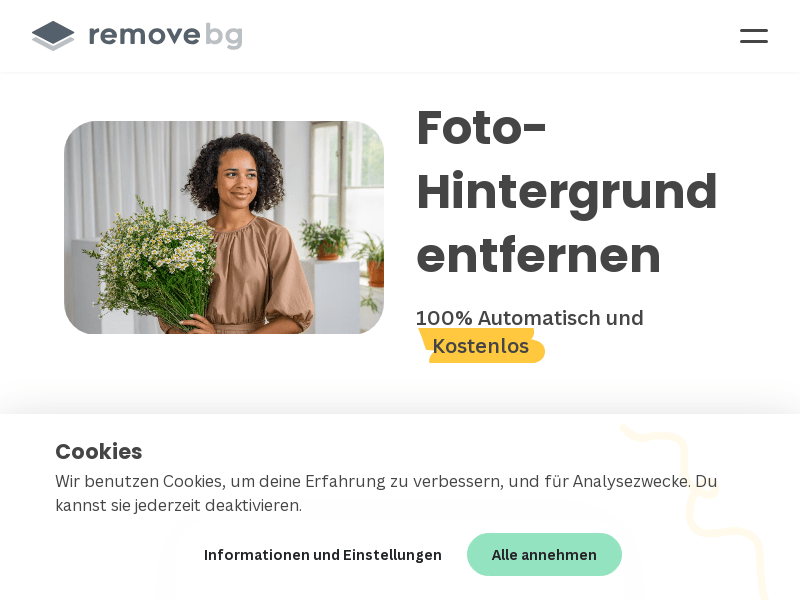
Screenshot archived from the listing page, for preview only.











