
Remove Sora Watermark
Remove Sora video watermarksProcess Sora clips by link in seconds
Highlights
What you can do with it
- Clean up a personal test clip for private review
- Prepare footage for an internal edit where attribution is handled separately
- Compare watermarked and cleaned versions of the same clip
How to use it
- 1 Copy the share link of the Sora video
- 2 Paste it into the tool and start processing
- 3 Wait one to three seconds for the result
- 4 Download the watermark free MP4
- 5 Upgrade if you need more than three per day
Who it is for
Pros
- No upload required, so it works from a link
- Fast processing, usually one to three seconds
- A free daily quota to test the workflow
Limitations
- Removing watermarks may break Sora or platform terms, and consequences fall on you
- The free quota is only three removals per day
- Quality is not guaranteed on every clip and may leave visible artefacts
- Paid plans are needed for regular use, and free rules can change
What Remove Sora Watermark is
Remove Sora Watermark is an online tool that strips watermarks from videos generated with Sora. You paste a shared link, it processes the clip, and you get back a watermark free MP4. The site says most videos finish in one to three seconds and that no upload is needed, which it frames as a privacy and bandwidth benefit. There is a free quota of three removals per day, and paid plans at $9.99 per month or $99 per year raise that limit. Before using anything like this, be clear about the rules: watermark removal is often restricted by the terms of the platform that produced the video, and the responsibility for any breach sits with you, not the tool.
What you can do with it
- Remove a watermark from a Sora clip using a share link
- Get a watermark free MP4 in a few seconds
- Test the workflow up to three times a day for free
- Compare cleaned and original versions side by side
Who it is for
- Creators reviewing their own Sora output privately
- Editors who need a clean preview for internal cuts
- Anyone evaluating how much a watermark affects a clip
What to watch out for
This is the part to read twice. Removing a watermark can violate the terms of service of the platform that generated the video, and it also removes the attribution that tells viewers the clip was AI generated. Consequences, including account action, fall on the person using the tool, so check the rules before you process anything you plan to publish. Output quality is not guaranteed, and fast processing can leave visible artefacts around the removed area. The free quota is small at three per day, and paid access is required for anything regular. Free limits and pricing can change without notice, so treat today's allowance as a trial rather than a plan.
FAQ
Is it free?
There is a free quota of three removals per day, with paid plans at $9.99 per month or $99 per year.
Do I upload the video?
No, the tool works from a shared link, which it says saves bandwidth and protects privacy.
Is removing a watermark allowed?
Not necessarily. Many platforms restrict watermark removal in their terms, and any consequences are the user's responsibility. Check the rules first.
How long does it take?
Most videos are described as processing in one to three seconds.
Why it is free
What the official page says: 免费额度免费试用免费
Free limits, trial length and features are decided by the official site and can change at any time.
Product preview
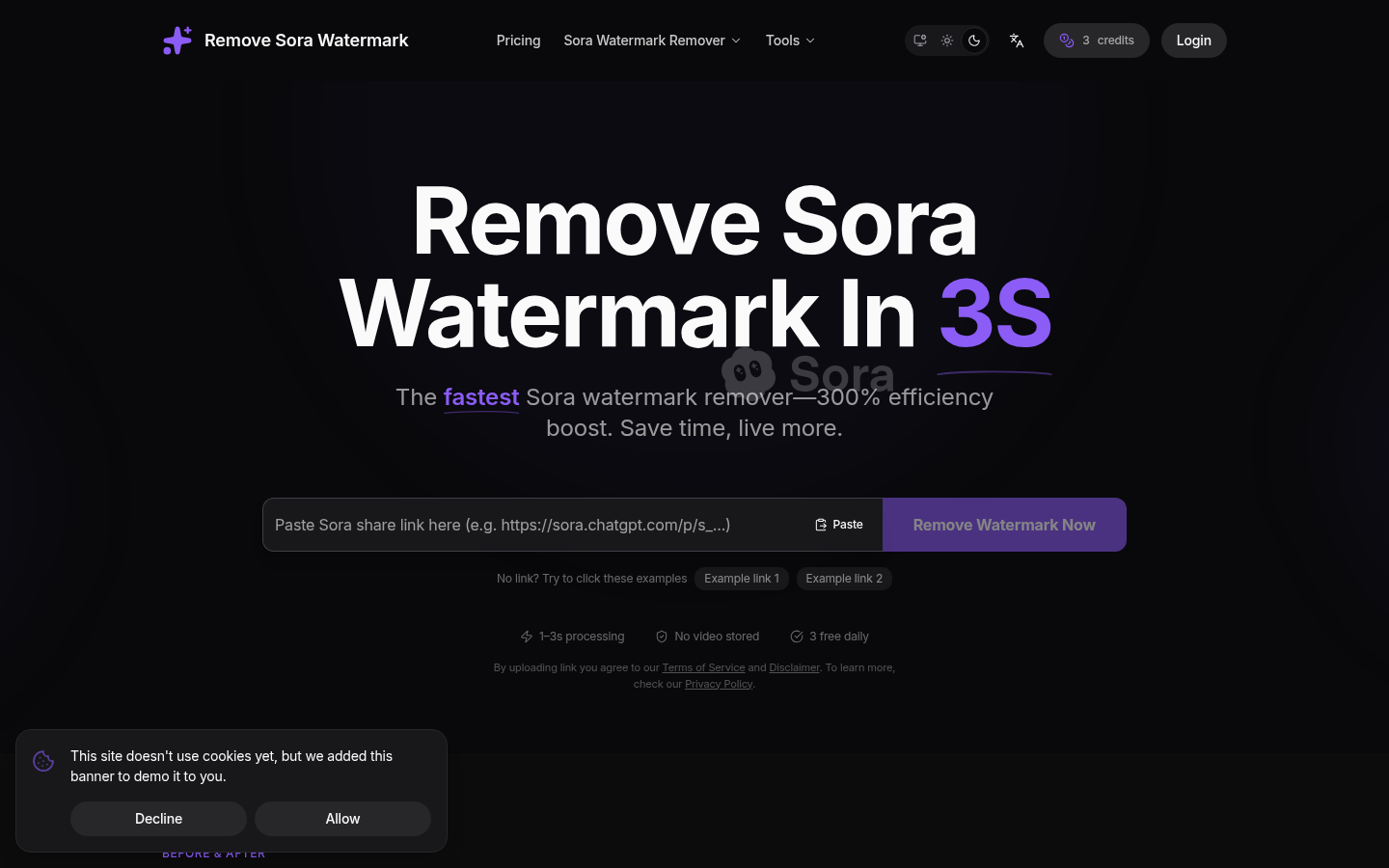
Screenshot archived from the listing page, for preview only.