
removebackground
Free online AI background removerTransparent PNG in seconds, no install
Highlights
What you can do with it
- Clean up a product photo and place it on a white background for a listing
- Cut out a portrait for a podcast avatar or video thumbnail
- Prepare a cutout asset for a poster or flyer layout
How to use it
- 1 Open the site and go straight to the upload area, no registration needed
- 2 Add your image by click, drag and drop, clipboard paste, or URL
- 3 Start the removal and watch the progress on the page
- 4 Preview the transparent result, then switch to white or set a custom background
- 5 Refine edges and crop locally until the cutout looks right
- 6 Download the PNG, and reuse the saved session later if needed
Who it is for
Pros
- Core features are free and no account is required
- Several upload routes, including paste and URL
- Edge work and cropping happen locally in your browser
Limitations
- Cloud processing is used for the cutout itself, so images leave your device
- Complex edges such as hair and fine detail may still need manual cleanup
- Only cut out images you own or have the right to edit
What removebackground.me is
removebackground.me is a free online background removal tool from MossAI Tools. You upload an image, the system identifies the subject, and it returns a transparent background PNG, with the processing progress and elapsed time shown on the page. Uploads can come from a click, a drag and drop, a clipboard paste, or an image URL. Once the subject is separated you can switch between transparent and pure white, set a custom background colour or image, refine edges, and crop. Those later steps run locally in the browser, and the editing session is saved on your device.
What you can do with it
- Remove a background in one click with no manual masking
- Upload by click, drag and drop, clipboard paste, or image URL
- Switch between transparent and pure white backgrounds
- Replace the background with your own colour or image
- Refine edges and crop the composition locally
- Download the PNG and return to the saved session later
Who it is for
- E-commerce sellers preparing product images for listings
- Social media creators making avatars, covers, and thumbnails
- Designers who need fast cutout assets for layouts and posters
- HR and admin staff producing uniform avatar photos
- Anyone who wants a quick cutout without installing editing software
What to watch out for
The cutout itself is processed in the cloud, so your image is sent to an external service; avoid uploading anything sensitive or confidential. Fine detail such as hair, thin wires, and translucent edges may still need manual touch up after the automatic pass. Only remove backgrounds from images you own or have the right to edit, and remember that a clean cutout does not give you rights to the underlying photo.
FAQ
Is removebackground.me free?
The core background removal features are described as free, with a pricing page for extended services.
Do I need to register?
No. You can open the site and upload an image directly.
Where does the editing happen?
The AI cutout runs in the cloud, and edge refinement, background changes, and downloads are handled locally in your browser.
Why it is free
What the official page says: free to use
Free limits, trial length and features are decided by the official site and can change at any time.
Product preview
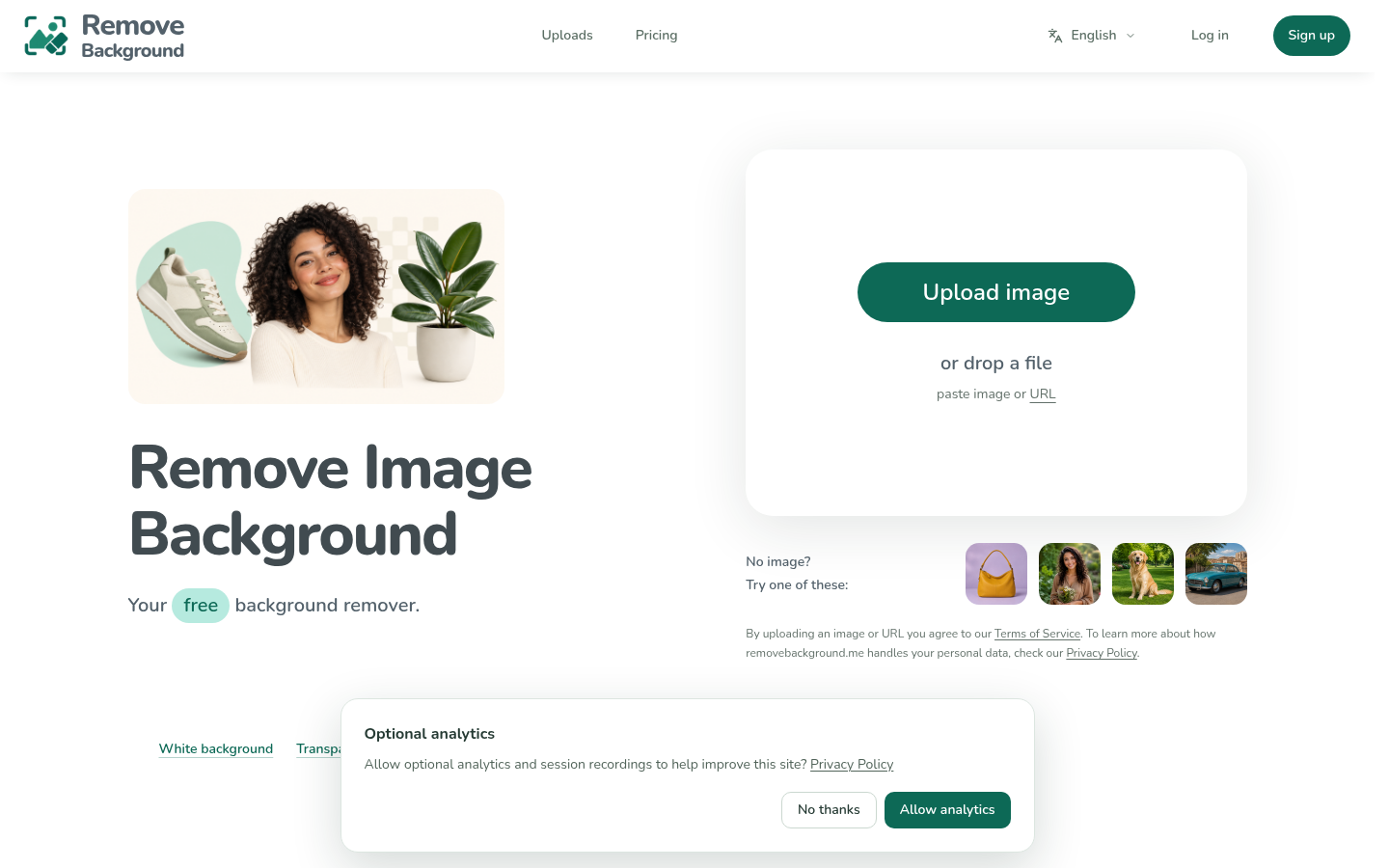
Screenshot archived from the listing page, for preview only.











