
removerized
Free offline AI background removerRemove backgrounds free in your browser
Highlights
What you can do with it
- Designers remove icon and element backgrounds for website work
- Photographers clean up product photos for online stores
- Marketers build transparent background graphics for social ads
- Teachers and students add clean images to slides and projects
How to use it
- 1 Open removerized in your browser and upload the image you want to edit
- 2 Click the process button and wait for the AI to remove the background
- 3 Preview the result to confirm the cutout looks right
- 4 Pick an export format such as PNG, JPEG, or WebP
- 5 Download the finished image to your device
Who it is for
Pros
- Free to use with no account or hidden fees mentioned
- Local processing means files stay on your device
- Simple interface that needs no editing background
- Supports several common image formats
Limitations
- The free model and offline behavior could change if the site updates its terms
- Results depend on the built in AI model, so tricky edges may need touch ups
- Scope is limited to background removal and basic export, not full editing
- Local processing means very large or complex images may be slower on older devices
What removerized is
Removerized is a free, AI powered background removal tool that runs in your browser. According to its own description, it uses AI algorithms to detect and remove image backgrounds while keeping image quality, and it is completely free to use. There is no need for editing experience: you upload an image and receive a high resolution result with the background taken out. A key point is that all processing is done locally on your device, which the tool presents as a way to avoid privacy concerns. It also lists offline use as a feature, so it can work without a connection once it is open. Supported formats include PNG, JPG, and WebP.
What you can do with it
- Remove backgrounds from photos, icons, and product images
- Export cutouts in formats such as PNG, JPEG, or WebP
- Keep image quality while creating transparent backgrounds
- Process images offline without uploading them to a server
Who it is for
- Designers who need quick cutouts for web and app work
- Photographers cleaning up product images for online stores
- Marketers building transparent graphics for social media and ads
- Teachers and students adding clean images to projects and slides
What to watch out for
The free offering and local processing are the main selling points, but they are tied to the current version of the site. The free rules and offline behavior could change if the service updates its terms or model. Because the tool relies on its built in AI, results on complex edges, such as hair or transparent objects, may need manual touch ups in another editor. Its scope is also narrow: it removes backgrounds and exports files, and it is not a full image editor. Performance on large images can depend on your own device since the work happens locally.
FAQ
Is removerized free to use?
The product page states it is completely free to use with no hidden fees, and all features are available without payment.
Do I need to create an account?
No registration is mentioned. You upload an image and process it directly in the browser.
What image formats are supported?
The tool lists PNG, JPG, and WebP, and you can export in formats such as PNG, JPEG, or WebP.
Where is my image processed?
The site says all processing is done locally on your device, so files are not uploaded to a server.
Can I use it without an internet connection?
The page lists offline use as a feature, so it can work without a connection once it is loaded.
Why it is free
What the official page says: completely freefree to use
Free limits, trial length and features are decided by the official site and can change at any time.
Product preview
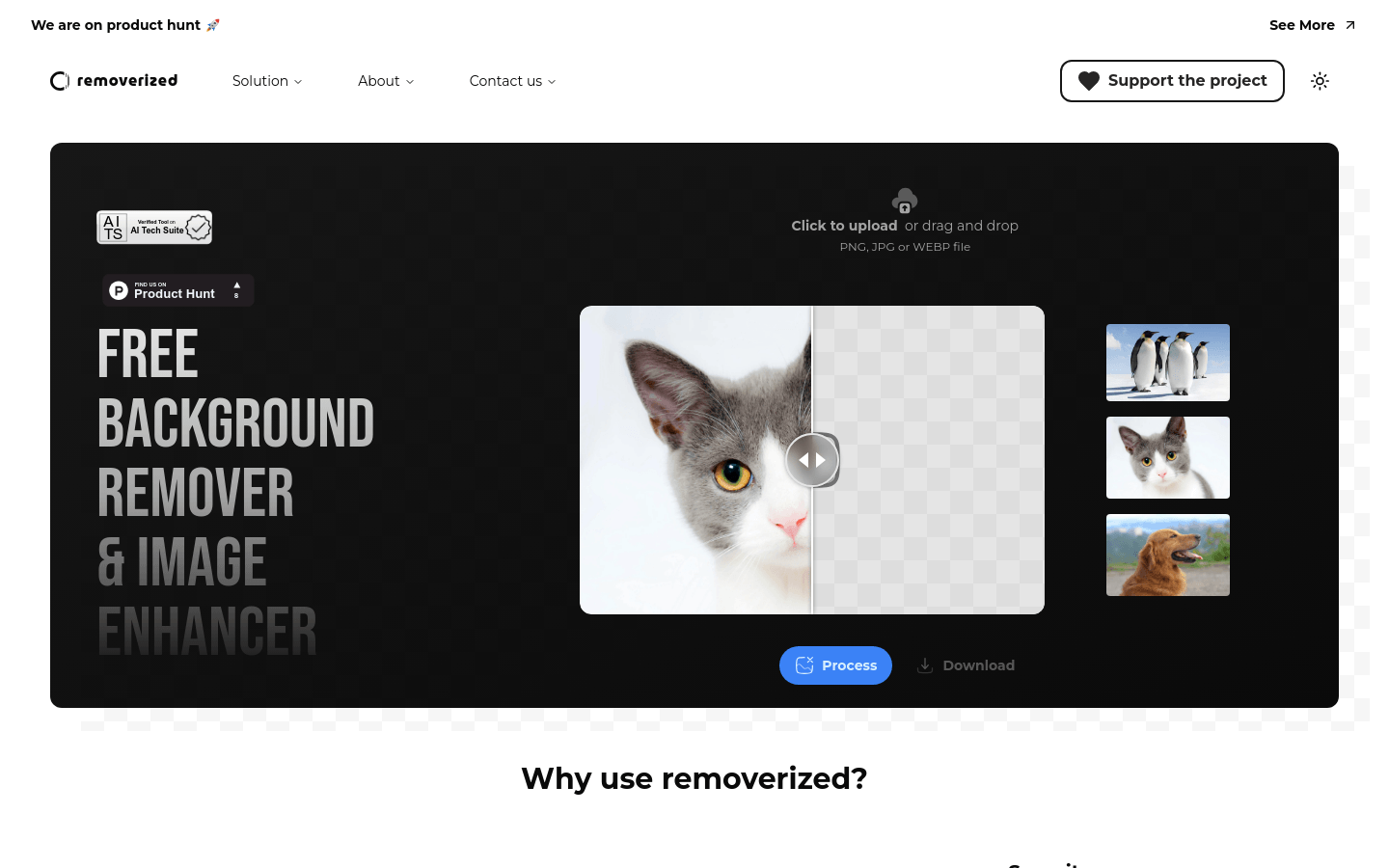
Screenshot archived from the listing page, for preview only.











