
Renamify
AI photo renaming and album organizerAuto-name and sort your photo library
Highlights
What you can do with it
- A photographer organizes a shoot by event and finds shots fast
- A family sorts years of accumulated photos into albums
- A traveler files trip photos for easy sharing later
How to use it
- 1 Register an account at renamify.co
- 2 Upload photos or a ZIP file, or connect a photo source
- 3 Let the AI rename and sort the files
- 4 Use search, timeline and filters to find a photo, then download it
Who it is for
Pros
- Bulk upload saves manual renaming time
- Search and filters make photos easy to find
- Free plan available with paid upgrades
Limitations
- Paid plans are needed for more storage and features
- Only JPEG and PNG are supported today, with more formats promised later
- Uploading photos to a cloud service means trusting that provider with your images
What Renamify is
Renamify is an AI file renaming tool for photos. It scans your uploads, names each image and files it into an album so you can find it later. You can add photos from your device, a ZIP folder, iCloud or Google Photos, and the site lists a timeline, smart search and filters by location or event for finding shots again. JPEG and PNG are supported today, with more formats planned. The site mentions privacy protection, bulk uploads and free use with no hidden fees, while paid plans add storage and features.
What you can do with it
- Rename and sort a batch of photos automatically
- Import from a device, a ZIP folder, iCloud or Google Photos
- Search by timeline, location or event
- Download renamed files to any device
Who it is for
- Photographers organizing large shoot libraries
- Families tidying years of accumulated photos
- Travelers and hobbyists who want searchable albums
What to watch out for
Paid plans are needed for more storage and features, and free access can change. Only JPEG and PNG work right now, so anything else needs converting first. Uploading personal photos to a cloud service means trusting that provider with your images, so read the privacy terms before you upload anything sensitive. Automatic naming is also imperfect: check the labels before you delete your original file names, and keep a backup until you are happy with the result. For best results, start with a small test file and review the output carefully before working on anything important. Free tiers can change over time, so it is worth checking the current limits on the official page before you rely on the tool daily.
FAQ
Is Renamify free?
A free plan is offered, with paid plans for more storage and features.
Which formats work right now?
JPEG and PNG, with more formats planned according to the site.
Can I import from Google Photos?
Yes, imports from ZIP folders, iCloud and Google Photos are listed as supported.
Why it is free
What the official page says: 免费使用免费
Free limits, trial length and features are decided by the official site and can change at any time.
Product preview
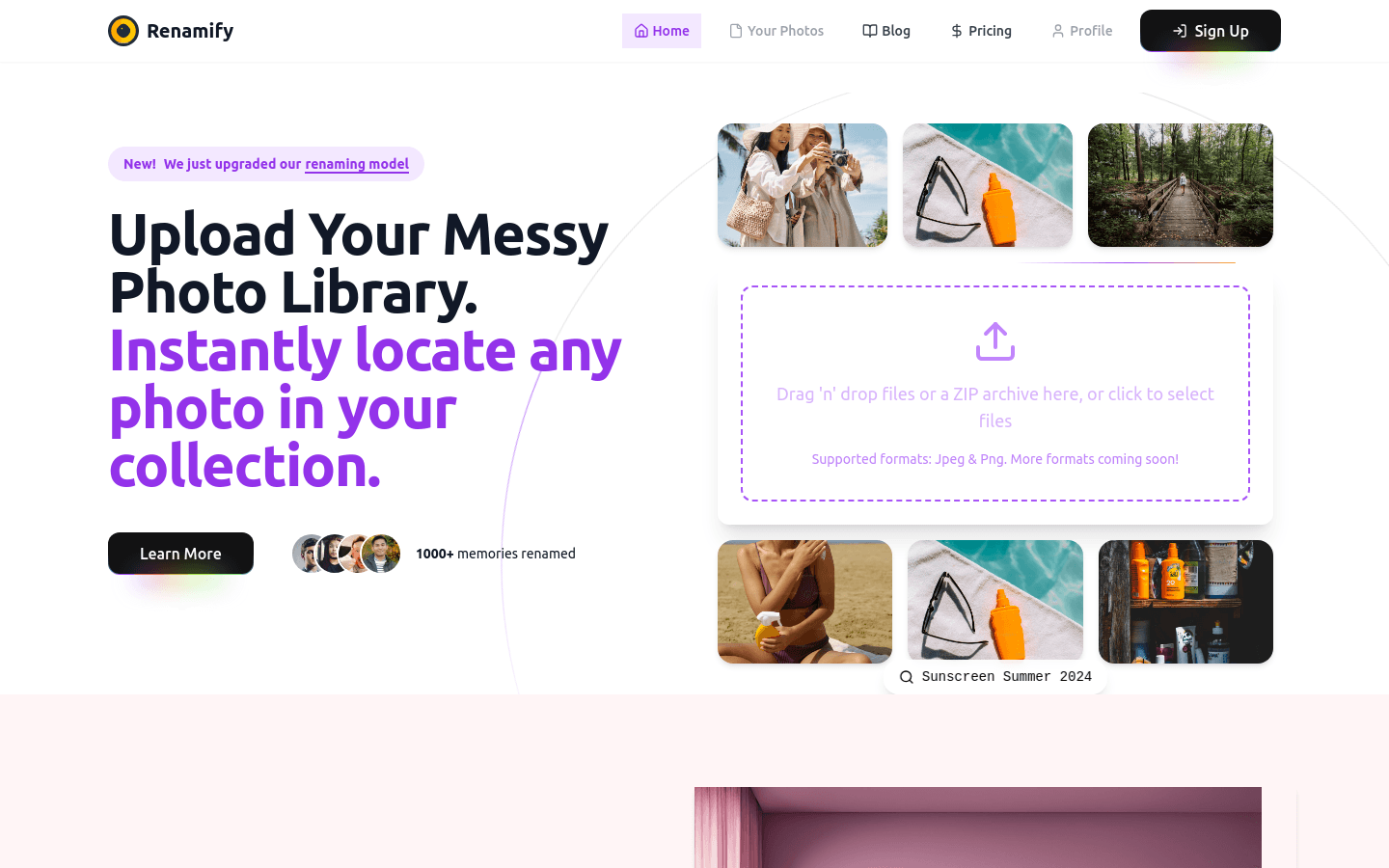
Screenshot archived from the listing page, for preview only.











