
Renderpop
Free AI image generatorGenerate images without signing up
Highlights
What you can do with it
- Generating a consistent set of illustrations for blog posts or Instagram
- Turning a white background product photo into a short showcase video
- Creating a portrait dance video from an authorized photo and reference clip
How to use it
- 1 Open the Renderpop site and enter a prompt or upload a reference image, no registration needed
- 2 Choose Fast or Pro mode, set the aspect ratio, and click generate
- 3 Download the result, or sign in to unlock Pro images and video features
- 4 After signing in, claim your one free Fast image per day
- 5 For video, open the AI video tool, add a prompt or image, pick a model, and generate
- 6 For Image to Video, upload a photo or generated image, set parameters, and generate
Who it is for
Pros
- You can generate an image before creating any account
- One free Fast image per day once you sign up
- Still image and video workflows live in the same workspace
- Several video models give different looks from the same input
Limitations
- The no-registration route only covers Fast mode; video and Pro features need an account and credits or a subscription
- Free allowance is one Fast image per day, which is small for regular use
- Credit and subscription terms can change, and pricing is not stated in the listing
- The dance tool requires an authorized photo and reference video, so rights matter
What Renderpop is
Renderpop is an online workspace that puts AI image generation and AI video creation in the same place. The Fast image mode runs directly in the browser with no registration: you type a prompt, or upload a reference image, and get a result immediately. That makes it easy to judge the output quality before you hand over an email address. Once you sign up you get one free Fast image per day, and the rest of the workspace opens up, including Pro images, AI video generation, and the dance video tool. Text-to-image and image-to-image both work in the same interface, so you can start from scratch or from a photo you already have. For motion, the site lists several video models such as Hailuo, Kling, and Veo, and Image to Video converts a still photo or generated image into a short clip. The advanced features are paid, running on credits or a subscription.
What you can do with it
- Generate an image from a text prompt in Fast mode without registering
- Upload a reference photo and generate new images from it
- Claim one free Fast image per day after signing up
- Create short video clips from prompts or from still images
- Use Image to Video and the dance tool with an authorized photo and reference clip
Who it is for
- Content creators and social media managers who need assets quickly
- Designers and creative professionals moving from stills to motion
- E-commerce sellers and marketers making product visuals
- Casual users who want to test AI generation before creating an account
What to watch out for
The no-registration route only covers Fast image generation. Video, Pro images, and the dance tool all need an account, and they run on credits or a subscription, so the free experience is deliberately narrow. The free allowance is one Fast image per day, which will not cover regular production work. Credit and subscription terms can change, and the listing does not state prices, so check the current page before you plan a project around it. Finally, the dance tool needs an authorized photo and reference video. Using images of people without their permission is both a rights problem and a reputational one, and the responsibility sits with you.
FAQ
Can I use Renderpop without registering?
Yes, for the Fast image mode. Pro images, AI video, and the dance tool require an account.
What do I get for free after signing up?
One free Fast image per day. Video and Pro features run on credits or a subscription.
Which video models are supported?
The listing names Hailuo, Kling, and Veo among others.
Can I turn a photo into a video?
Yes. The Image to Video tool accepts a local photo or a generated image and produces a short clip.
Why it is free
What the official page says: no registrationfree trial
Free limits, trial length and features are decided by the official site and can change at any time.
Product preview
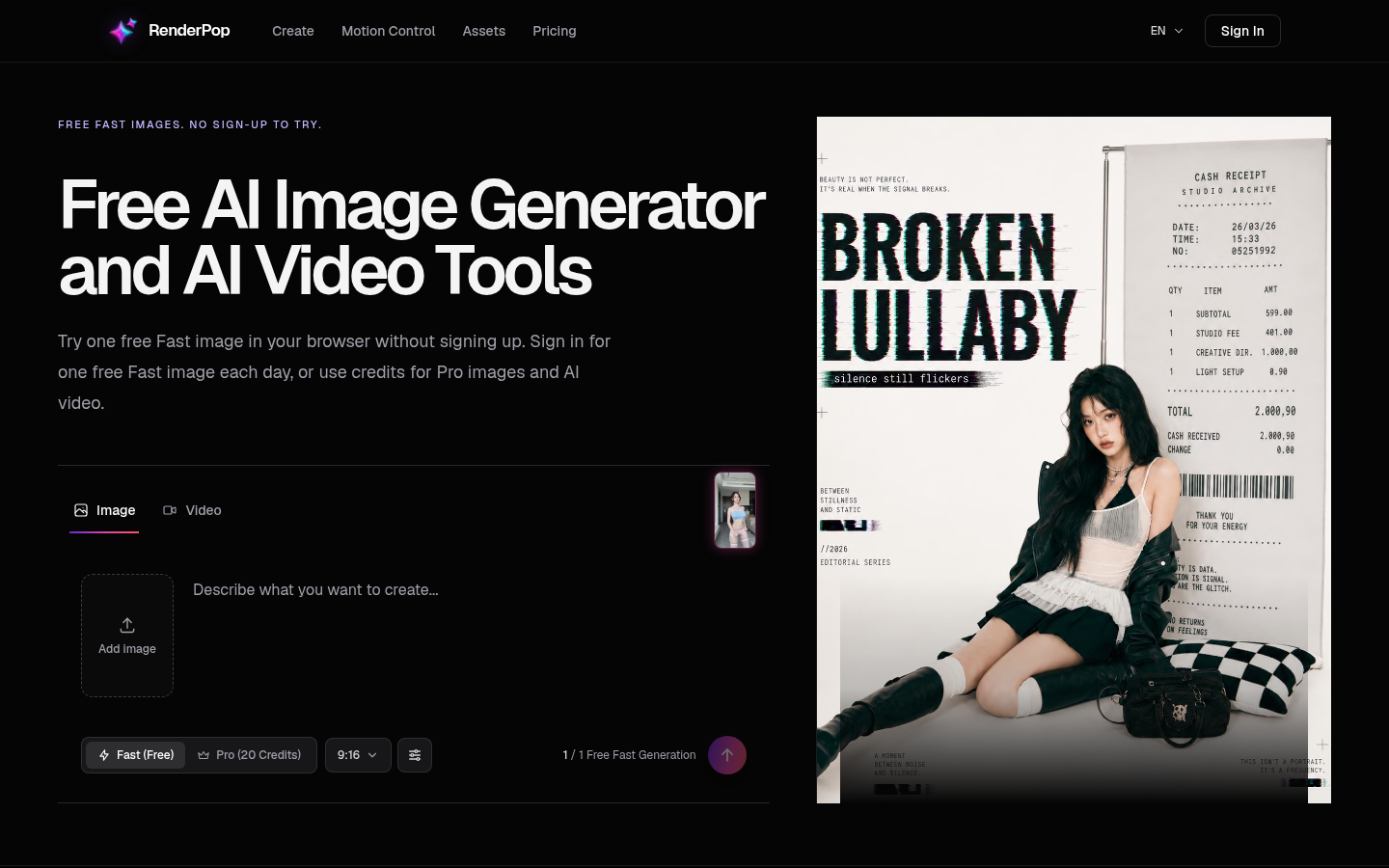
Screenshot archived from the listing page, for preview only.











