
RestorePhotos
AI old photo restorationRestore old and blurry photos for free
Highlights
What you can do with it
- Restore faded family photos
- Sharpen blurry images
- Improve aged or damaged pictures
How to use it
- 1 Open RestorePhotos in your browser
- 2 Upload the old or blurry photo
- 3 Let the AI process and restore it
- 4 Download the restored image
Who it is for
Pros
- Completely free with no payment
- Handles blurry and aged photos
- Supports multiple formats
- Simple upload and restore flow
Limitations
- Free rules may change over time
- Results vary by photo condition
- Depends on the AI model and your connection
What RestorePhotos is
RestorePhotos is a product that uses artificial intelligence to restore old photos. It is built for photos that are blurry or aged, and the AI works to bring them back to a better condition so that your memories can last longer. The tool is completely free and needs no payment, and it supports multiple photo formats. The flow is simple: you upload a photo, the AI processes it, and you get a restored version. It is meant for anyone who wants an easy way to improve old or damaged pictures without paying for software.
What you can do with it
- Restore old or faded photos
- Make blurry photos clearer
- Improve aged or damaged pictures
- Work with several common photo formats
- Save the restored image for printing or sharing
Who it is for
- Families preserving old memories
- Anyone holding blurry or damaged photos
- Users who want free photo restoration
- People without photo editing skills
What to watch out for
Since RestorePhotos is completely free, its rules and the amount you can restore may change over time, so check the site before you depend on it. The quality of the result depends heavily on the condition of the original photo, and heavily damaged images may not look perfect after processing. Because the AI runs online, you need a stable connection, and processing can take a moment. Be careful about uploading very personal or sensitive photos, since files are handled by an online service. For best results, start with a small test file and review the output carefully before working on anything important. Free tiers can change over time, so it is worth checking the current limits on the official page before you rely on the tool daily.
FAQ
Is RestorePhotos free?
Yes, it is completely free and needs no payment.
What does it do?
It uses AI to restore old photos and make blurry ones clearer.
Which formats are supported?
It supports multiple photo formats.
Will every photo look perfect?
Results depend on the condition of the original photo.
Why it is free
What the official page says: completely free
Free limits, trial length and features are decided by the official site and can change at any time.
Product preview
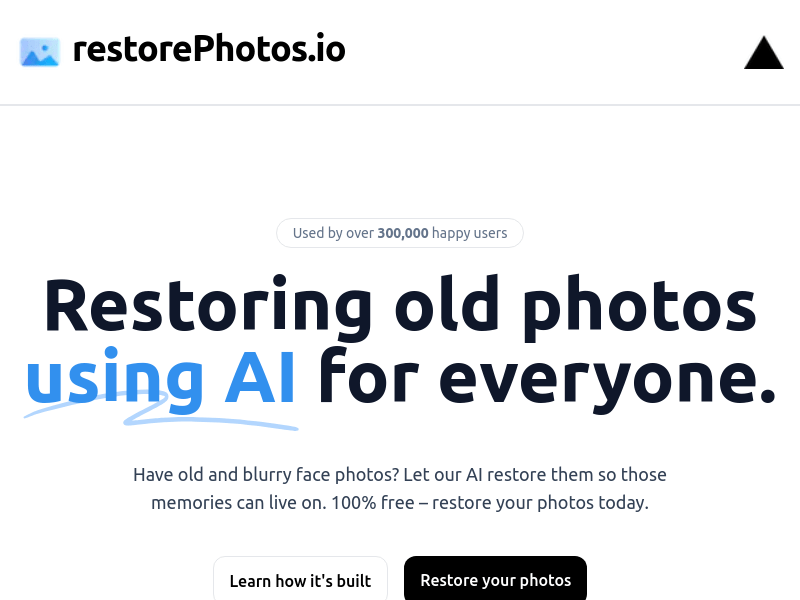
Screenshot archived from the listing page, for preview only.











