RoboNeo
AI assistant for photo editing and designEdit photos, build designs and cut video in one app
Highlights
What you can do with it
- Create images and videos for social media content
- Design promotional posters and videos for marketing
- Add visual effects to personal projects and student work
How to use it
- 1 Download and install the RoboNeo app
- 2 Open the app and select the image or video to work on
- 3 Choose a feature such as photo editing or a design template
- 4 Adjust the settings as prompted and apply the effect
- 5 Save the result or share it straight to social media
Who it is for
Pros
- Photo editing, design and video sit in one app
- Templates and AI recommendations shorten the starting steps
- Interface is described as suitable for all skill levels
Limitations
- The free download offer can change, and paid tiers may appear later
- Cloud storage means projects depend on the provider staying available
- One-click results often still need manual adjustment to look right
What RoboNeo is
RoboNeo is an AI assistant focused on images and design. It is built to help users edit photos, create designs and produce videos, and it is aimed at both individuals and teams who want efficient creative work. The feature set covers one-click photo editing for quick beautification, a library of design templates, video trimming and special effects, and support for multiple file formats so output is easy to share. AI smart recommendations suggest design and image solutions based on what you need, and cloud storage keeps projects online so they can be opened again from anywhere. Multi-platform support means the app can be used across devices, and the page states that it is currently available for free download.
What you can do with it
- Edit photos in one click for quick beautification
- Build designs starting from the included templates
- Trim video and add special effects
- Keep projects in cloud storage and pick them up on another device
Who it is for
- Social media creators who need fresh visuals on a regular schedule
- Marketing teams producing posters and short promotional videos
- Students and freelancers adding polish to personal projects
- People who want design help without learning a full editor
What to watch out for
The page says the app is currently available for free download, and offers like that can change, with paid tiers appearing later, so treat the current price as a snapshot. Because projects are kept in cloud storage, access depends on the provider staying online and on your account staying active, so export copies of finished work. One-click results are a starting point, and photos or clips usually need manual adjustment before they look the way you want. Template based design is fast, but it also means your output can look similar to other people's work unless you push it further.
FAQ
Is RoboNeo free?
The page states that it is currently available for free download.
What can I do with it?
Edit photos with one click, build designs from templates, and trim or add effects to video.
Can I use it on more than one device?
The site lists multi-platform support and cloud storage for projects.
Why it is free
What the official page says: for free
Free limits, trial length and features are decided by the official site and can change at any time.
Product preview
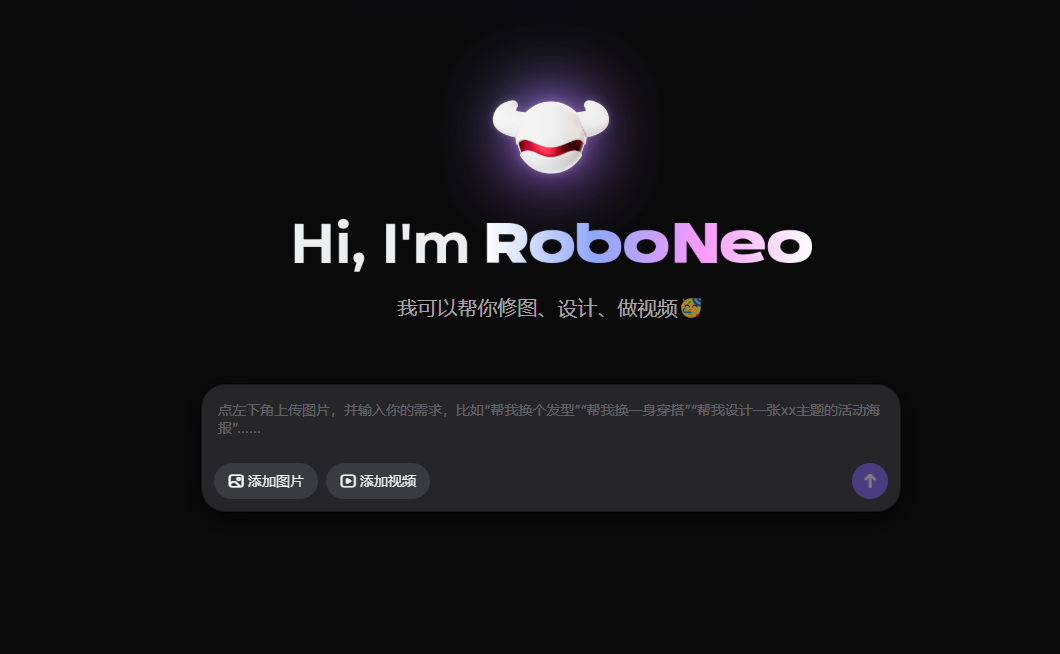
Screenshot archived from the listing page, for preview only.











