
Rokoko Vision
Free AI motion capture from video or webcamTurn footage into character animation
Highlights
What you can do with it
- Capturing movement for game character animation
- Creating realistic character animation for film work
- Generating reference motion for animation design
How to use it
- 1 Open Rokoko Vision in your browser
- 2 Upload a video or start your webcam as the capture source
- 3 Let the AI track the movement in the footage
- 4 Clean up and adjust the result in the animation editor
- 5 Export the motion into your animation project
Who it is for
Pros
- Free to start
- No mocap suit or studio required
- Editing tools are included rather than sold separately
Limitations
- The description says pricing varies by location, so the free rules are not universal
- Webcam capture depends heavily on your camera, room, and framing
- Accuracy drops when limbs are occluded or the footage is blurry
What Rokoko Vision is
Rokoko Vision is a free AI motion capture tool. Instead of a marker suit and a studio, you give it ordinary footage: either a video you upload or a live feed from your webcam. The AI tracks the movement in that footage and turns it into motion you can apply to a character. An animation editor ships with it so you can clean up and adjust the capture before it goes into a project, and the company describes the underlying tracking as high precision. The page notes that pricing varies by location, so the free entry point is best treated as a starting offer.
What you can do with it
- Capture motion from an uploaded video file
- Capture motion live from your webcam
- Edit and adjust the captured animation before export
- Feed the result into game, film, or animation work
Who it is for
- Indie game developers who need character animation cheaply
- Animators who want reference motion for a scene
- Filmmakers and creators producing character work without a studio
What to watch out for
Capture quality is entirely a function of your input. Fast movement, loose clothing, limbs crossing the body, or a cluttered background all hurt tracking, and a low-quality webcam will show in the output. Because pricing is described as varying by location, what you get for free in one country may not apply in another, and those terms can change. Budget time for cleanup in the editor, since raw capture rarely drops straight into a finished shot. Features and interface details may change between versions, so review the latest notes on the page before you start.
FAQ
Is Rokoko Vision free?
It is described as a free AI motion capture tool, though the page notes pricing varies depending on your location.
What input does it accept?
You can either upload a video or use your webcam for live capture.
Do I need special hardware?
No suit is needed, but a decent camera and clear framing make a real difference to the result.
Why it is free
What the official page says: 免费
Free limits, trial length and features are decided by the official site and can change at any time.
Product preview
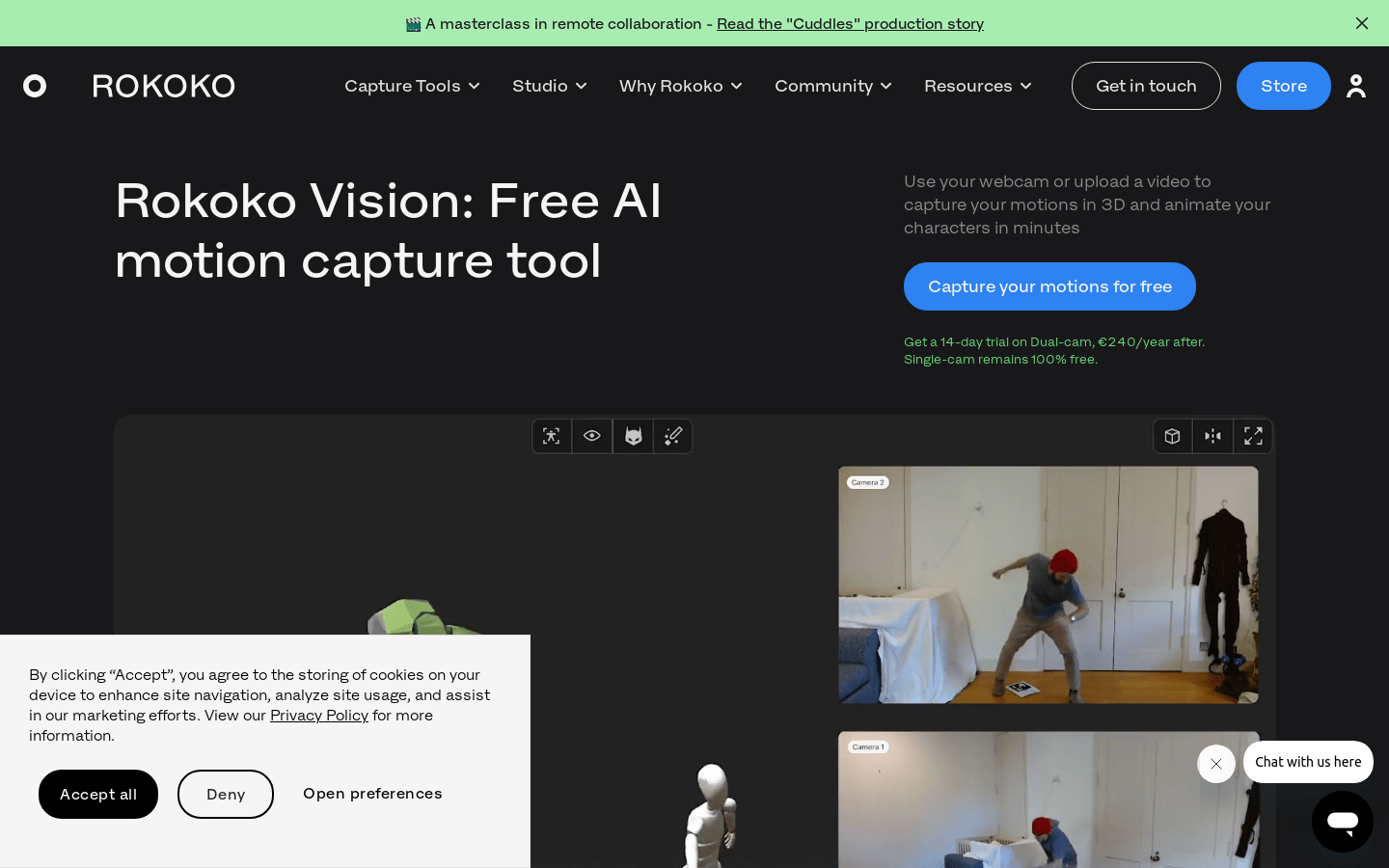
Screenshot archived from the listing page, for preview only.