
Room Design AI
Free AI room redesign from a single photoUpload a room photo, see a new style in seconds
Highlights
What you can do with it
- Preview a living room renovation before committing to a budget
- Generate several style options for a client to choose from
- Virtually stage an empty or dated property for a listing
How to use it
- 1 Take or choose a photo of the room and upload it
- 2 Pick a preset style or describe the look you want in your own words
- 3 Wait a few seconds for the render, then download or share it
- 4 Regenerate or adjust single elements such as the sofa or wall colour
Who it is for
Pros
- No payment details or account needed to try it
- Fast turnaround from photo to rendered style
- Partial edits let you change one element and keep the rest
Limitations
- Free use is limited to five generations per day
- Renders are a preview, not a buildable plan or measured drawing
- AI can misread odd room geometry, so results need checking
What Room Design AI is
Room Design AI is a free AI room design tool that starts from a photo you upload. According to the listing, no credit card and no login are required, and five free generations are offered every day. The tool analyses the geometry of the room, then rebuilds walls, floors, and furniture in the style you choose, drawing on around 30 professionally curated interior styles that run from modern minimalist to warm Scandinavian. It also proposes colour and lighting combinations, matches furniture to the layout, and lets you swap a single element such as a sofa or a wall colour while leaving the rest of the room untouched. Results are described as realistic 4K renders that can be downloaded or shared.
What you can do with it
- Upload a room photo and get a rendered redesign in seconds
- Browse roughly 30 curated styles instead of writing prompts from scratch
- Let the tool match furniture, colour, and lighting to the space
- Replace one element at a time, such as repainting a wall or changing a sofa
Who it is for
- Homeowners who want to see a renovation before spending money
- Interior designers who need several quick concept options for a client
- Real estate agents who want to show a staged look for an empty or dated property
What to watch out for
The free allowance is five generations per day, which is fine for exploring a single room but tight if you are comparing many options across a whole home. Renders are a visual preview, not a measured drawing or a buildable plan, so anything structural still needs a professional. The AI can misread unusual room geometry, cluttered corners, or heavy perspective, and the result may include furniture that would not actually fit. The listing calls the tool completely free, but free rules can change at any time, so check the official site before you plan a project around the daily limit.
FAQ
Is Room Design AI free?
The listing describes it as completely free with no credit card or login, and five free generations per day.
Do I need design software?
No. You upload a photo in the browser and the render is produced for you, then downloaded or shared.
Can the free daily limit change?
Yes. Free allowances are set by the operator and can be adjusted, so confirm the current limit on the official site.
Why it is free
What the official page says: completely free
Free limits, trial length and features are decided by the official site and can change at any time.
Product preview
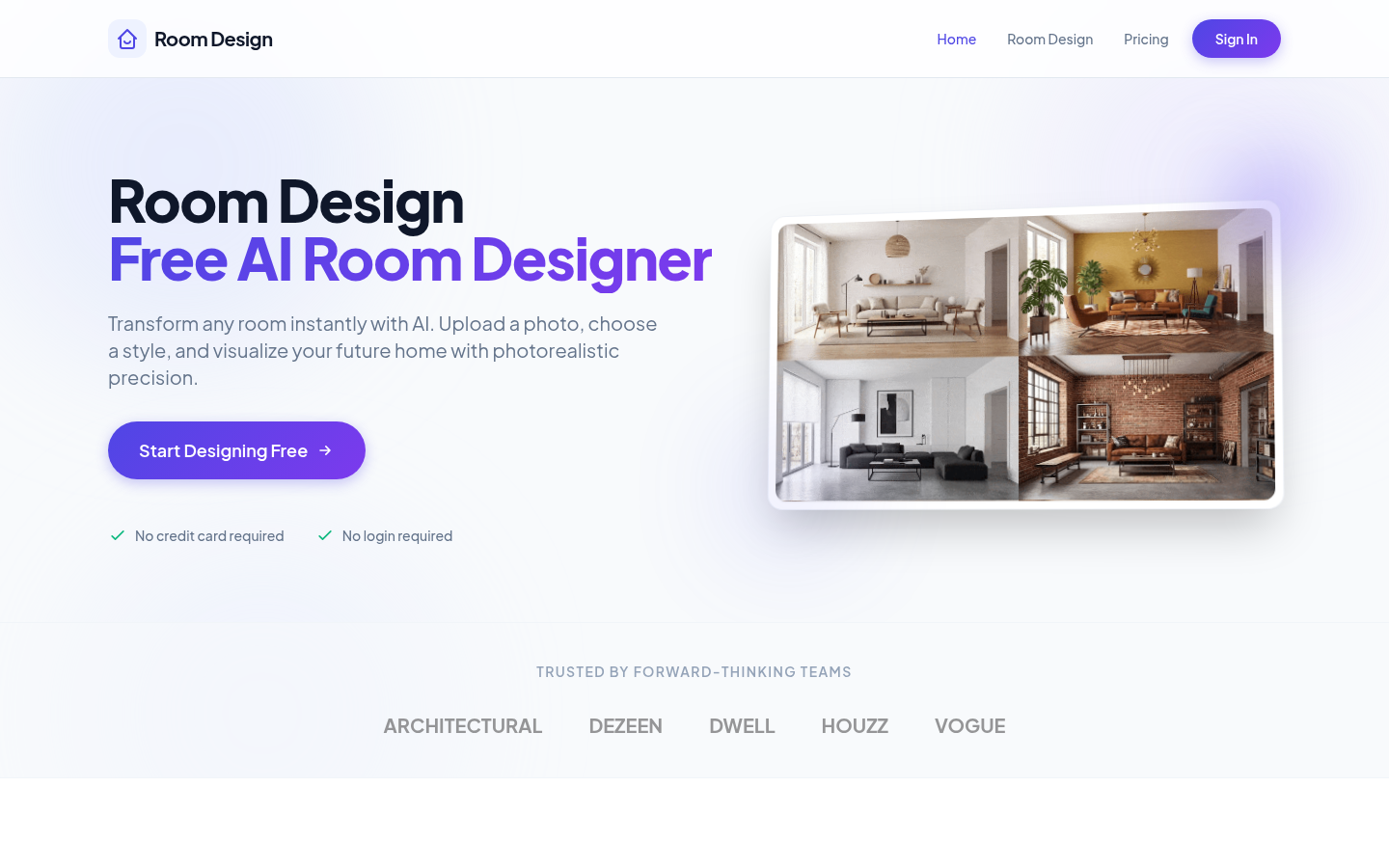
Screenshot archived from the listing page, for preview only.











