
roomflip
AI room redesignUpload a photo, pick a style, done
Highlights
What you can do with it
- A real estate agent generates listing visuals for a property
- A home stager shows a client several layout directions at once
- A short-term rental landlord improves listing photos to win bookings
How to use it
- 1 Open the RoomFlip site and register to claim 3 free credits
- 2 Upload a room photo taken from a corner with good light
- 3 Choose one of the 12 design styles
- 4 Wait 15 to 30 seconds for the design
- 5 Download the low-resolution preview or buy credits for the high-resolution file
Who it is for
Pros
- Results in 15 to 30 seconds from a single photo
- Free credits let you test before buying
- Room structure is preserved rather than invented
- No subscription; credits are one-off purchases
Limitations
- The 3 free credits only cover low-resolution watermarked previews
- High-resolution watermark-free output requires purchased credits
- A well-lit photo from a corner is needed for a good result
- AI designs are concepts, not buildable plans
What RoomFlip is
RoomFlip is an online AI room redesign and virtual staging tool. The premise is that most people cannot picture a change from a mood board, but they can picture it from a photo of their own room. You upload a photo, choose one of 12 professional interior design styles, and the AI returns a realistic design in 15 to 30 seconds. Before redesigning, it reads the room structure, including walls, windows, doors, and spatial layout, and then changes furniture, decor, colours, and materials while keeping that structure intact, so the output still describes the room you actually have. It covers living rooms, bedrooms, kitchens, bathrooms, dining rooms, home offices, and nurseries. New users get 3 free credits, and 30 credits start at $4.99 with no subscription.
What you can do with it
- Upload one room photo and get a design in under a minute
- Choose from 12 professional interior design styles
- Keep the real walls, windows, doors, and layout in place
- Change furniture, decor, colours, and materials without redrawing
- Output a low-resolution watermarked preview or a high-resolution clean file
- Try several styles on the same room to compare directions
Who it is for
Real estate agents use it to produce listing visuals that help buyers see potential. Home stagers use it to show a client several layout directions without moving a single piece of furniture. Short-term rental landlords use it to improve listing photos and win more bookings. Design and decoration professionals use it as a fast way to test a concept before committing. Homeowners and tenants use it to try a style before spending money on it.
What to watch out for
The 3 free credits are a trial, and each low-resolution preview consumes one, so exploring properly means buying credits; the high-resolution watermark-free file always requires payment. Input matters: a photo taken from a corner with good light that shows as much of the room as possible produces a far better result than a dark or tight shot. The output is a visual concept, not a construction document, so dimensions, materials, and feasibility still need professional review before you buy or build. Prices and style availability can change, so check the current packs before purchasing.
FAQ
How many free credits do I get?
New users receive 3 free credits on registration. Each low-resolution watermarked preview costs 1 credit.
Which rooms can I redesign?
Living rooms, bedrooms, kitchens, bathrooms, dining rooms, home offices, and nurseries are listed.
Do I need a subscription?
No. Credits are sold as packs, with 30 credits starting at $4.99 and no subscription required.
What does the AI change?
Furniture, decor, colours, and materials, while keeping the walls, windows, doors, and layout in place.
Why it is free
What the official page says: free credits
Free limits, trial length and features are decided by the official site and can change at any time.
Product preview
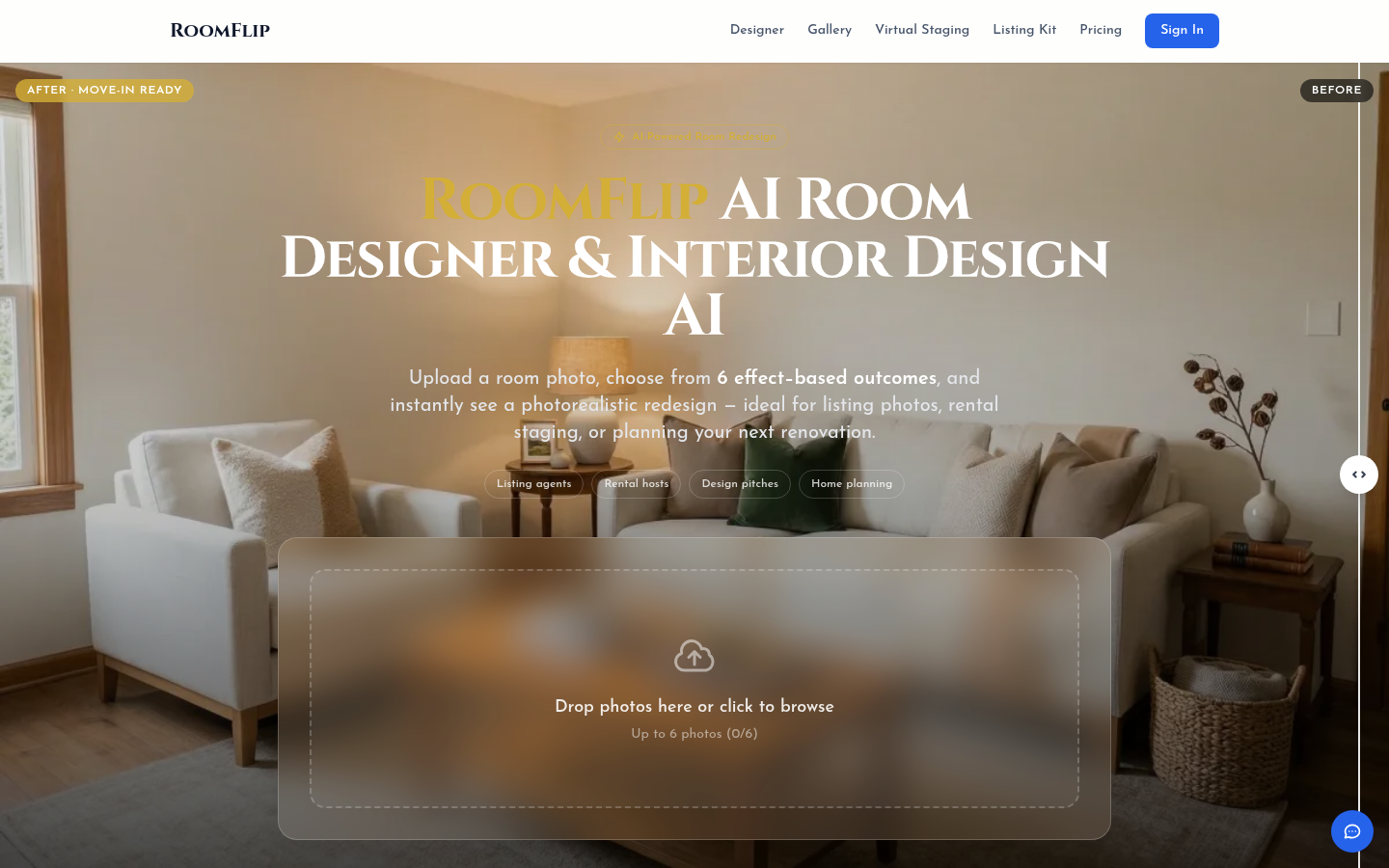
Screenshot archived from the listing page, for preview only.











