
Rotato
3D model and mockup generatorCreate 3D models and movies in minutes
Highlights
What you can do with it
- Showcase design work in a 3D mockup
- Create 3D movies for product promotion
- Demonstrate products in slides and app store images
How to use it
- 1 Pick a 3D device model or template
- 2 Place your content into the model
- 3 Adjust angles and animation as needed
- 4 Export in the image or video format you need
Who it is for
Pros
- No 3D experience needed to start
- Many device models and a free template library
- Exports into slides, app store, and social formats
Limitations
- The free template library is limited and more assets may cost extra
- It is focused on device mockups, not full 3D modeling
- Rendering quality depends on your source content
What Rotato is
Rotato is a tool for generating personalized 3D models and movies in minutes, with no 3D design experience needed. It offers more than 30 verified 3D device models, a free template library, and support for over 50 image and video formats, along with a Figma plugin. You can use the output in PowerPoint, Google Slides, Docs, emails, App Store images and previews, TikTok, Instagram, and more. The focus is on turning your own content into polished 3D presentations quickly.
What you can do with it
- Build 3D models from verified device templates
- Drop your content into a model and adjust angles
- Animate and render short 3D movies
- Export to slides, app store, and social formats
Who it is for
- Designers showcasing work in 3D mockups
- Marketers creating product promotion videos
- Product managers building app store visuals
What to watch out for
The free template library is a starting point, and more assets or features may cost extra. It is focused on device mockups and presentations rather than full 3D modeling from scratch. Rendering quality depends on your source content, so use clean, high-resolution assets. Terms and available templates can change, so confirm details on the site. When quality matters, export a small draft first to confirm the result before producing the final file. Generated suggestions are for reference only, so verify anything that affects professional judgment or important data. Save a backup of the original file before large batch jobs, and keep an exported copy of key results in case the page or service becomes temporarily unavailable. Save a backup of the original file before large batch jobs, and keep an exported copy of key results in case the page or service becomes temporarily unavailable.
FAQ
Do I need 3D design skills?
No. It is designed so you can create models in minutes without 3D experience.
What formats does it support?
It supports over 50 image and video formats.
Where can I use the output?
You can use it in PowerPoint, Google Slides, Docs, emails, App Store images and previews, TikTok, and Instagram.
Why it is free
What the official page says: 免费
Free limits, trial length and features are decided by the official site and can change at any time.
Product preview
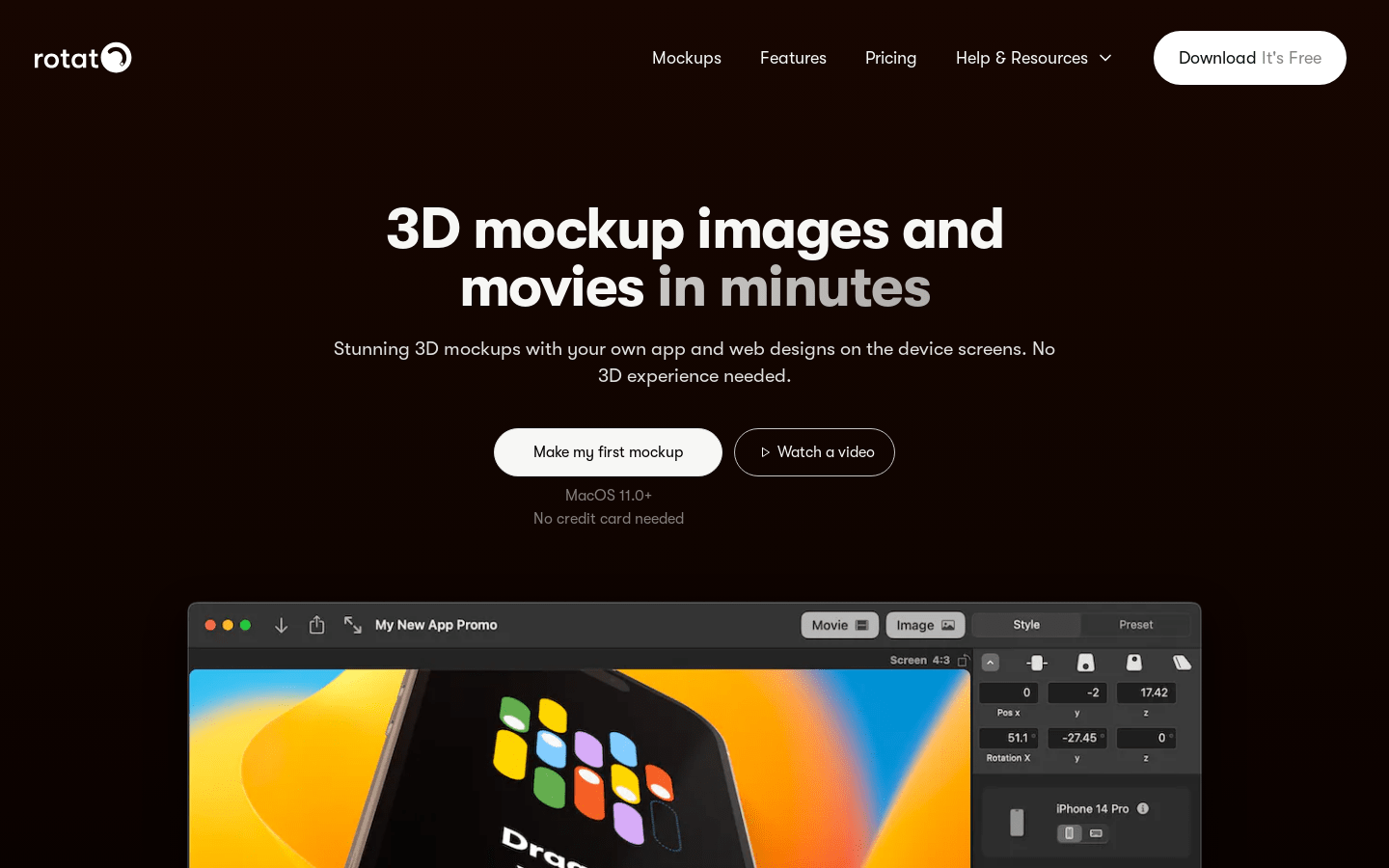
Screenshot archived from the listing page, for preview only.











