
Roughly
Free web-based painting tool for digital artPaint like a child, create like a professional
Highlights
What you can do with it
- Sketch and paint digital artwork directly in the browser
- Use layers and text tools to build simple graphic designs
- Try digital painting casually before moving to the pro version
How to use it
- 1 Open roughly.app in a web browser.
- 2 Pick a canvas and choose a painting tool.
- 3 Draw with brushes, then adjust with the eraser and color picker.
- 4 Add text or new layers as the piece develops.
Who it is for
Pros
- Runs in the browser and is free to start
- Covers the basics: brushes, layers, picker, eraser, text
- Simple interface lowers the barrier for new painters
Limitations
- Advanced features require the paid professional version
- Simpler than full design suites for complex production
- Free access and the version split may change
What Roughly is
Roughly is a web-based painting tool built for digital art. It runs in the browser, so there is nothing to install beyond opening a tab, and the core experience is free to use. The stated goal is simple: help you create in a fun and approachable way, whether you are doodling casually or working on a design. The toolset includes painting brushes and canvases along with layers, a color picker, an eraser, and text tools. For users who outgrow the basics, the site mentions advanced features and a professional version with more capability. It sits somewhere between a casual sketchpad and a lightweight design tool, and the product is tagged as easy to use for beginners.
What you can do with it
- Sketch and paint artwork directly in the browser
- Organize a piece with layers while you work
- Add text and adjust colors with the picker and eraser
- Step up to advanced tools when a project demands more
Who it is for
- Hobby painters who want a free digital canvas
- Beginners learning digital art without heavy software
- Designers who need a quick place to sketch and mock up ideas
What to watch out for
Roughly is free at its core, but advanced features are tied to a professional version, so serious work may require payment. The tool is simpler than full design suites, so complex production tasks belong elsewhere. Browser performance can vary with large canvases and many layers, and a slow machine will feel it during longer sessions. Because it is browser-based, a stable connection matters for longer sessions. The split between free and paid features can change over time, so check the site for the current offering before you rely on it for client work or a long project.
FAQ
Is Roughly free?
Yes, the tool is free to use, with a professional version available for advanced needs.
What tools does it include?
It offers painting tools and canvases plus layers, a color picker, an eraser, and text tools.
Do I need to install anything?
No, Roughly is a web-based tool that runs in the browser.
Why it is free
What the official page says: 免费使用免费
Free limits, trial length and features are decided by the official site and can change at any time.
Product preview
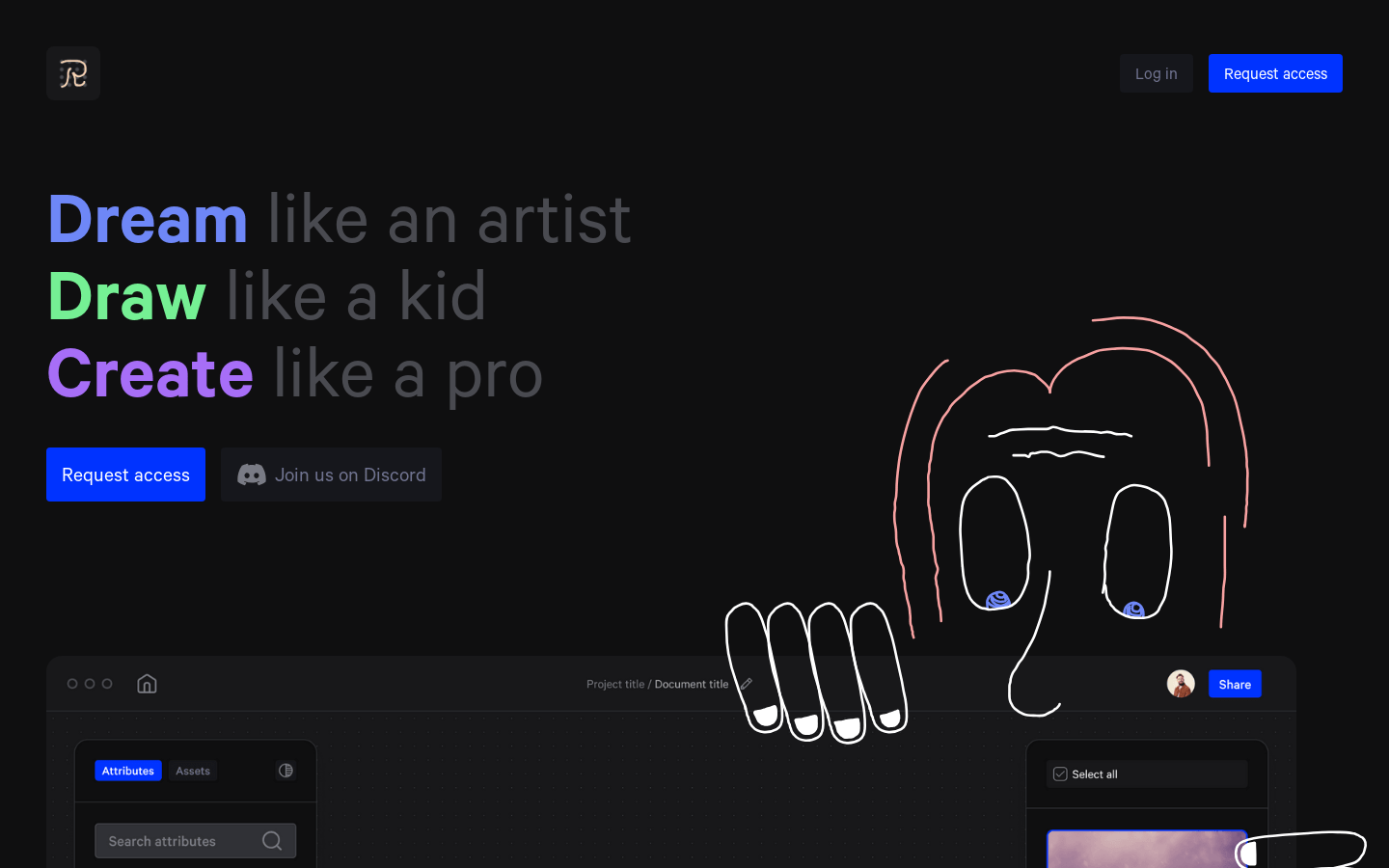
Screenshot archived from the listing page, for preview only.











