
Rows
Online spreadsheet with formulas, charts, and live collaborationSpreadsheets that work in the browser
Highlights
What you can do with it
- Analyzing weekly report data
- Building a team budget sheet together
- Publishing a data sheet as a webpage
How to use it
- 1 Open Rows and create a spreadsheet
- 2 Enter data and add formulas and charts
- 3 Invite teammates to edit in real time
- 4 Publish the sheet as a webpage if you want to share it
Who it is for
Pros
- Familiar spreadsheet features in the browser
- Real-time collaboration and webpage publishing
- Free version covers most everyday needs
Limitations
- Advanced needs and heavier use require a paid plan
- Depends on a stable internet connection
- Free version limits and pricing may change over time
What Rows is
Rows is an online spreadsheet tool designed for data analysis and presentation in the browser. It includes a wide range of functionality such as formatting, formulas, and charts, so it can handle most everyday spreadsheet work. The interface is meant to be intuitive, which helps new users get started quickly without a long tutorial. It supports real-time collaboration, so several people can edit the same document at once, and it includes security mechanisms to protect documents and data. You can also publish a spreadsheet as a webpage, which makes it easy to share and browse data without sending a file.
What you can do with it
- Enter and format data with familiar spreadsheet tools
- Add formulas and build charts for analysis
- Collaborate with teammates in real time
- Publish a spreadsheet as a shareable webpage
- Keep documents secure with access controls
Who it is for
- Individuals doing personal data analysis
- Teams that collaborate on shared budgets and reports
- Anyone who needs to present data as a webpage
- Users who want a spreadsheet without installing software
What to watch out for
As a browser tool, Rows depends on a stable internet connection, and very large or formula-heavy sheets can feel slower than desktop software. The free version covers most everyday needs, but advanced features, larger limits, and heavier collaboration push you toward a paid plan. Because data lives online, be thoughtful about permissions and avoid storing sensitive information where it should not be. Free version limits and pricing may also change over time, so confirm current terms if you rely on it for important, shared work.
FAQ
What is Rows?
It is an online spreadsheet tool with formatting, formulas, and charts, plus real-time collaboration and the ability to publish sheets as webpages.
Can teams edit together?
Yes. Rows supports real-time collaboration so multiple users can edit a document at the same time.
Is the free version enough?
The free version is described as sufficient for the majority of users' needs, with paid options for more advanced requirements.
Why it is free
What the official page says: free version
Free limits, trial length and features are decided by the official site and can change at any time.
Product preview
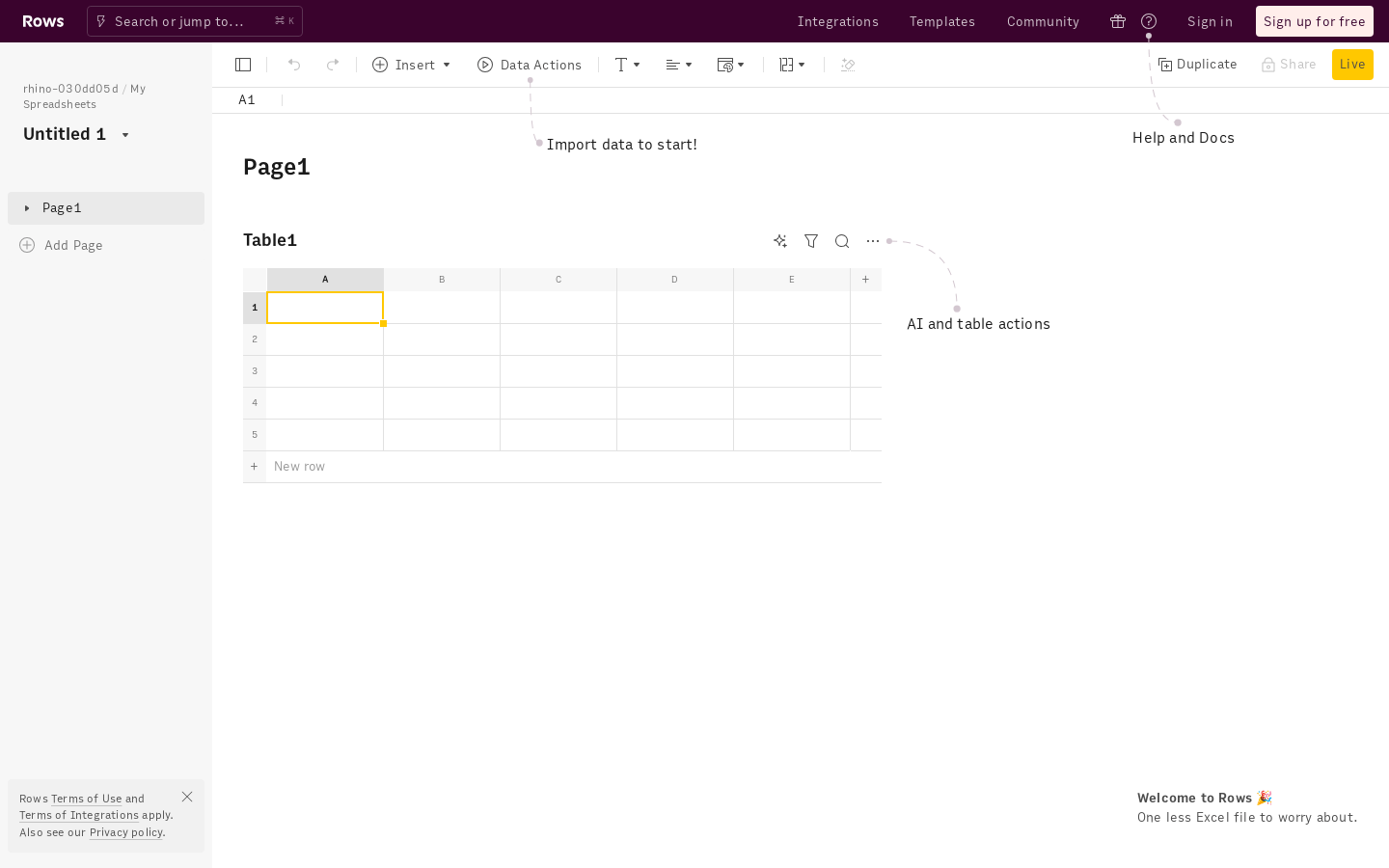
Screenshot archived from the listing page, for preview only.











