Runway Aleph
Free AI video editing in the browserEdit video with natural language prompts
Highlights
What you can do with it
- Add effects to a music or promotional video
- Reframe educational footage with new angles
- Clean unwanted elements out of a clip
How to use it
- 1 Open the Runway Aleph website.
- 2 Upload the video you want to edit.
- 3 Describe the change you want.
- 4 Wait for processing, then preview.
- 5 Download the edited video.
Who it is for
Pros
- No login required to try it
- Natural language editing lowers the technical barrier
- Handles object removal and environment changes in one place
Limitations
- Video processing takes time and depends on queue and clip length
- Results from prompts can be unpredictable; expect retries
- Only use footage you own or have the rights to edit
- Free access without login means no saved projects or history
What Runway Aleph is
Runway Aleph is an AI video editing tool driven by text prompts. Instead of a timeline and keyframes, you describe the change and the tool performs it. The listed capabilities cover generating new camera angles from existing footage, removing objects from a video, changing the environment a scene takes place in, and applying styles and effects. It also supports green screen extraction and changing how a character looks. Alongside the natural language control, the page mentions detailed video control, so the simple prompt path sits above a more precise one. It says the tool can be used for free without logging in.
What you can do with it
- Generate a new camera angle from footage you already have.
- Remove an object from a video without manual masking.
- Change the environment a scene takes place in.
- Apply styles and effects, or extract a green screen.
Who it is for
- Creators editing short-form video for social platforms.
- Marketers producing ad variations from one shoot.
- Anyone who needs a quick edit without editing software.
What to watch out for
Processing takes time and depends on queue length and clip length, so do not plan a same-minute turnaround. Prompt-driven editing is not deterministic: the same description can give different results, so expect to retry and refine wording. Only edit footage you own or have the rights to modify, because altering someone else's video without permission is a problem. And because access needs no login, there is no project library or history, so download anything you want to keep immediately. Behavior may vary across browsers and devices, so test before production use and consult the help docs if errors appear.
FAQ
Do I need an account?
The page says it can be used for free without logging in.
What edits can it make?
New camera angles, object removal, environment changes, styles, green screen extraction, and character appearance changes.
How do I control it?
By describing the change you want in natural language.
Why it is free
What the official page says: for free
Free limits, trial length and features are decided by the official site and can change at any time.
Product preview
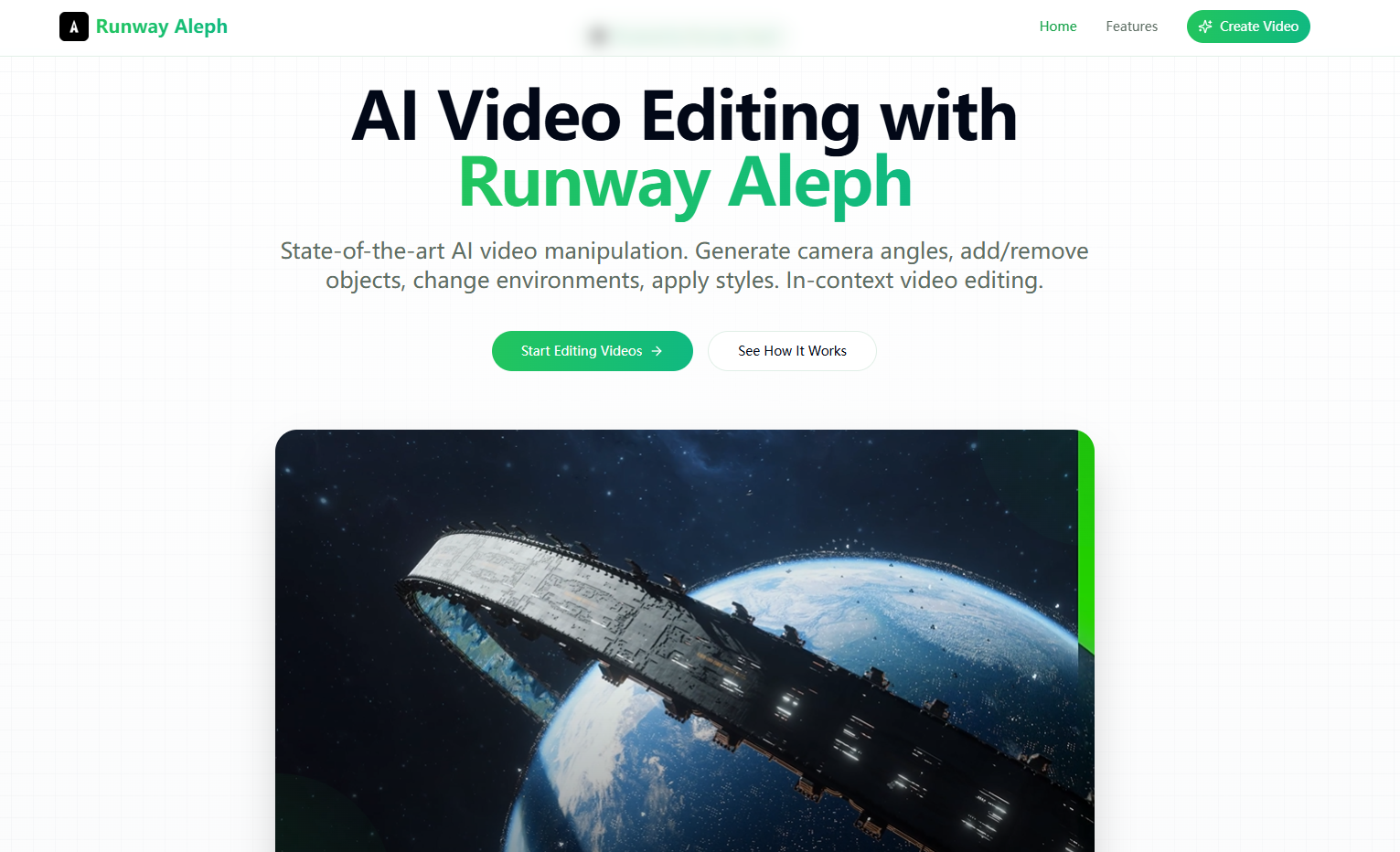
Screenshot archived from the listing page, for preview only.











