
Safurai
A free AI coding assistant for Visual Studio CodeExplain, optimize, test, and search code with AI, free in VS Code
Highlights
What you can do with it
- Get an explanation of unfamiliar code
- Optimize and clean up existing code
- Generate unit tests and search the codebase in natural language
How to use it
- 1 Install Safurai in Visual Studio Code.
- 2 Highlight a block of code.
- 3 Use a shortcut to ask for an explanation, optimization, or unit test.
- 4 Train it on your project for more accurate answers.
- 5 Search your codebase with natural language queries.
Who it is for
Pros
- Completely free for Visual Studio Code users
- Supports all programming languages
- Combines explanation, optimization, testing, and search
- Can be trained on your project for better answers
Limitations
- Free for VS Code users, but other editors or future terms may change
- Answers still need review, as AI suggestions can be imperfect
- Training it on your project and learning the shortcuts takes setup time
What Safurai is
Safurai is a free AI coding assistant built for Visual Studio Code. It is designed to save developers time when they need to understand, improve, or find code. It supports all programming languages and offers four main abilities: explaining code, optimizing it, generating unit tests, and searching your project. You can highlight a section and use a shortcut to ask for an explanation, an optimization, or a test, and it can be trained on your own project to give more accurate answers. It also lets you search your codebase with natural language. Because it lives inside the editor, you can get help without switching away from your code. It is completely free for VS Code users.
What you can do with it
Inside the editor, it covers everyday coding tasks:
- Get an explanation of unfamiliar code
- Optimize and clean up existing code
- Generate unit tests for a block of code
- Search your project using natural language
- Train it on your codebase for more accurate answers
Who it is for
It is for people who spend their day in the editor:
- Developers who read and maintain a lot of code
- Programmers who want quick explanations and optimizations
- Teams that want a free assistant inside VS Code
What to watch out for
Safurai is free for Visual Studio Code users, but that free status and any future terms can change, so do not assume it will always be free everywhere. AI suggestions still need review, since generated code or tests can be imperfect and may not fit your project's standards. Getting the most out of it takes some setup, including training it on your project and learning the shortcuts. Treat its output as a helpful starting point that you verify before using it in real work. Check any generated test before you trust it, and confirm the code still builds after changes.
FAQ
Is Safurai free?
Yes, it is completely free for Visual Studio Code users.
What can it do?
It can explain code, optimize it, generate unit tests, and search your project using natural language.
Does it support my language?
It is described as supporting all programming languages.
Why it is free
What the official page says: completely free
Free limits, trial length and features are decided by the official site and can change at any time.
Product preview
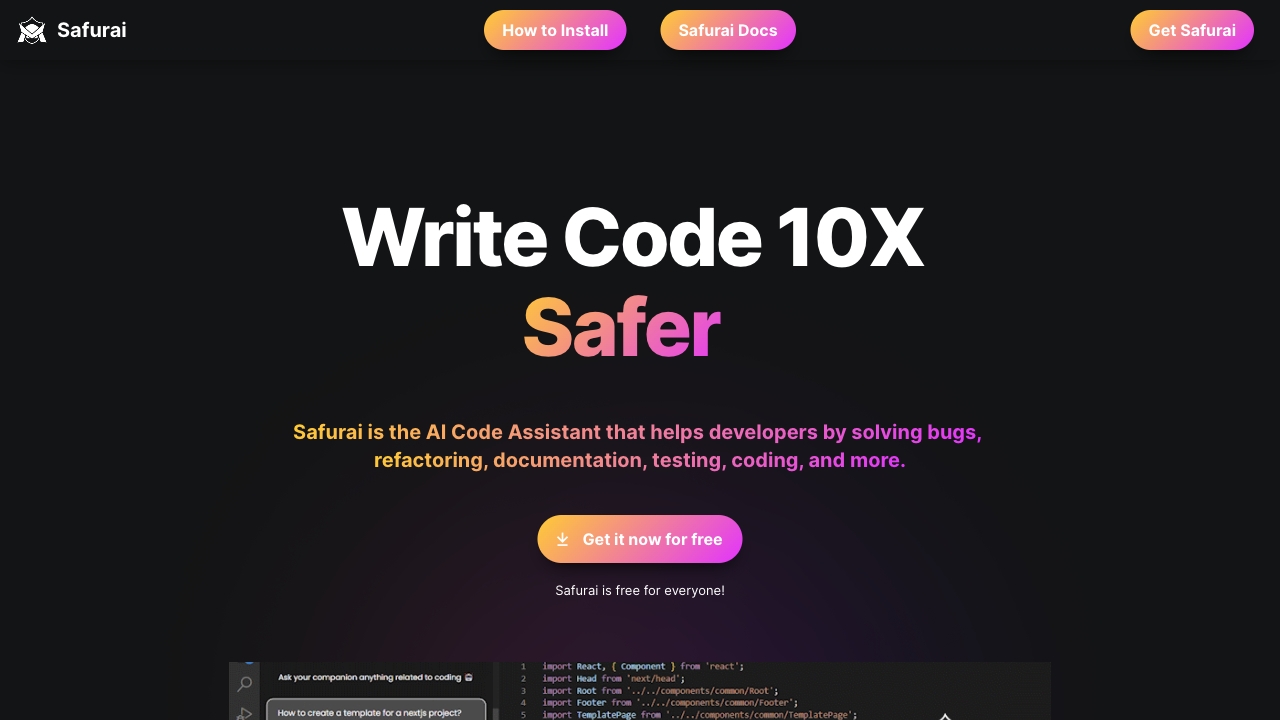
Screenshot archived from the listing page, for preview only.











