
Sage
AI-assisted online writing toolDraft, refine and polish writing with AI
Highlights
What you can do with it
- Draft and polish a postgraduate application essay
- Optimize a business proposal for clarity and impact
- Improve the efficiency of paper and report writing
How to use it
- 1 Visit Sage and start the free trial.
- 2 Choose the type of content you want to write.
- 3 Let the tool organize a framework and suggest details.
- 4 Refine grammar and wording with the built-in assistant.
- 5 Use version control to compare and keep the drafts you like.
Who it is for
Pros
- Brings structure, grammar and wording help together in one place
- Voice input and multilingual support add flexibility
- Free trial lets you try features before committing
Limitations
- It runs on a free trial model, so long-term use likely needs a paid plan
- AI suggestions still need human review for tone and accuracy
- Availability and features can change as the tool develops
What Sage is
Sage is an online writing assistant that brings several AI capabilities together to help you create content more quickly. It is built to understand and generate language, and it can organize an article framework, fill in details, correct grammar and refine wording, all of which are meant to raise writing efficiency. Beyond text, it also offers voice input, multilingual support and version control so the writing process feels smoother. Sage uses a free trial model, which means you can try some of its features for free before deciding whether to keep using it. The pitch is that you can produce professional-level content even without advanced writing skills, though the final voice and accuracy still depend on your own review.
What you can do with it
- Organize an article framework and let the tool fill in details
- Correct grammar and refine wording as you draft
- Use voice input and work across multiple languages
- Track changes with version control as your draft evolves
Who it is for
- Students and applicants drafting essays and personal statements
- Professionals writing proposals, reports and business copy
- Writers who want AI help with structure, grammar and wording
What to watch out for
Sage runs on a free trial model, so long-term or full use is likely to require a paid plan, and the exact terms are not stated on this page. As with any AI writing assistant, the suggestions still need a human pass for tone, accuracy and factual claims, especially in important documents such as applications or client-facing proposals. Because the tool is still developing, its availability and feature set can change over time. Treat it as a helper that speeds up drafting and polishing rather than a replacement for your own judgment about what to say.
FAQ
Is Sage free?
Sage uses a free trial model, so you can try some features for free before choosing a paid plan.
What can it help me write?
It supports essays, business proposals, papers and similar content, with framework, grammar and wording help.
Does it support voice input and other languages?
Yes, Sage offers voice input and multilingual support along with version control.
Why it is free
What the official page says: for freefree trial
Free limits, trial length and features are decided by the official site and can change at any time.
Product preview
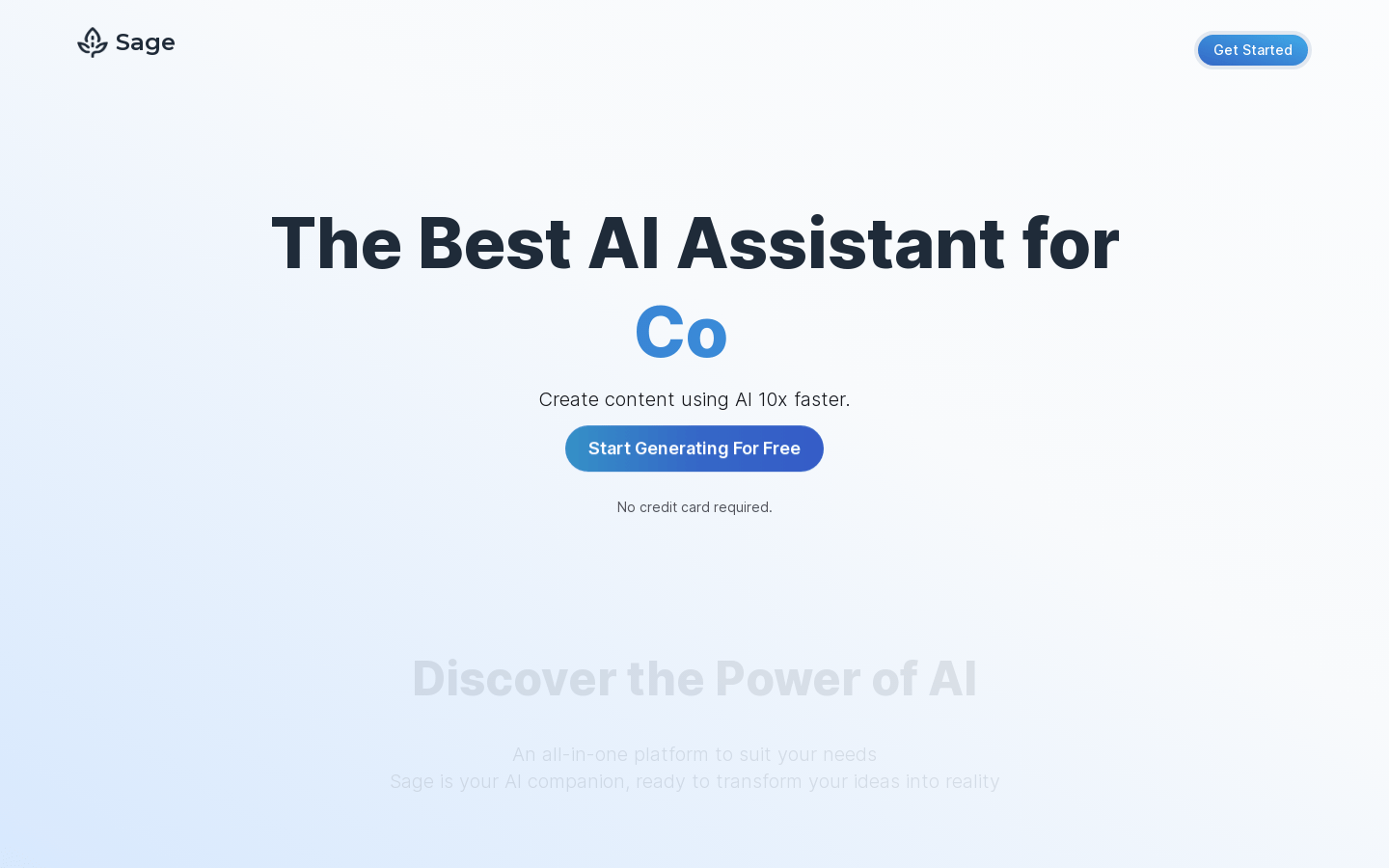
Screenshot archived from the listing page, for preview only.











