
SAM 3D
2D photo to 3D model toolTurn one photo into a 3D model
Highlights
What you can do with it
- Turn product photos into 3D models for an online store
- Generate scene and character models for a game
- Analyze member posture for a fitness plan
How to use it
- 1 Upload a single image in JPEG or PNG format
- 2 Select the objects to reconstruct, or let the system handle all of them
- 3 Wait for the 3D model with texture to be generated
- 4 Download it in OBJ, GLB, or PLY and import it into your tools
Who it is for
Pros
- Free to use with no credit card required
- No special equipment or deep technical knowledge needed
- Exports OBJ, GLB, or PLY with textures and UV mapping
Limitations
- Output quality depends heavily on the input photo
- Free access and supported export formats can change
- Not every photo converts cleanly, so angle and lighting matter
What SAM 3D is
SAM 3D is an AI-driven 3D reconstruction platform built on the Segment Anything Model. It converts a single 2D photo into a textured 3D model, and it covers objects, indoor scenes, production-ready assets, and human body meshes. Automatic object detection separates items in the image without manual masking, and processing is quick enough to produce a usable model in seconds. Export comes in OBJ, GLB, or PLY with textures and UV mapping intact, so files drop straight into Blender, Unity, or Three.js. It is free to use and no credit card information is required, which removes two of the usual barriers for developers, designers, and creators.
What you can do with it
- Reconstruct an object from one photo with surface detail.
- Rebuild an indoor scene with furniture and architectural elements.
- Generate production-grade 3D assets for e-commerce, games, or AR.
- Estimate a human body mesh including hands and feet.
Who it is for
- Independent developers who do not have expensive capture equipment.
- Creative studios that need a fast turnaround for client work.
- Content creators turning flat material into 3D assets.
What to watch out for
The input photo carries most of the weight. A clean, well-lit shot with a clear subject will reconstruct far better than a cluttered or dark one, and the same file can give different results depending on angle and framing. Because the platform is free with no card required, expect limits or paid tiers to appear as it grows, and check which export formats are still supported before you build a pipeline around one. Finally, reconstruction is automated, so treat the first output as a starting point to clean up rather than a finished asset.
FAQ
What does SAM 3D do?
It converts a single 2D image into a fully textured 3D model.
Is it free?
Yes, it is described as free to use without credit card information.
Which formats can I export?
OBJ, GLB, and PLY, with textures and UV mapping preserved.
Why it is free
What the official page says: 免费使用免费
Free limits, trial length and features are decided by the official site and can change at any time.
Product preview
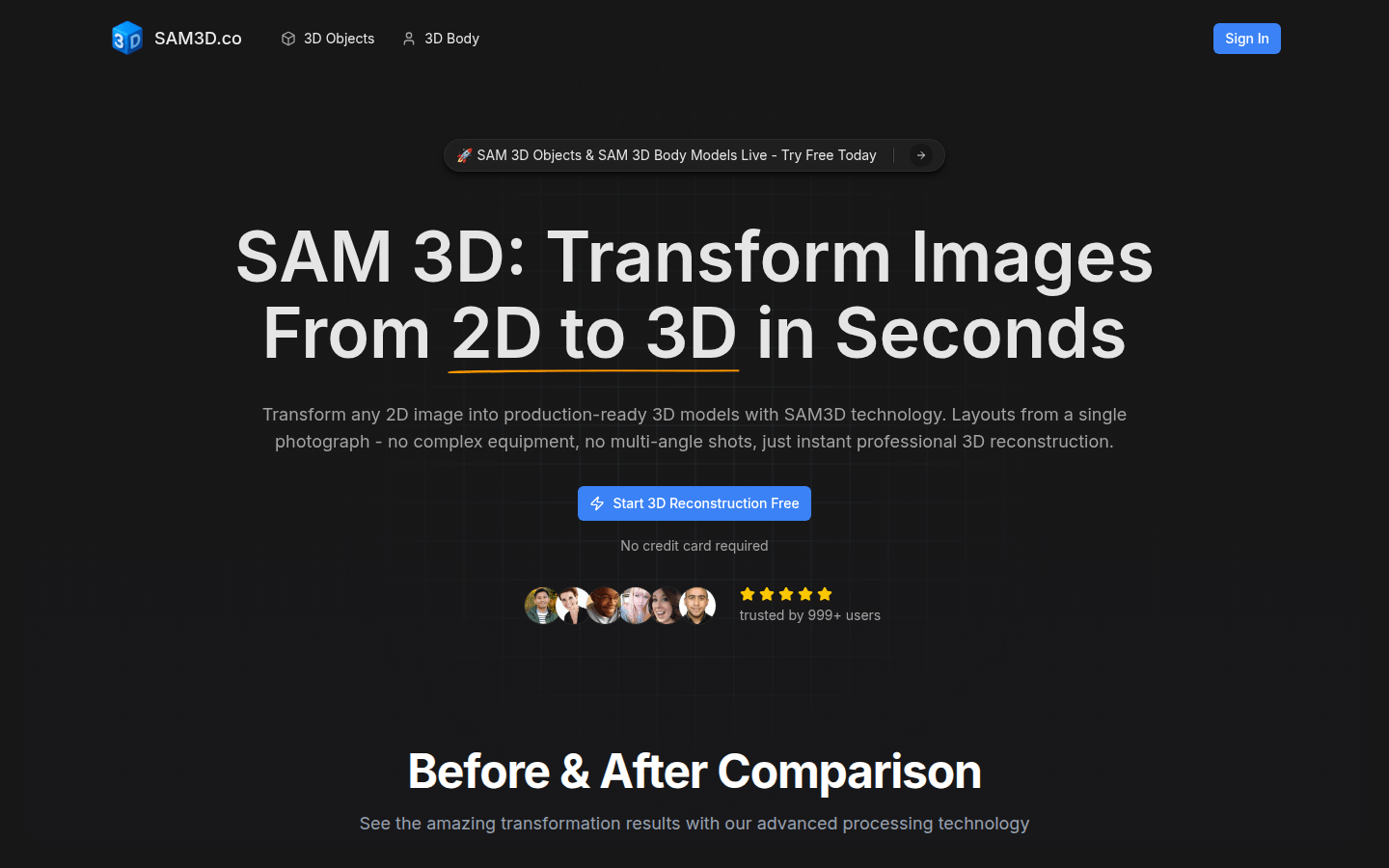
Screenshot archived from the listing page, for preview only.











