
Santon Smart Assistant
Multi-function AI assistant for everyday tasksQ&A, writing, drawing and slides in one place
Highlights
What you can do with it
- Getting a quick answer on an unfamiliar topic
- Drafting design sketches with the drawing feature
- Building a presentation quickly from notes
How to use it
- 1 Open the Santon Smart Assistant site
- 2 Register and log in
- 3 Pick the function you need
- 4 Enter your question or request
- 5 Edit the result or upgrade for more features
Who it is for
Pros
- Several functions in one place reduces tool switching
- Free trial lets you test the functions
- Interface is built for non-specialist use
Limitations
- Free trial is limited and fuller access is paid
- Bundled features are general purpose and may not match a dedicated tool
- Output quality varies by function and needs review
What Santon Smart Assistant is
Santon Smart Assistant is an online platform that puts several AI functions behind one login. The list covers AI Q&A for getting information and answers, AI writing for drafting and improving text, AI drawing for generating artwork, presentation generation for building slides quickly, PDF analysis for extracting key information from documents, and music and video related features. The appeal is consolidation: instead of maintaining accounts with five different services, you open one interface and pick the function you need. The site describes the interface as user-friendly and positions the product for people who want to raise work efficiency and creativity rather than tune a specialist tool. A free trial is available, and paid services unlock additional features.
What you can do with it
- Ask questions and get information through AI Q&A
- Draft and improve text with AI writing
- Generate images and design sketches with AI drawing
- Build presentations quickly from your notes
- Analyse PDF files to pull out key information
Who it is for
- People who want several AI functions behind a single login
- Writers and designers who need a fast first draft
- Professionals building presentations under time pressure
What to watch out for
The free trial is limited and fuller access is paid, so check which functions the trial actually covers before you plan work around them. A bundled assistant is a generalist: each function will be adequate and none will match a tool built for that single job, so if your work is mostly slide design you may outgrow it quickly. Output quality varies noticeably between functions and needs review in every case. Because everything sits on one platform, an outage takes out all of your functions at once rather than just one.
FAQ
What can it do?
AI Q&A, AI writing, AI drawing, presentation generation, PDF analysis and music and video related features.
Is there a free trial?
Yes, with paid services available to unlock additional features.
Do I need technical skills?
No, the interface is presented as user-friendly for general users.
Why it is free
What the official page says: free trial
Free limits, trial length and features are decided by the official site and can change at any time.
Product preview
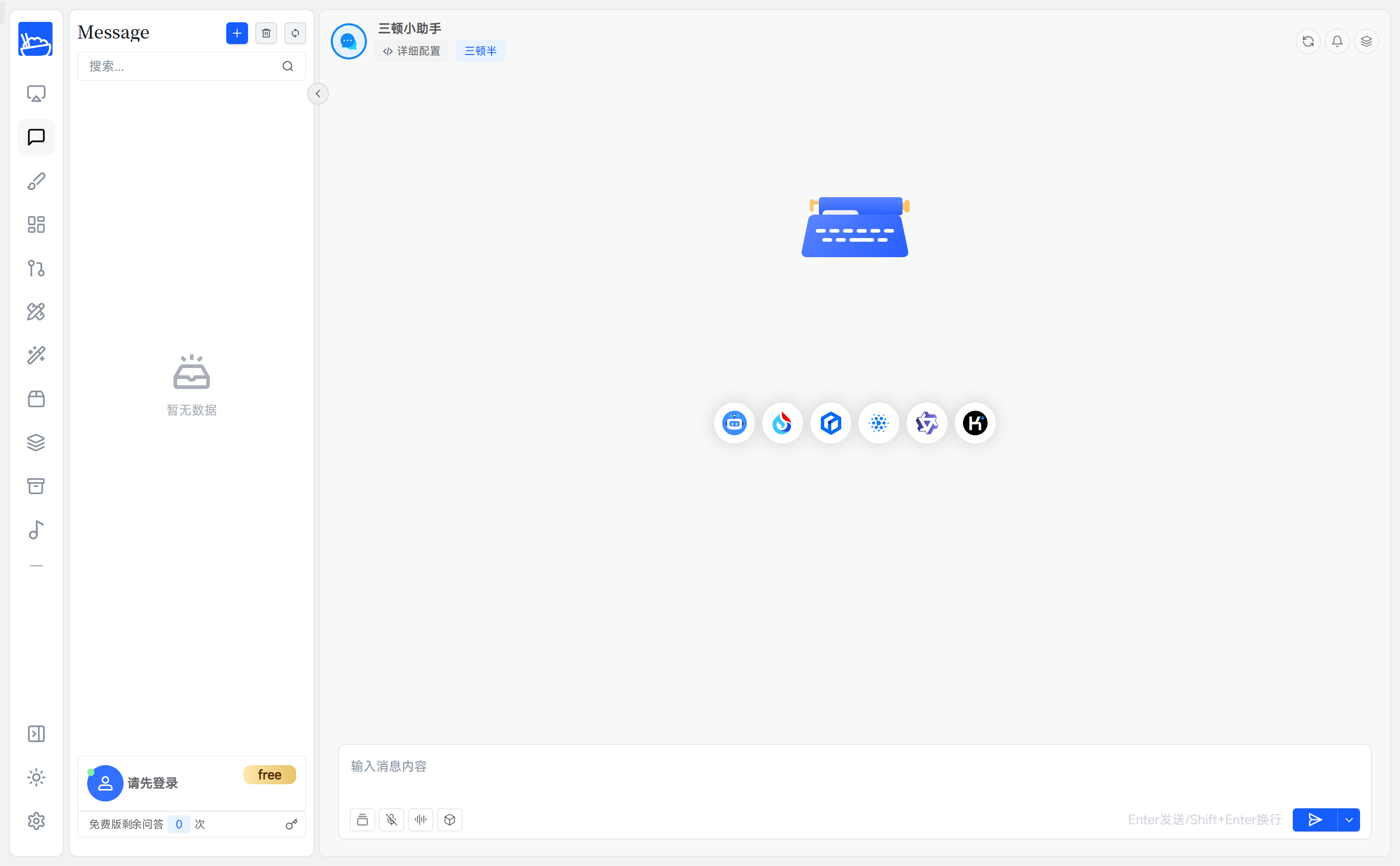
Screenshot archived from the listing page, for preview only.











