
Scene One
Online novel writing software with AI helpWrite novels on any device, free to start
Highlights
What you can do with it
- Novelists draft and organize long stories
- Writers track word count and hit goals
- Authors build a world wiki alongside the draft
How to use it
- 1 Open Scene One in your browser on any device
- 2 Start a project and write in the simple editor
- 3 Use the AI assistant and wiki to build your story
- 4 Set word goals and export as PDF or DocX
Who it is for
Pros
- Free version and free trial to start
- Works on any device with cloud storage
- AI assistant plus wiki and goal tools
Limitations
- Free version may limit features versus the standard version
- Trial free access can change to paid later
- Cloud writing needs a steady internet connection
What Scene One is
Scene One is an online novel writing software. It gives you a simple text editor and a clean writing interface that works on any device, including your phone, so you can write wherever you are. It automatically manages all your scenes and projects and stores your work in the cloud for secure access anytime. The app includes an AI writing assistant to speed up drafting, a custom wiki to help build your world, word count statistics and writing goals, and export to PDF or DocX. There is a free version and a standard version, and you can write for free during the trial period, which makes it easy to test before you commit.
What you can do with it
- Write novels in a simple, focused editor
- Organize scenes and projects automatically
- Use the AI assistant and wiki to build your story
- Track word goals and export as PDF or DocX
Who it is for
- Novelists writing long form fiction
- Writers who want to work on phone or computer
- Authors who need scene and world organization
What to watch out for
The free version and trial are a good way to start, but limits may push you toward the standard version, and pricing can change over time, so review the current plans if you write a lot. Because it is cloud based, you need a steady internet connection to keep writing and to avoid losing access to recent work. The AI assistant is a helper, not a replacement for your own editing and judgment, so keep final creative control in your hands. For best results, start with a small test file and review the output carefully before working on anything important.
FAQ
Is Scene One free?
There is a free version and a standard version, and you can write for free during the trial.
Can I write on my phone?
Yes, it works on any device, including phones.
Can I export my work?
Yes, you can export as PDF or DocX.
Why it is free
What the official page says: for freefree version
Free limits, trial length and features are decided by the official site and can change at any time.
Product preview
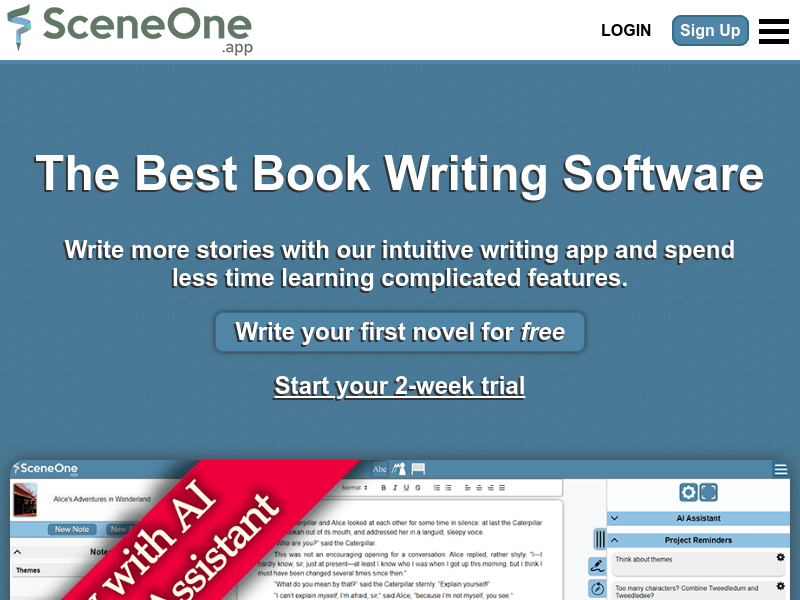
Screenshot archived from the listing page, for preview only.











