
Scream AI
Turn photos into Y2K horror movie postersGhostface-style horror posters from your selfies
Highlights
What you can do with it
- Create a horror-style poster for a social media post
- Generate eye-catching product thumbnails to boost clicks
- Join the viral horror photo trend with a personal image
How to use it
- 1 Upload a clear JPG or PNG photo, ideally a selfie
- 2 Wait for the AI to add Y2K and horror effects
- 3 Download the high-resolution poster
- 4 Share it on TikTok or other platforms
Who it is for
Pros
- Fast generation with a distinctive horror look
- Output sized for popular social platforms
- States that uploaded photos are processed securely
Limitations
- Pricing is not clearly confirmed, so free use is uncertain and may change
- Effect customization is only speculated, not confirmed
- Narrow novelty use case, so it is less useful beyond the trend
What Scream AI is
Scream AI is a photo conversion tool inspired by the Scream movie series. It turns ordinary photos, especially selfies, into Y2K-style horror movie posters that add a Ghostface-like figure and dramatic lighting. The AI works quickly and outputs high-resolution images styled for TikTok and Instagram, so you can jump into the viral horror photo trend. It also includes an AI thumbnail feature meant to raise click-through rates. One important note: the listing does not clearly confirm whether the tool is free, so treat any free-use claim as unverified and check the site before relying on it.
What you can do with it
- Turn a selfie into a horror movie poster with a Ghostface effect
- Add Y2K styling and dramatic lighting to a photo
- Generate product thumbnails designed to boost clicks
- Download high-resolution posters for social media or printing
Who it is for
- Content creators who need eye-catching visuals quickly
- Social media users who want to join the horror photo trend
- Product promoters looking for higher click-through thumbnails
What to watch out for
The main uncertainty is cost. The listing does not state pricing clearly, so whether the tool is free to use, or free only for a trial, is not confirmed, and that can change at any time. The level of effect customization is also only guessed at, not confirmed, so you may not be able to fine-tune the horror look as much as you want. Beyond the novelty trend, its usefulness is fairly narrow, and any claimed click-through gains are user reports rather than guarantees. Check current pricing and features on the official site before you depend on it.
FAQ
Is Scream AI free?
The listing does not confirm pricing clearly, so treat free use as unconfirmed.
What kind of photos work best?
Clear selfies in JPG or PNG tend to give the most dramatic result.
Where can I use the posters?
They are sized for TikTok, Instagram, and similar platforms, and can be printed.
Why it is free
What the official page says: 免费使用免费
Free limits, trial length and features are decided by the official site and can change at any time.
Product preview
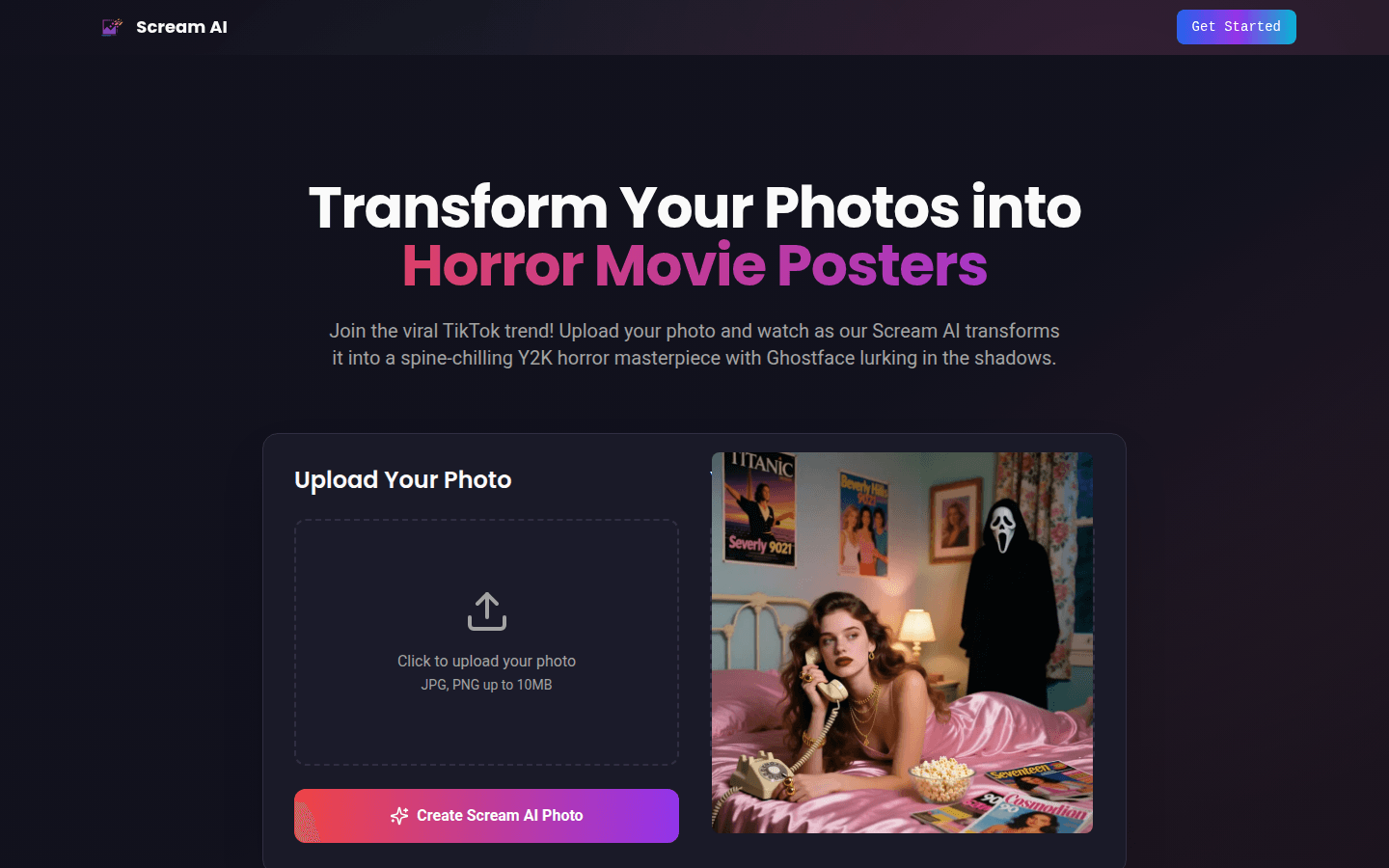
Screenshot archived from the listing page, for preview only.











