
Highlights
What you can do with it
- Generating images for creative projects without stock photos
- Producing quick visuals for marketing materials
- Letting students and hobbyists experiment with AI art
How to use it
- 1 Open the Seaart AI website in your browser.
- 2 Enter a text description of the image you want.
- 3 Choose a style or format if the tool offers options.
- 4 Generate the image and download the result.
Who it is for
Pros
- Completely free with no registration
- Fast generation with no watermarks
- Multiple artistic styles and formats
Limitations
- The free offering and its limits can change over time
- Relies on upstream diffusion models, so output can vary
- No account means some features may be limited compared to signed-in tools
What Seaart AI is
Seaart AI is a free AI image generator that converts text descriptions into high-quality, detailed images within seconds. It is built on advanced diffusion models and does not require registration, so you can begin creating the moment the page loads. The service is presented as completely free, with no watermarks and no stated usage limits. Its goal is to let creators, marketers, students, and enthusiasts use advanced AI image generation without buying stock photos or spending long hours on manual design work. Because it needs no account, it lowers the barrier for anyone who wants to test AI-generated visuals before committing to a paid tool.
What you can do with it
The whole workflow happens from a text box, which keeps things fast for beginners.
- Turn a text description into a detailed image in seconds.
- Choose from various artistic styles.
- Export images in different formats.
- Create visuals for personal or professional use without a watermark.
Who it is for
- Creators who need free AI images.
- Marketers who want quick visuals for campaigns.
- Students and hobbyists exploring AI-generated art.
What to watch out for
Because it is free and needs no account, the free rules and any limits can change over time, so check the current terms before you depend on it. The tool relies on upstream diffusion models, so availability and output quality may vary from day to day. Without an account, some features offered to signed-in users may be out of reach. Treat generated images as drafts and review them before public or commercial use, and make sure you have the right to any reference material you feed in.
FAQ
Does Seaart AI require registration?
No. It is presented as free to use without registration.
Are the generated images watermarked?
The service states there are no watermarks on generated images.
What can I create with it?
You can turn text descriptions into detailed images in various artistic styles and formats.
Why it is free
What the official page says: 完全免费免费无需注册
Free limits, trial length and features are decided by the official site and can change at any time.
Product preview
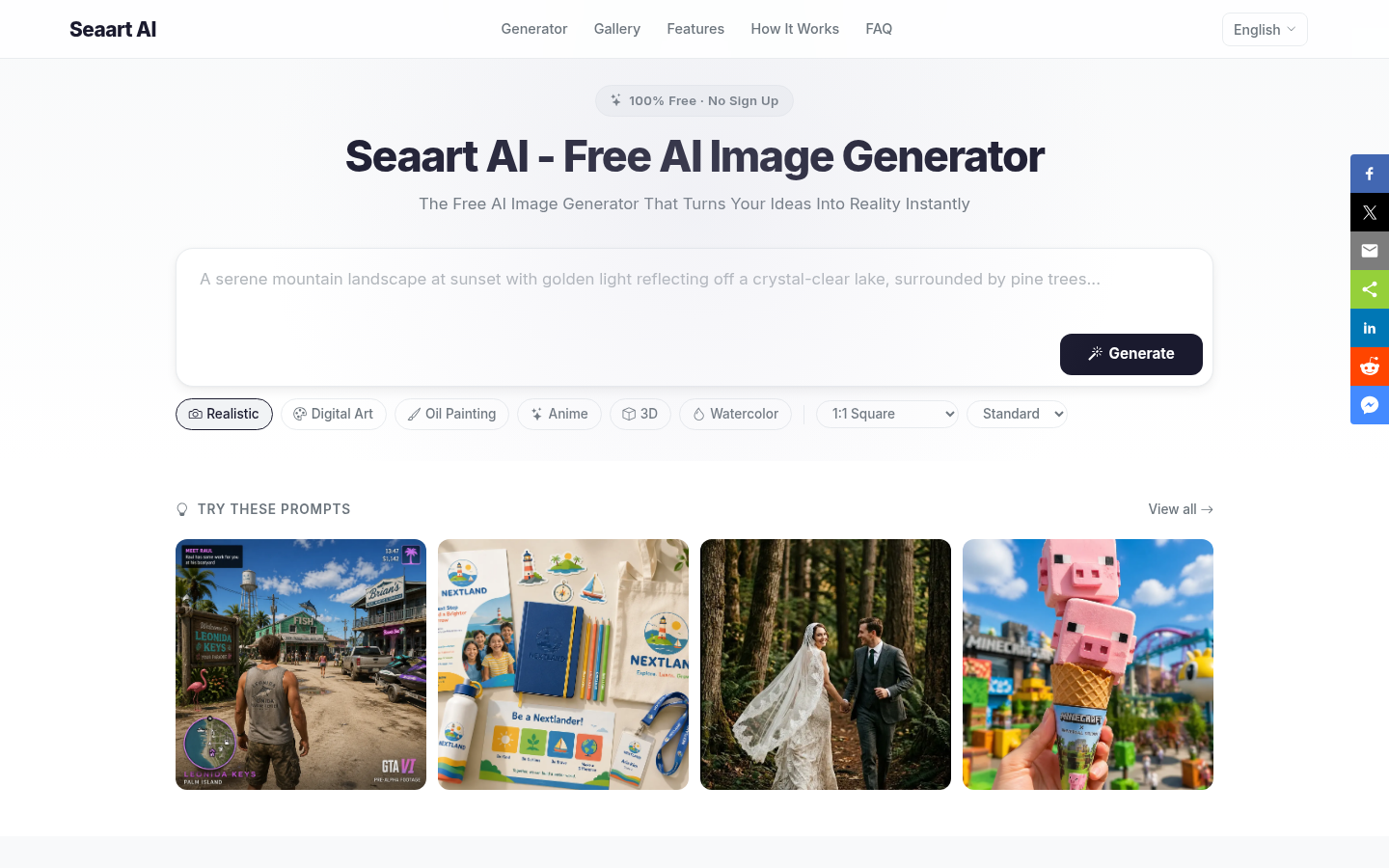
Screenshot archived from the listing page, for preview only.