SecuredAI
Privacy layer for AI chatsMask sensitive data before it reaches an AI
Highlights
What you can do with it
- Keeping customer names and contact details out of AI chats
- Protecting patient information in medical record analysis
- Guarding account and transaction data in financial analysis
How to use it
- 1 Open the site and choose Free, Pro, Team or Enterprise
- 2 Register and log in
- 3 Type into the AI chat interface as normal
- 4 Sensitive data is detected and replaced automatically
- 5 Reveal the original values locally with your master key when needed
Who it is for
Pros
- Free tier lets you test the masking behaviour
- Works across several major language models
- Zero-knowledge design keeps the key off the server
- Activity tracking and role-based access control included
Limitations
- Free tier is limited; higher tiers are priced up to several hundred dollars
- Masking is not perfect and needs review on sensitive work
- Adds a step between you and the AI you are using
What SecuredAI is
SecuredAI is a privacy layer that sits between you and a large language model. Instead of trusting an AI provider with raw personal data, it detects sensitive values in your input, replaces them with readable placeholders, and only restores the originals locally on your device using a master key you hold. The architecture is described as zero-knowledge, meaning the key never reaches the server.
What you can do with it
- Detect up to forty data types including names, emails, phone numbers and account numbers.
- Mask values with context-preserving placeholders so requests still make sense.
- Add custom detectors for data types specific to your organisation.
- Use it across ChatGPT, Claude and DeepSeek.
- Reveal original values locally and track processing activity.
- Control access with role-based permissions.
Who it is for
Enterprises that handle customer data, healthcare organisations working with patient records, and financial institutions dealing with account and transaction information.
What to watch out for
The Free tier is a starting point and the upper plans are priced in the hundreds of dollars, so this is an enterprise purchase rather than a casual one. Automatic detection will miss things, so sensitive work still needs a human review before you send anything. Adding a masking layer also adds latency and a new dependency between you and the model you are already using. Name and archive exported files consistently so you can find and reuse them, and keep a backup copy of key data. When quality matters, export a small draft first to confirm the result before producing the final file. Processing speed depends on file size and network conditions, so retry later if a task stalls during peak hours.
FAQ
Is SecuredAI free?
There is a Free version alongside Pro, Team and Enterprise tiers, with prices ranging up to several hundred dollars for the top plan.
How does the masking work?
Sensitive values are replaced with placeholders such as PERSON A or EMAIL 1 before the text reaches the model, preserving context so the AI still understands the request.
How do I get the original data back?
The Reveal technology decrypts the masked values on your local device using a master key you control. The key is not stored on the server.
Which AI models does it support?
It lists ChatGPT, Claude and DeepSeek among supported large language models.
Why it is free
What the official page says: 免费
Free limits, trial length and features are decided by the official site and can change at any time.
Product preview
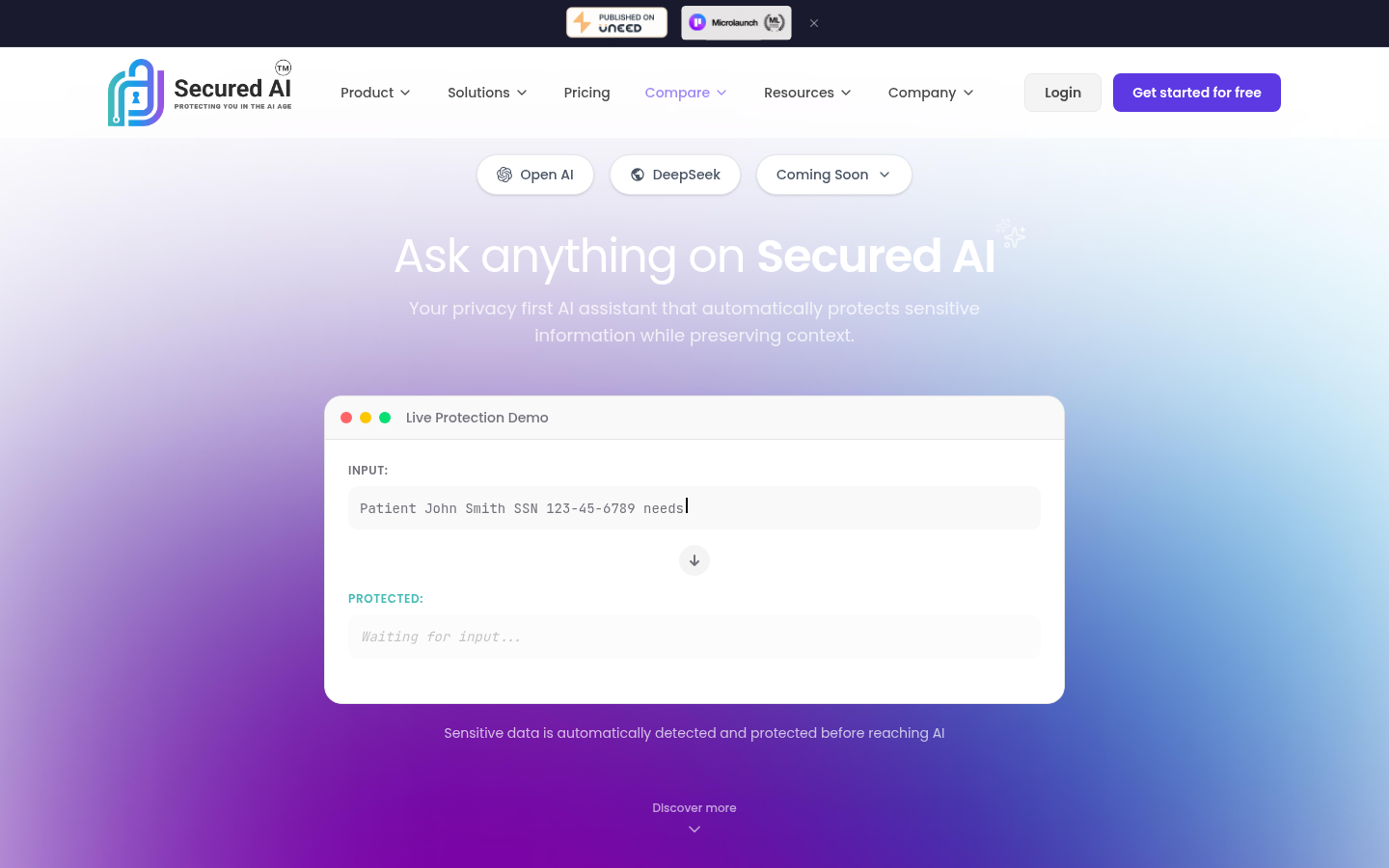
Screenshot archived from the listing page, for preview only.