Seeddance
AI video model for text-to-video and image-to-videoFilm-grade video generation with multi-shot consistency
Highlights
What you can do with it
- Create social media video ads with high-definition output
- Build multi-shot story videos with consistent characters
- Produce science explainer videos combining AI images and audio
How to use it
- 1 Visit seeddance.app and register an account, choosing a free trial or a paid plan
- 2 Open the video generation interface and pick text-to-video or image-to-video
- 3 Enter detailed prompts or upload reference images, then set resolution and duration
- 4 Click generate, then edit the result and add AI effects or audio before saving
Who it is for
Pros
- Core functions are free to try, with a clear upgrade path
- Multi-shot and character consistency help coherent storytelling
- Bundles video, image, and audio generation in one place
Limitations
- It includes voice cloning and effects like kissing and hugging, which can misrepresent people and may violate school or platform rules; use only with consent, and consequences fall on the user
- Free trial terms and the line between free and paid features can change
- Film-grade results still depend on prompt quality and often need editing
What Seeddance is
Seedance 2.0 is a next-generation AI video model focused on film-grade text-to-video and image-to-video conversion. It is built to give creators smooth motion, multi-shot consistency, and high-definition output from detailed prompts or reference images. Beyond video, it bundles AI image generation, AI audio generation such as text-to-music and sound effects, and one-click AI video effects. The product is presented as a one-stop solution for video creators. It offers a free trial, and the core functions can be used for free; paid plans unlock higher resolution, longer generation, batch operations, and a priority queue.
What you can do with it
- Generate video from text prompts or convert reference images into video.
- Build multi-shot sequences with consistent characters across shots.
- Add AI audio, including text-to-music and sound effects, to match your video.
- Apply one-click effects and export in high definition for social and ads.
Who it is for
- Video creators who want fast, high-quality generation.
- Social media marketers and advertising agencies making video ads.
- Content creators producing story or explainer videos.
What to watch out for
Seedance includes voice cloning and effects such as kissing, hugging, and dancing. These can realistically depict real people, and misuse can misrepresent someone or break school and platform rules; only use them with clear consent, and any consequences fall on the user. Free trial terms and the split between free and paid features can change, so confirm current pricing. Output quality still depends on how precisely you write prompts, and film-grade results often need editing. Use only reference images and prompts you have the right to use, and be careful that generated likenesses do not deceive viewers.
FAQ
What is Seedance 2.0?
It is an AI video model that turns text prompts or reference images into video, with multi-shot consistency and high-definition output.
Is it free?
There is a free trial and the core functions can be used for free; paid plans unlock higher resolution, longer videos, and priority processing.
Does it include voice features?
Yes, it supports text-to-music, voice cloning, and sound effects. Voice cloning should be used only with consent and within platform rules, since misuse can carry consequences for the user.
Why it is free
What the official page says: for freefree trial
Free limits, trial length and features are decided by the official site and can change at any time.
Product preview
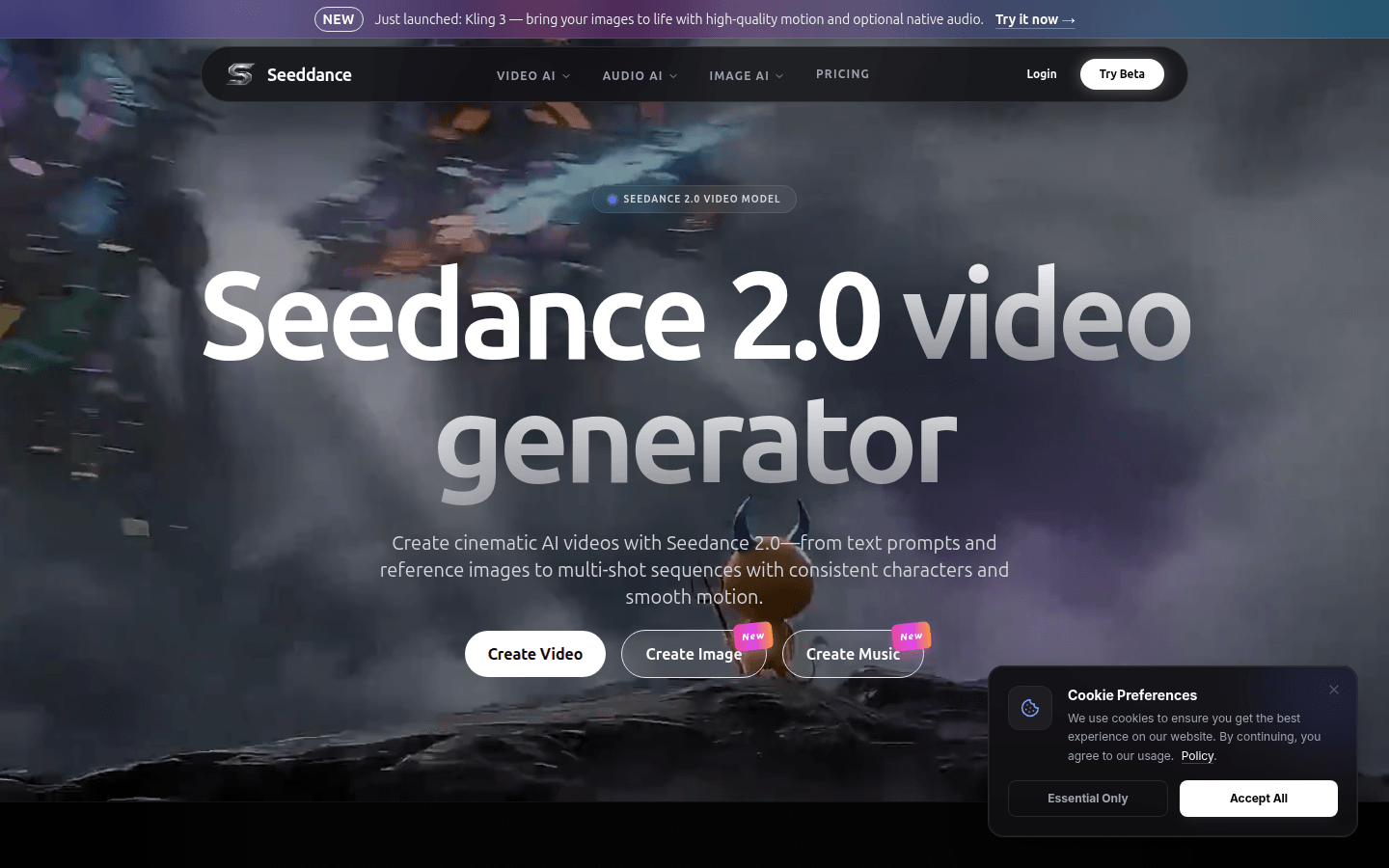
Screenshot archived from the listing page, for preview only.