
Seede AI
AI design tool for quick marketing visualsFinish a design in about a minute
Highlights
What you can do with it
- Create event posters for social media promotion
- Design article covers that attract attention
- Produce restaurant menus and print layouts
How to use it
- 1 Visit the Seede AI website
- 2 Select a template or a specific function
- 3 Enter text or upload a reference image
- 4 Customize elements, generate, then download or share
Who it is for
Pros
- No design experience required to get a result
- Useful extras like background removal and video reframing
- Free to use
Limitations
- Results depend on your inputs and the templates you pick
- Video conversion takes time and a stable connection
- Free access today is not a long term promise
What Seede AI is
Seede AI is an AI powered design tool aimed at social media content and marketing materials. The promise is speed: a finished design in about a minute without prior design experience. You can start from a template or upload a reference image and let the tool generate designs in a similar style. Beyond layout, it bundles practical utilities such as background removal, landscape to portrait video conversion, text to image generation, and image upscaling.
What you can do with it
- Create social media posters and event promotions
- Generate designs in a style similar to a reference image
- Remove backgrounds with one click
- Convert landscape video to portrait for feeds
- Turn text into images and upscale existing art
Who it is for
- Small business owners producing their own marketing visuals
- Social media managers who post frequently
- Marketers working without a design department
- Anyone who needs a decent graphic in a minute
What to watch out for
Speed is the selling point, but output still depends on the quality of your inputs and the template you choose, and detailed brand work will need manual adjustment after generation. Video conversion is a heavier task, so expect processing time and keep a stable connection. The tool is free to use now, which is a current policy rather than a permanent one, so avoid making it the only pillar of a long-term content pipeline without a backup. Features and interface details may change between versions, so review the latest notes on the page before you start. For team use, agree on naming and editing conventions in advance to avoid version conflicts or duplicated work.
FAQ
Do I need design experience?
No, the tool is built so users can complete professional designs without design experience.
Can it remove backgrounds?
Yes, one-click background removal is included.
Can it convert video orientation?
Yes, it can convert landscape video to portrait for social media posting.
Why it is free
What the official page says: free to use
Free limits, trial length and features are decided by the official site and can change at any time.
Product preview
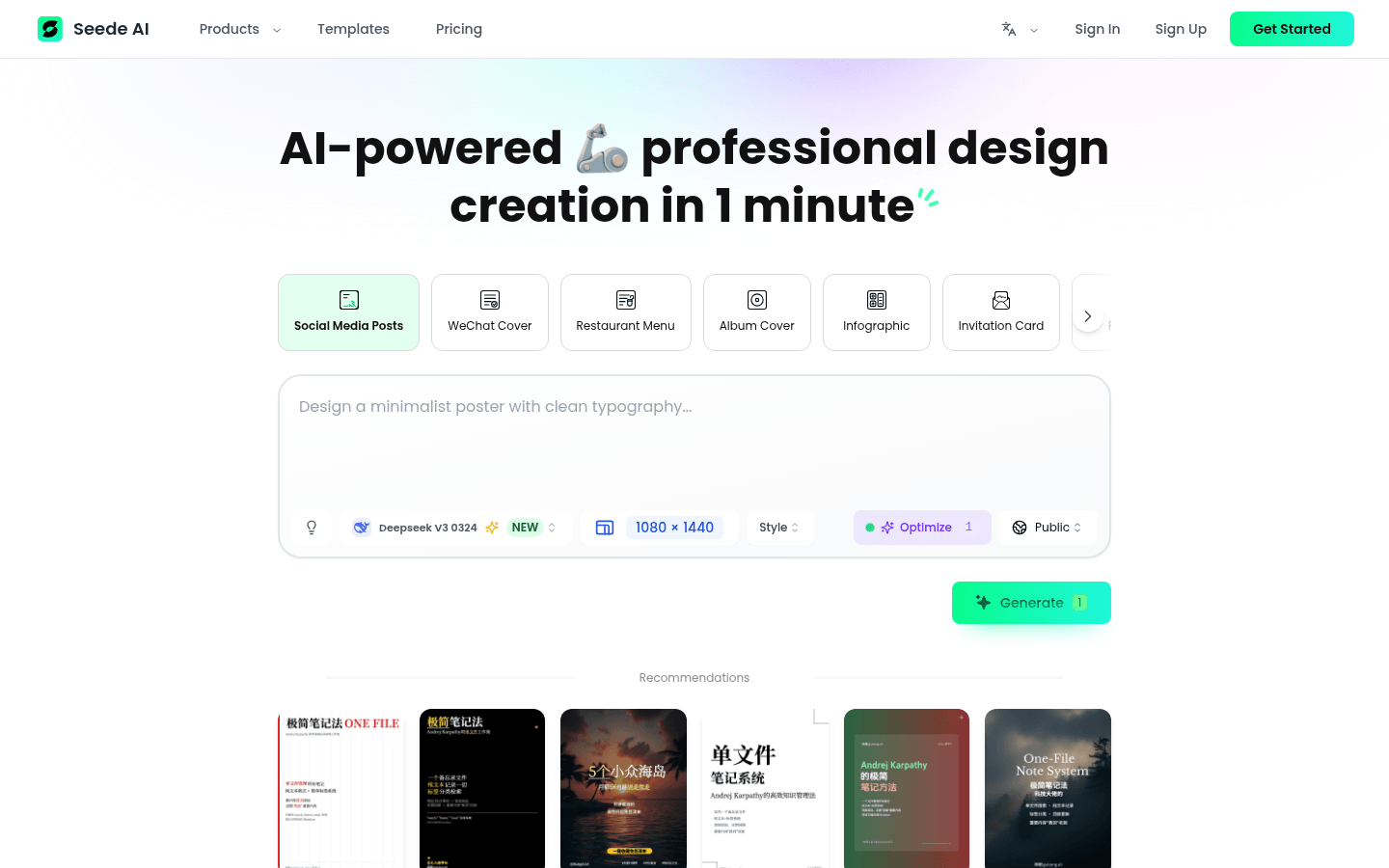
Screenshot archived from the listing page, for preview only.











