
ShieldLabs
Fraud and bot detection for web appsExplainable risk scores for every visit
Highlights
What you can do with it
- An e-commerce platform blocks fake registrations and coupon abuse
- A gaming company prevents multi-account cheating and bot farming
- A fintech app catches account takeover and fraudulent transactions
How to use it
- 1 Start a free trial at shieldlabs.ai and register.
- 2 Integrate the provided code into your web application.
- 3 Configure detection rules, thresholds, and monitored behaviors.
- 4 Read scores and indicators through the API and webhooks.
- 5 Act on the results, then review and tune the configuration.
Who it is for
Pros
- Free plan available for initial traffic quality checks
- Scores are explainable rather than a black box
- Covers identity, device, network, and behavioral indicators
- API and webhook access fits existing systems
Limitations
- Requires a code integration, so it is not a plug-and-play widget
- Detection accuracy claims come from the vendor and need your own testing
- False positives can block legitimate users if thresholds are too tight
- Free plan scope is limited and paid tiers are not detailed here
What ShieldLabs is
ShieldLabs is fraud detection and prevention software for web applications. It identifies returning visitors across different sessions and accounts, then cross-checks device, operating system, browser, network, and IP information in real time to catch proxies, VPNs, Tor traffic, and anti-detect browsers. On top of that it looks for abuse patterns: multi-account usage, account sharing, impossible travel between logins, and outright account takeover. Every visit, user, device, and IP receives a risk score, and the listing emphasizes that the underlying indicators are named rather than hidden, so you can see why something was flagged. Scores reach your systems through an API and webhooks. A free plan covers initial traffic quality checks.
What you can do with it
- Identify returning visitors across sessions, accounts, and devices.
- Spot disguised connections such as VPNs, proxies, Tor, and anti-detect browsers.
- Detect multi-account abuse, account sharing, impossible travel, and takeover.
- Score traffic quality by source channel, referrer, and campaign.
- Act on results in real time through an API and webhooks.
Who it is for
- Web application developers who need to protect registrations and logins.
- E-commerce businesses fighting fake accounts and coupon abuse.
- Fintech and gaming teams with high fraud exposure and thin margins for error.
What to watch out for
This is a code integration, not a drop-in widget, so expect real engineering work to install and configure it. The accuracy figures in the listing are vendor claims; measure them against your own traffic before you trust them, because every application has a different baseline of legitimate oddness. False positives are the main operational risk: thresholds set too aggressively will block real customers, and that damage is immediate while the fraud you prevented is invisible. Start in monitoring mode, review what gets flagged, and only enforce blocks once you understand the pattern. Free plan scope is limited, and paid tiers are not detailed here, so confirm pricing against your request volume before committing.
FAQ
Is there a free plan?
Yes. The listing describes a free plan for initial traffic quality checks and anonymous visitor identification, with subscription tiers above it.
How accurate is it?
The listing states high identification and detection accuracy. Verify against your own traffic before relying on those numbers.
Will it block good users?
It can, if thresholds are set too aggressively. Start conservative, review false positives, and tune before enforcing blocks.
Why it is free
What the official page says: free plan
Free limits, trial length and features are decided by the official site and can change at any time.
Product preview
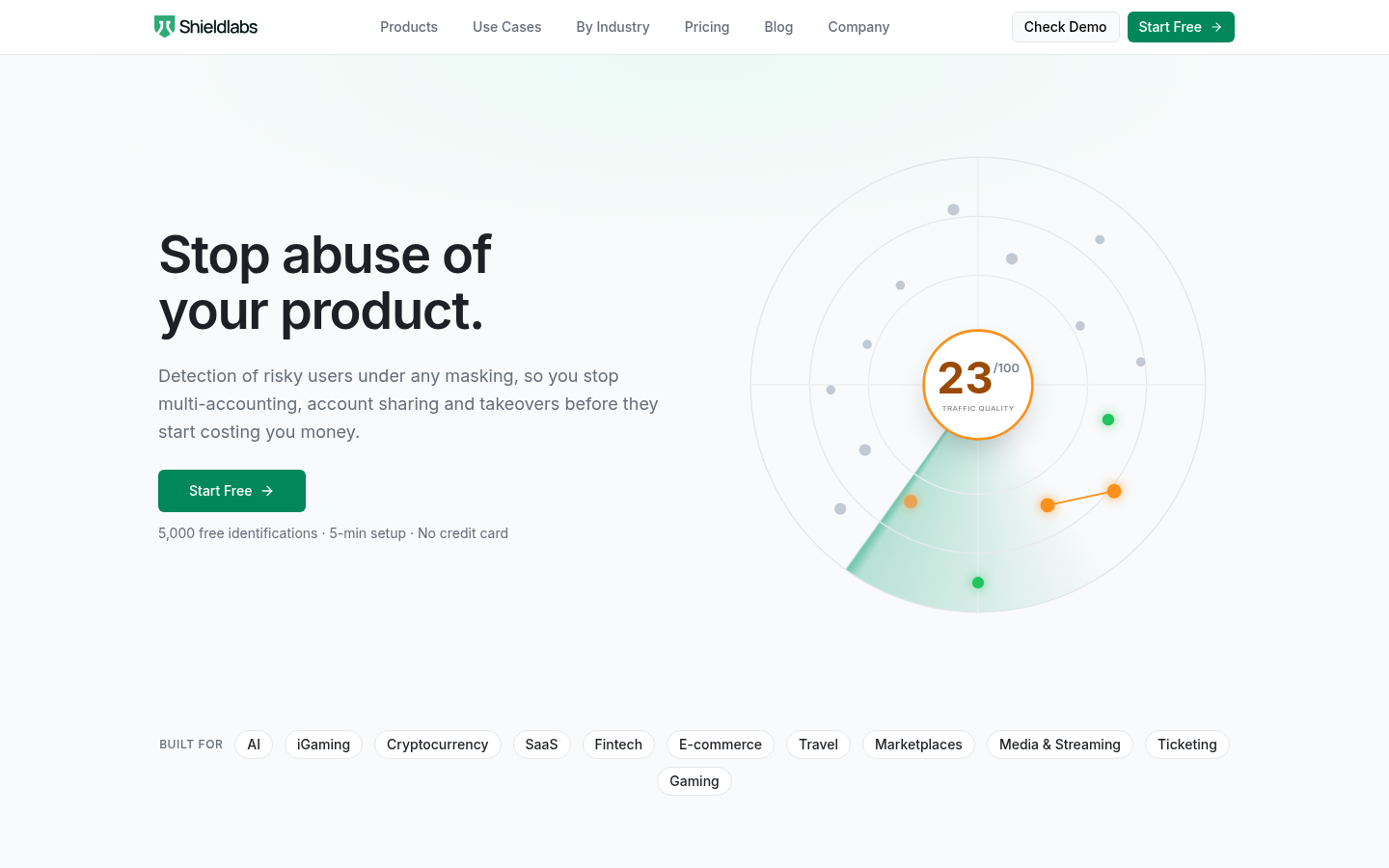
Screenshot archived from the listing page, for preview only.











