
Simplified
All in one marketing and content appDesign, write, and schedule in one place
Highlights
What you can do with it
- A marketing team designs a campaign asset and schedules the post in one place
- A writer drafts long form and short form copy in more than thirty languages
- A small team collaborates on shared documents and design files
How to use it
- 1 Create an account on the Simplified website
- 2 Pick a template or start a blank design or document
- 3 Add free stock photos, video, or audio from the library
- 4 Write and translate your content inside the same workspace
- 5 Schedule or publish directly from the content calendar
Who it is for
Pros
- A large free media library reduces the need for separate stock accounts
- Multilingual support covers more than thirty languages
- Scheduling and publishing sit next to the editing tools
Limitations
- The site markets it as permanently free, but plan limits can still change
- An all in one tool can feel heavier than a single purpose app
- Collaboration only works if the whole team adopts the same workspace
What Simplified is
Simplified is an all in one app designed for collaboration inside modern marketing teams. It brings design, copywriting, asset libraries, and social publishing into one workspace so that a campaign does not have to move between four different tools. The library holds millions of free photos, videos, and audio clips, and there are thousands of templates to start from. Written content can be produced in long form or short form across more than thirty languages, which helps teams that publish in several markets. A content calendar sits alongside the editors so a finished asset can be scheduled and published without leaving the app. The site describes the product as permanently free.
What you can do with it
- Design social posts, ads, and page layouts from templates.
- Write and translate copy in more than thirty languages.
- Pull free photos, video, and audio from the built in library.
- Plan a campaign on the content calendar.
- Schedule and publish social posts from the same workspace.
- Share files and leave feedback with teammates.
Who it is for
- Marketing teams that want design, copy, and publishing in one place.
- Content creators who publish in more than one language.
- Small teams and solo operators that would rather run one tool than five.
- Agencies handling several clients and campaign calendars at once.
What to watch out for
The site markets the product as permanently free, but free plan limits on storage, exports, or team seats can change, so read the current terms before you migrate a whole team. An all in one workspace is heavier than a single purpose app, and some teams find they only use a fraction of it. Collaboration features only pay off when everyone on the team actually works inside the same workspace, otherwise files end up duplicated elsewhere.
FAQ
Is Simplified really free?
The site describes the product as permanently free. Plan limits can still change, so check the current terms.
What kind of media is included?
It offers millions of free photos, videos, and audio clips, plus thousands of design templates.
Does it support more than one language?
Yes. It supports content creation in more than thirty languages for both long and short formats.
Why it is free
What the official page says: 永久免费免费
Free limits, trial length and features are decided by the official site and can change at any time.
Product preview
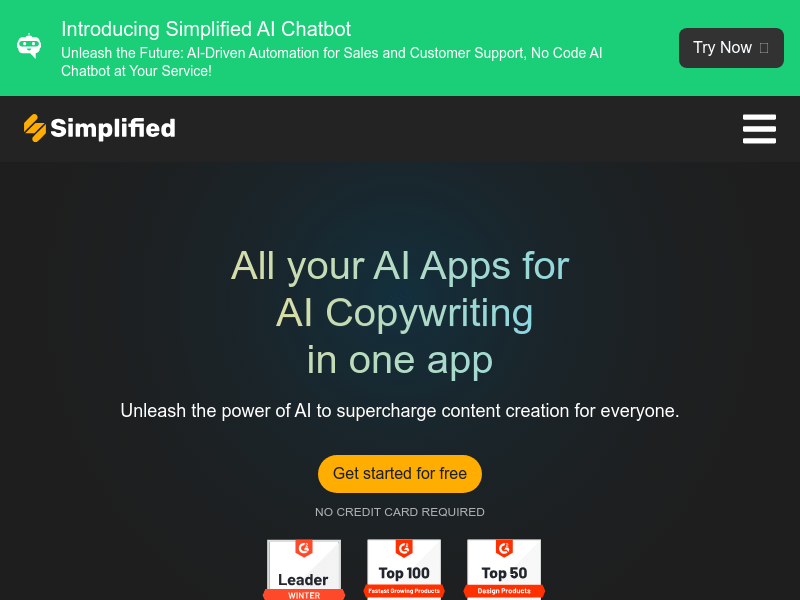
Screenshot archived from the listing page, for preview only.