
siOsi
Free AI makeup and color analysis from a selfieSkin tone, base color, and makeup feedback, free
Highlights
What you can do with it
- A beginner uploads a bare-face photo to find a seasonal type
- A beautician checks a client's makeup and adjusts it
- A makeup lover evaluates a trend look before copying it
How to use it
- 1 Open the siOsi website in your browser.
- 2 Upload a clear, well-lit, full-face makeup photo.
- 3 Wait for the AI to analyze the photo.
- 4 Read the report with scores and suggestions.
Who it is for
Pros
- Free to use with no registration
- Structured report across many analysis points
- Covers seasonal types and practical problems like flashback
- Multi-language support and shareable results
Limitations
- Free basics only, advanced checks need paid credits
- Result quality depends on lighting and photo clarity
- AI advice is a guide, not a substitute for a pro
- You upload a face photo, so privacy and data terms matter
What siOsi is
siOsi is a free, browser-based tool that uses AI to analyze color and makeup from a selfie. You upload a clear, well-lit photo of your face, and it reads your skin tone, base color, hair color, and current makeup, then returns a report across 15 analysis points with scores and suggestions. It covers 12 seasonal color types and draws on 15 professional labs, and it can flag practical problems such as flashback under lighting and oxidation of products on the skin. The tool supports several languages and does not ask you to register for the basic check, and the results can be shared right away. Basic analysis is free, while paid value-added services and extra analysis credits are available for people who want more depth.
What you can do with it
- Analyze your skin tone, base color, and hair color from a photo.
- Get a scored report on your current makeup.
- Check for flashback and oxidation problems in a look.
- Find color and shade suggestions that suit your coloring.
Who it is for
- Makeup beginners learning which colors suit them.
- Professional beauticians checking and adjusting client looks.
- Makeup hobbyists who experiment with many styles.
- Anyone unsure which shades work with their skin.
What to watch out for
The basic analysis is free, but advanced checks and extra credits are paid, and that pricing can change. Result quality depends on your photo: poor lighting, low focus, or heavy filters will weaken the reading, so use a clear, well-lit, full-face shot. The AI gives a structured guide, not a personal consultation, so treat the advice as a starting point rather than a final word, especially for professional client work. Because you upload a face photo, review the site's privacy and data terms and only share images you are comfortable uploading.
FAQ
Is siOsi free?
Basic analysis is free, and no registration is needed. Paid value-added services and extra credits are offered for advanced users.
What does it analyze?
It reads skin tone, base color, hair color, and makeup across 15 points, with scores and suggestions.
What photo should I upload?
A clear, well-lit, full-face makeup photo where the face is easy to see and in focus.
Does it work in other languages?
Yes, it supports multiple languages for the report.
Why it is free
What the official page says: 免费无需注册
Free limits, trial length and features are decided by the official site and can change at any time.
Product preview
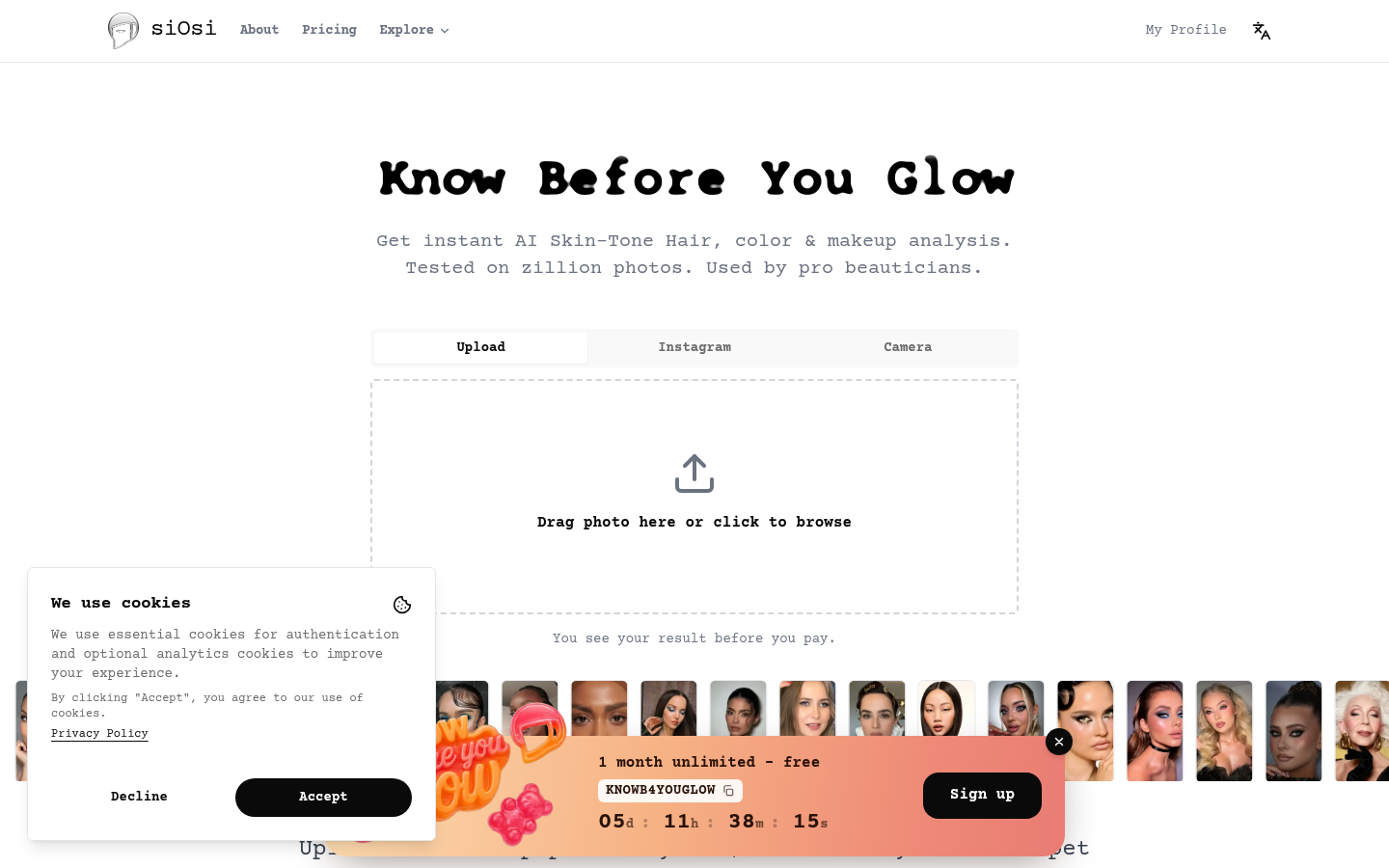
Screenshot archived from the listing page, for preview only.











