
Slazzer
One click AI background removalTransparent backgrounds in seconds, even for hair
Highlights
What you can do with it
- E commerce sellers cleaning product photos
- Photographers editing portraits fast
- Media and ad teams preparing images
How to use it
- 1 Open the Slazzer site
- 2 Upload your image
- 3 Let the AI remove the background
- 4 Replace the background if needed
- 5 Download the result
Who it is for
Pros
- Fast automatic background removal
- Deals with hard edges like hair
- A free option exists
Limitations
- Free option has limits; paid plans unlock more
- Busy scenes can still need manual touch ups
- Batch and heavy use point to paid tiers
What Slazzer is
Slazzer is an AI tool that removes backgrounds from images. It detects the main subject automatically and produces a transparent image in seconds, handling tricky edges such as hair and fur. The service also offers background replacement options and batch processing. You can use it for free, and paid plans unlock more features. The site lists individual users, e commerce, photography, news media, advertising, car dealerships, developers, and enterprise users as its audience.
What you can do with it
- Remove a background with one click
- Handle complex edges like hair and fur
- Replace the background with a new one
- Process images in batch
Who it is for
- E commerce sellers who need clean product shots
- Photographers editing portraits fast
- Designers and media teams preparing images
What to watch out for
The free option has limits, and paid plans are needed for heavier use, though prices are not listed on the page. Automatic detection can struggle with busy scenes or low contrast subjects, so some images need manual touch ups. Batch and unlimited use point to paid tiers. The site returned an access error during review, so check availability before depending on it for client work. When quality matters, export a small draft first to confirm the result before producing the final file. Generated suggestions are for reference only, so verify anything that affects professional judgment or important data. Free tiers and usage limits can change, so check the current rules on the official page before relying on it long term. Processing speed depends on file size and network conditions, so retry later if a task stalls during peak hours.
FAQ
Is Slazzer free?
You can use it for free, and paid plans are available for more features.
What edges can it handle?
The site says it handles complex edges such as hair and fur.
Who is it for?
Individual users, e commerce, photography, news media, advertising, car dealerships, developers, and enterprise users.
Why it is free
What the official page says: for free
Free limits, trial length and features are decided by the official site and can change at any time.
Product preview
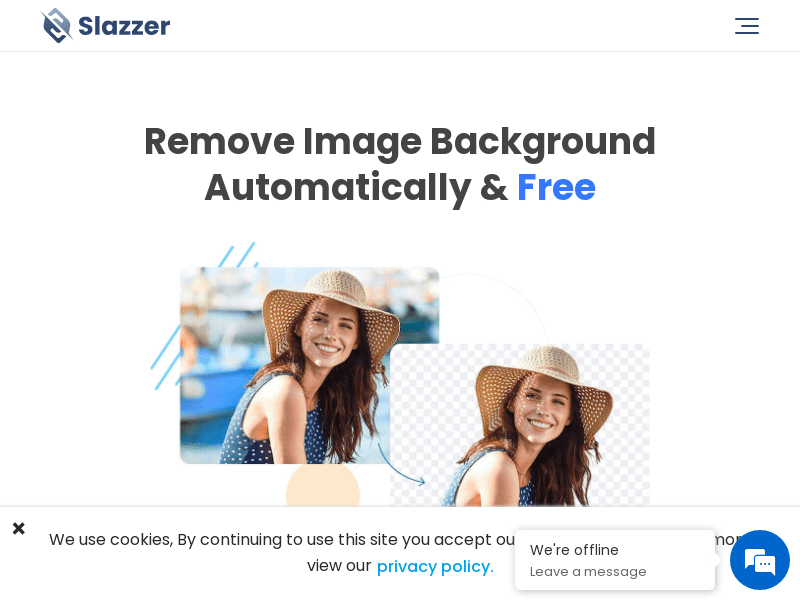
Screenshot archived from the listing page, for preview only.











