
SlideStorm
AI slide generator for TikTokCreate and schedule TikTok slides in seconds
Highlights
What you can do with it
- An e-commerce owner promoting a new product with slides
- A creator posting batches to raise update frequency
- A game developer building promotional slides
How to use it
- 1 Visit the SlideStorm site and register
- 2 Choose a template or use the AI generator
- 3 Adjust captions, images and layout in the editor
- 4 Pick images from the library or upload your own
- 5 Use batch generation to create several slides from one prompt
- 6 Publish to TikTok or download and post manually
- 7 Upgrade to a paid package after the free trial if you need more
Who it is for
Pros
- Batch generation raises output speed a lot
- Character consistency keeps a series coherent
- Credits accumulate rather than expiring monthly
- Free trial to test before paying
Limitations
- Free trial only, then paid packages from nineteen dollars a month
- Credits are consumed per generation, so volume costs money
- Focused on one platform, so it will not cover other channels
- Template driven output can look similar across users
What SlideStorm is
SlideStorm is an AI slide generation and scheduling tool designed for TikTok. It brings a generator, a full slide editor and an image library into one place so you do not have to build images and captions in separate apps. Batch generation lets one prompt produce up to ten slides, which is the main lever for posting volume. Character consistency can be held across slides using a description plus optional reference images. A free trial is offered, followed by paid packages at nineteen, forty-nine and ninety nine dollars a month, and credits accumulate rather than expiring.
What you can do with it
- Generate slides from a prompt in a single session.
- Edit captions, images and layout without design skills.
- Keep a character or presenter consistent across a series.
- Pull images from the built in library or upload your own.
- Batch produce up to ten slides to raise posting frequency.
- Schedule or publish directly to a connected TikTok account.
Who it is for
- Beginners building a TikTok presence from scratch.
- Regular creators who need a steady posting cadence.
- Professional users running more complex marketing strategies.
- Enterprise marketers driving traffic to a website, app or store.
What to watch out for
The free trial ends and paid packages start at nineteen dollars a month, so this is a recurring cost rather than a one off. Credits are consumed per generation, so high volume posting gets expensive quickly. The tool is focused on TikTok, and it will not cover other channels, so you will still need separate tooling elsewhere. Batch and template output can look similar across users, so edit enough to keep your account distinctive. Finally, results depend on your prompts and images, and engagement is never guaranteed, so treat the tool as production help rather than a growth strategy.
FAQ
How many slides can I generate at once?
The listing says up to 10 slides from a single prompt using batch generation.
What does it cost?
A free trial is offered, then entry level at nineteen dollars a month, professional at forty-nine and advanced at ninety-nine.
Do credits expire?
No, the listing says monthly credits accumulate and never expire.
Can I keep a character consistent?
Yes, you provide a character description and optional reference images and consistency is maintained across slides.
Which platform does it target?
TikTok, with scheduling and publishing to a connected account.
Why it is free
What the official page says: free trial
Free limits, trial length and features are decided by the official site and can change at any time.
Product preview
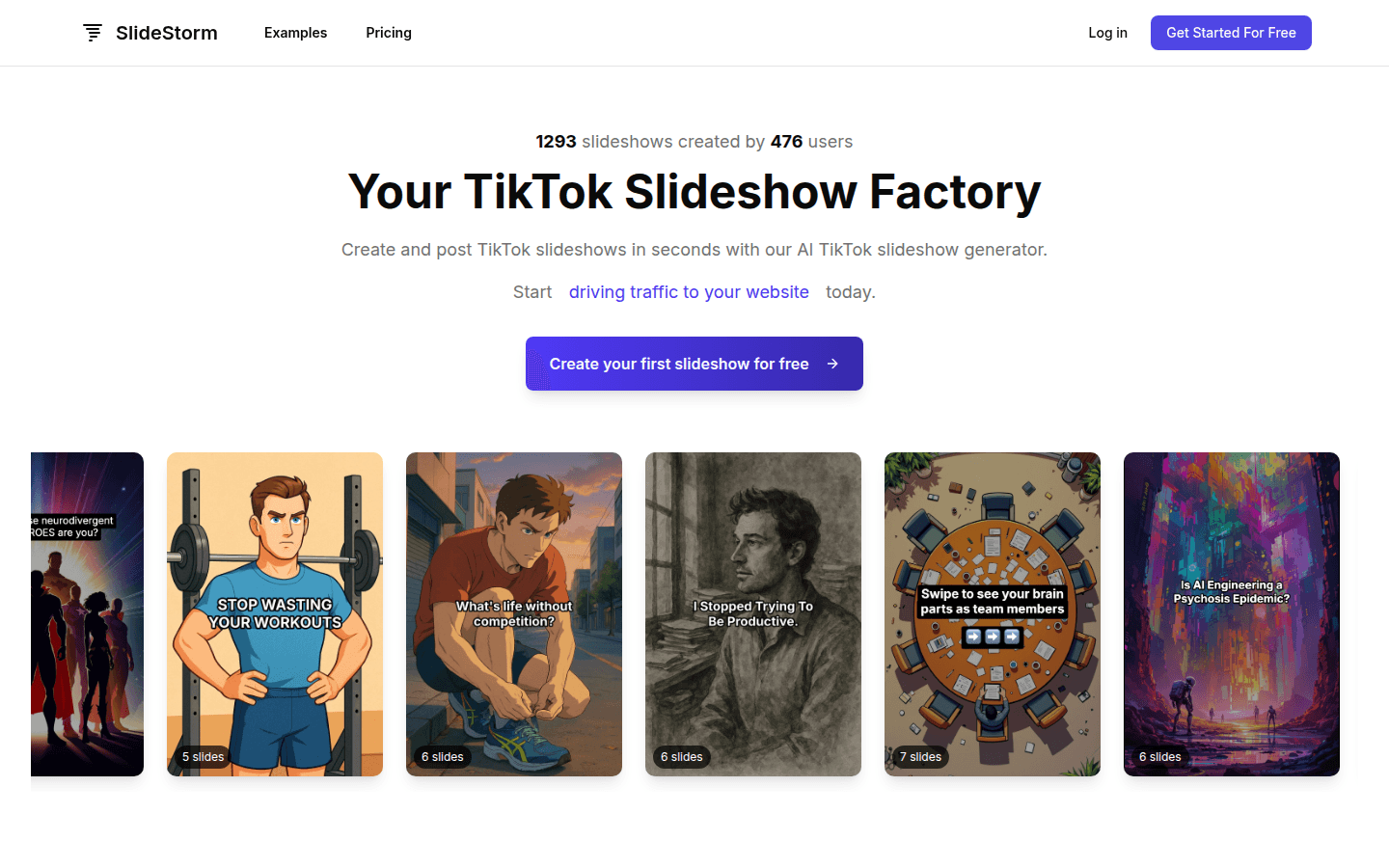
Screenshot archived from the listing page, for preview only.











