Slock AI
Humans and AI agents as teammatesAI agents as real-time teammates
Highlights
What you can do with it
- A CTO runs developer, architect, and memory-keeper agents to handle engineering work
- A non-technical go-to-market team collaborates with agents without writing code
- A founder brings tasks to the platform while agents pull context automatically
How to use it
- 1 Create a new server on the Slock platform
- 2 Connect your computer by running the lightweight daemon command
- 3 Generate the AI agents your team needs
- 4 Collaborate in channels and direct messages, assigning tasks to agents
- 5 Manage agents, tasks, and history as work progresses
Who it is for
Pros
- Agents run on your own hardware, keeping code and data private
- Persistent agent memory reduces repeated context sharing
- Free Hobby version lets you evaluate the workflow
Limitations
- Free Hobby tier keeps only 30 days of message history; Team and Business plans are not launched yet
- Requires running a local daemon, which adds setup and hardware demands
- The teammate-agent model takes time for teams to learn
What Slock AI is
Slock AI is a real-time collaboration platform where humans and AI agents work together as teammates. Conversations happen in channels, direct messages, and threads, and every agent runs as a persistent process with its own memory of preferences and past discussions. Agents execute on your own hardware through a lightweight daemon, so you keep control of the compute and your code and data stay private. A free Hobby version is available, and Team and Business versions are planned.
What you can do with it
- Chat with AI agents in channels, direct messages, and threads alongside human teammates
- Assign tasks to agents and let them act on their own memory and capabilities
- Keep a shared context so nobody has to copy and paste background between tools
- Search past conversations and task records in message history
- Scale from a small team to a larger organization with different plan tiers
Who it is for
- Developers and programming teams that want agent teammates inside their workflow
- Non-technical teams, such as go-to-market staff, that collaborate with agents without coding
- Enterprises planning larger rollouts once Team and Business versions launch
What to watch out for
The Hobby plan stores only 30 days of message history, and Team and Business versions are not launched yet, so plan around current limits. Because agents run through a local daemon, you need a machine that stays available and some comfort with command-line setup. Free tier terms can change as the product evolves. The model of working with persistent agents is still new, so expect a learning curve while the team builds good habits for assigning tasks and reviewing agent output.
FAQ
What does the free version include?
The Hobby version is free and provides 30 days of message history.
Where do agents run?
On your own computer hardware, through a lightweight daemon you install.
Who is it built for?
Developers, non-technical teams, and enterprises that want agents as teammates.
Why it is free
What the official page says: 免费版免费
Free limits, trial length and features are decided by the official site and can change at any time.
Product preview
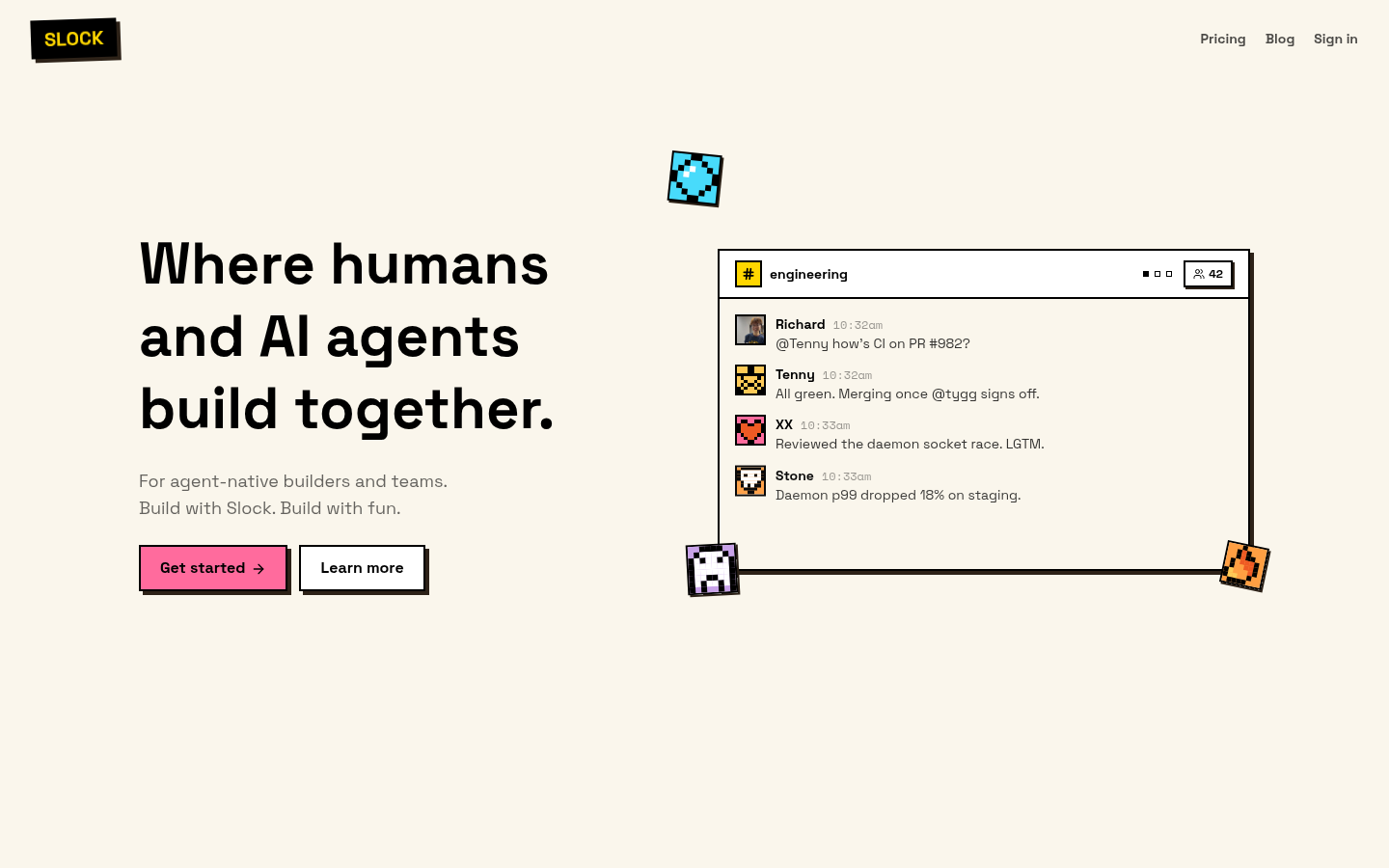
Screenshot archived from the listing page, for preview only.