
SmartVisuals.app
Free AI infographic generator and editorInfographics generated and edited with AI
Highlights
What you can do with it
- Turn a report or a long article into a visual summary for a presentation
- Create a social media graphic from a short set of statistics
- Rebuild an old chart-heavy infographic inside a cleaner template
How to use it
- 1 Open smartvisuals.app in a browser
- 2 Pick a professional template that fits your topic
- 3 Let the AI draft the infographic text and images
- 4 Edit the content and customize layout, colors, and visual effects
- 5 Export the finished infographic for slides, documents, or posts
Who it is for
Pros
- Free to use for infographic generation and editing
- AI works on both the copy and the images, which cuts manual layout time
- Templates plus export make the output practical for slides and posts
Limitations
- Free rules can change, and the site does not spell out current limits or paid tiers
- No published tutorials or worked examples, so expect to explore the editor yourself
- Template-driven output can look similar across users if you stay with defaults
What SmartVisuals.app is
SmartVisuals.app is a free AI infographic generator. The site describes it as a tool that creates and edits infographics, with AI handling both the text and the images. That combination is the point: instead of writing copy in one place, arranging a layout in another, and hunting for icons, you start from a professional template and let the model draft the whole thing. You then adjust the result in the built-in design editor. Templates are described as professional, the output is exportable, and the editor is aimed at people who do not work as designers, so the editing model stays closer to a simple document tool than to a full desktop design suite.
What you can do with it
- Generate an infographic automatically, with AI writing the text and producing the images.
- Start from a professional template instead of a blank page.
- Customize the layout and apply AI-enhanced visual effects.
- Export the finished graphic for slides, reports, documents, or social posts.
Who it is for
- Marketers and social media managers who need a graphic today and have no designer free.
- Teachers and trainers who want a visual summary of a lesson or a dataset.
- Small teams and solo workers who present data but do not own design software.
What to watch out for
Free rules can change, and the site does not spell out current limits or whether paid tiers exist, so treat availability as unconfirmed before you plan a campaign around it. There are no published tutorials or worked examples either, which means you will spend some time clicking through the editor to learn what each control does. Finally, template-driven generators tend to produce recognizable output; if you stay with defaults, your graphic may resemble other people's. Spend a few minutes on colors, spacing, and copy to make it yours.
FAQ
Is SmartVisuals.app free?
Yes. The site describes it as a free AI-powered infographic generator.
Do I need design experience?
No. The editor is described as user-friendly and template based, so it is aimed at people who are not designers.
Can I export what I make?
Yes. Exportable infographics are listed among the features, so the finished graphic can be saved for use elsewhere.
Why it is free
What the official page says: 免费使用免费
Free limits, trial length and features are decided by the official site and can change at any time.
Product preview
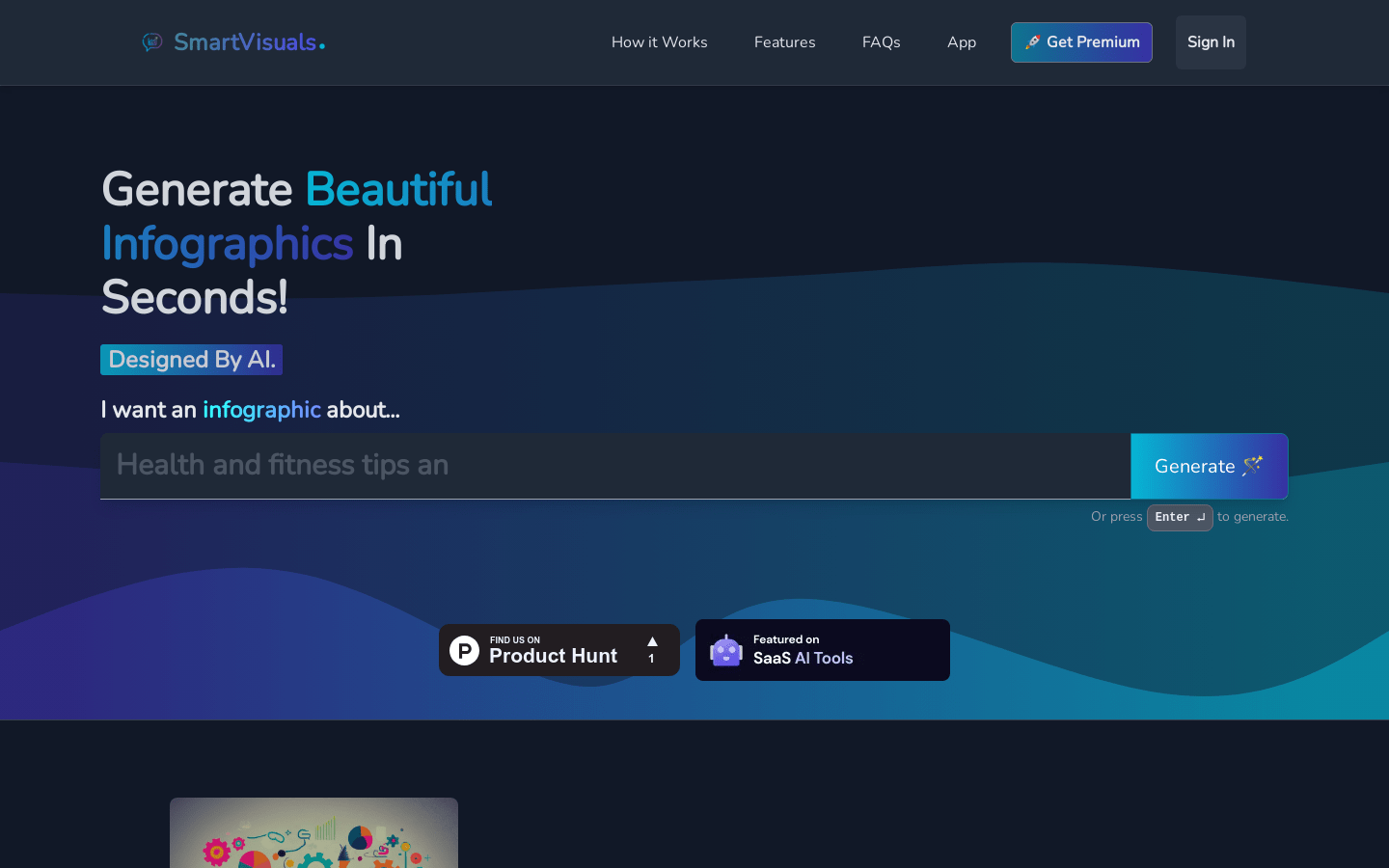
Screenshot archived from the listing page, for preview only.











