
Snapclear
Desktop app for offline background removal and upscalingRemove backgrounds and upscale images offline, free version
Highlights
What you can do with it
- Personal users removing photo backgrounds with the free version
- Designers upscaling images for higher quality work
- Photography enthusiasts batch processing large photo sets
How to use it
- 1 Download and install Snapclear on your desktop
- 2 Open the app and load the image or batch you want to edit
- 3 Choose background removal or image enlargement
- 4 Let the AI process the file offline
- 5 Export the finished image to your computer
Who it is for
Pros
- Works offline so images stay on your own machine
- Free version available for basic use
- Batch processing saves time on large sets
Limitations
- Free version limits and paid license terms may change
- Offline processing still needs a capable computer
- Complex edges like hair or fine details may need cleanup
What Snapclear is
Snapclear is a desktop application that uses AI for offline image processing. Its two main jobs are high definition image enlargement and background removal. The algorithm can recognize people, animals, and graphics, which lets it cut out backgrounds without sending your photos to a server. It also supports batch processing and runs on multiple platforms. Users can start with a free version or move to an annual subscription or lifetime license. Because everything happens locally, it suits people who want their images to stay on their own machine.
What you can do with it
- Remove backgrounds from photos of people, animals, and graphics offline
- Enlarge images to higher definition without an internet connection
- Process many photos at once with batch support
- Run the tool on multiple desktop platforms
Who it is for
- Personal users who want quick, private background removal
- Designers who need higher resolution versions of their images
- Photography enthusiasts who edit large sets of photos
What to watch out for
The free version has limits, and the paid plans can change, so check current pricing before you commit. Although processing is offline, AI upscaling and background removal still need a reasonably powerful computer, especially for large batches. Fine details such as hair, fur, or transparent edges may need manual cleanup after the automatic pass. Test the free version on your own images to confirm the quality meets your needs. For team use, agree on naming and editing conventions in advance to avoid version conflicts or duplicated work. Name and archive exported files consistently so you can find and reuse them, and keep a backup copy of key data.
FAQ
Does Snapclear work offline?
Yes, it performs background removal and upscaling without an internet connection.
Is there a free version?
Yes, you can use the free version, or choose an annual subscription or lifetime license.
What can it recognize for background removal?
It can recognize people, animals, and graphics to remove backgrounds.
Why it is free
What the official page says: free version
Free limits, trial length and features are decided by the official site and can change at any time.
Product preview
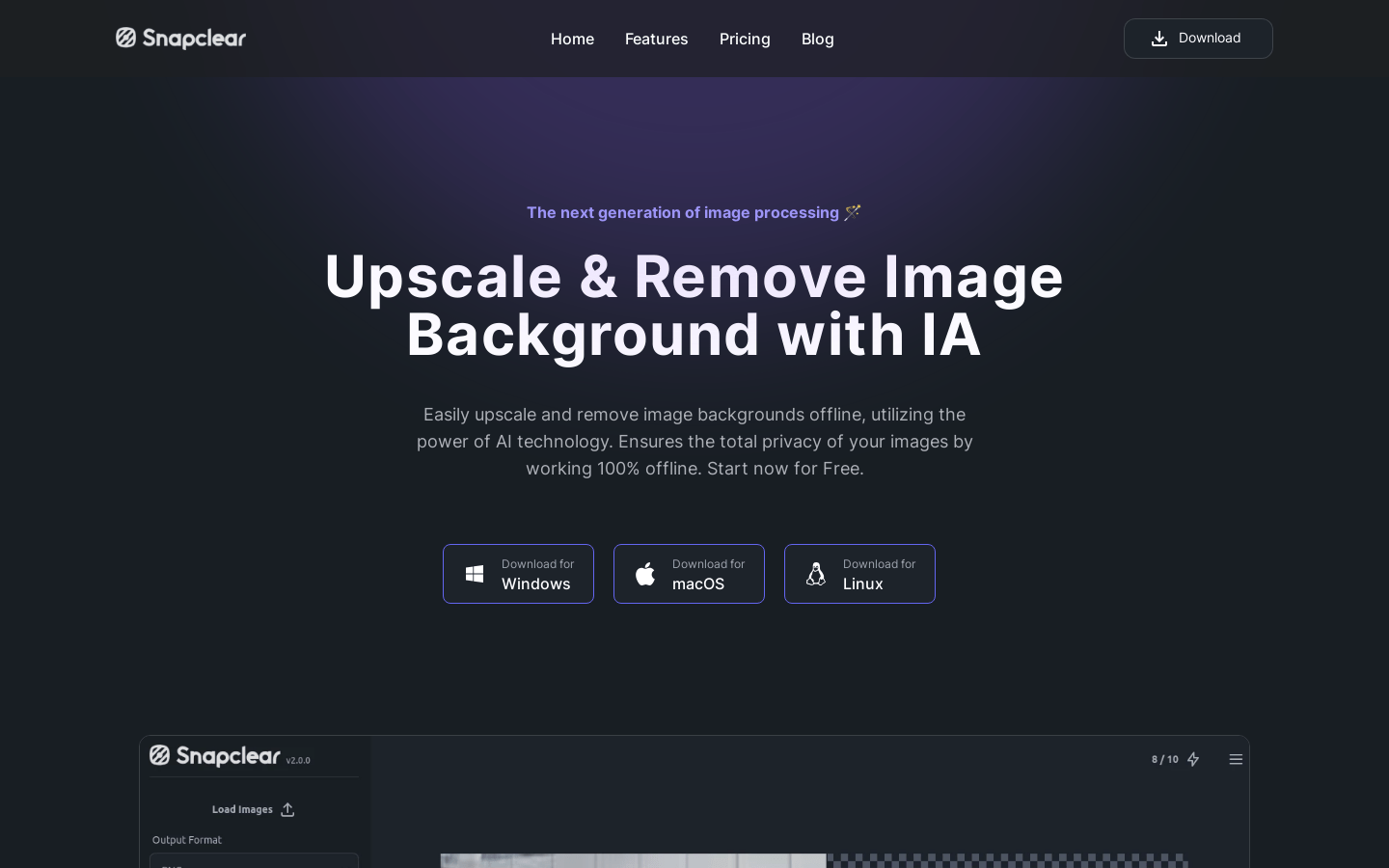
Screenshot archived from the listing page, for preview only.











