
Social Caption
AI photo caption toolStylish captions for your photos
Highlights
What you can do with it
- Get caption ideas for a landscape photo
- Generate titles for a batch of travel photos
- Keep a consistent caption style across posts
How to use it
- 1 Open socialcaption.com
- 2 Upload the photo you want a caption for
- 3 Review the generated caption options
- 4 Optionally set a theme for a specific style
- 5 Pick a caption and use it on social media
Who it is for
Pros
- Fast, multiple caption options per photo
- Free version available to start
- Theme control keeps captions on brand
Limitations
- Premium features like batch processing cost money
- Caption quality depends on the image and theme
- Free generation limits may change over time
What Social Caption is
Social Caption is a website that uses AI to write captions for social media photos. You upload an image and it returns a set of title options in seconds, ranging from inspirational lines to short, elegant statements. The goal is to remove the friction of coming up with caption text so posting is faster and less stressful. There is a free version to start, and a premium plan that adds unlimited generation and batch processing. You can also set a theme vocabulary so captions stay close to a chosen style or brand voice.
What you can do with it
- Generate multiple caption options from one photo
- Get title ideas in different tones and styles
- Set a theme so captions match your brand
- Use batch processing and a browser extension on premium
Who it is for
- People who post photos and need caption ideas
- Users who handle a high volume of image posts
- Anyone who wants a consistent caption style
- Social accounts that want to save time on writing
What to watch out for
The free version has limits, and features like unlimited generation and batch processing are locked behind the premium plan, which costs money. Caption quality depends on the photo and the theme you choose, so some options may not fit your post. Free generation limits and pricing can change over time, so check current terms before relying on it. Review captions before posting, since AI text can miss context or tone. For best results, start with a small test file and review the output carefully before working on anything important. Free tiers can change over time, so it is worth checking the current limits on the official page before you rely on the tool daily.
FAQ
What does Social Caption do?
It uses AI to generate social media captions for your photos, offering several style options in seconds.
Is there a free version?
Yes. There is a free version, and a premium plan adds unlimited generation and batch processing.
Can I control the style?
Yes. You can customize the theme vocabulary so captions follow a specific style or topic.
Why it is free
What the official page says: 免费版免费
Free limits, trial length and features are decided by the official site and can change at any time.
Product preview
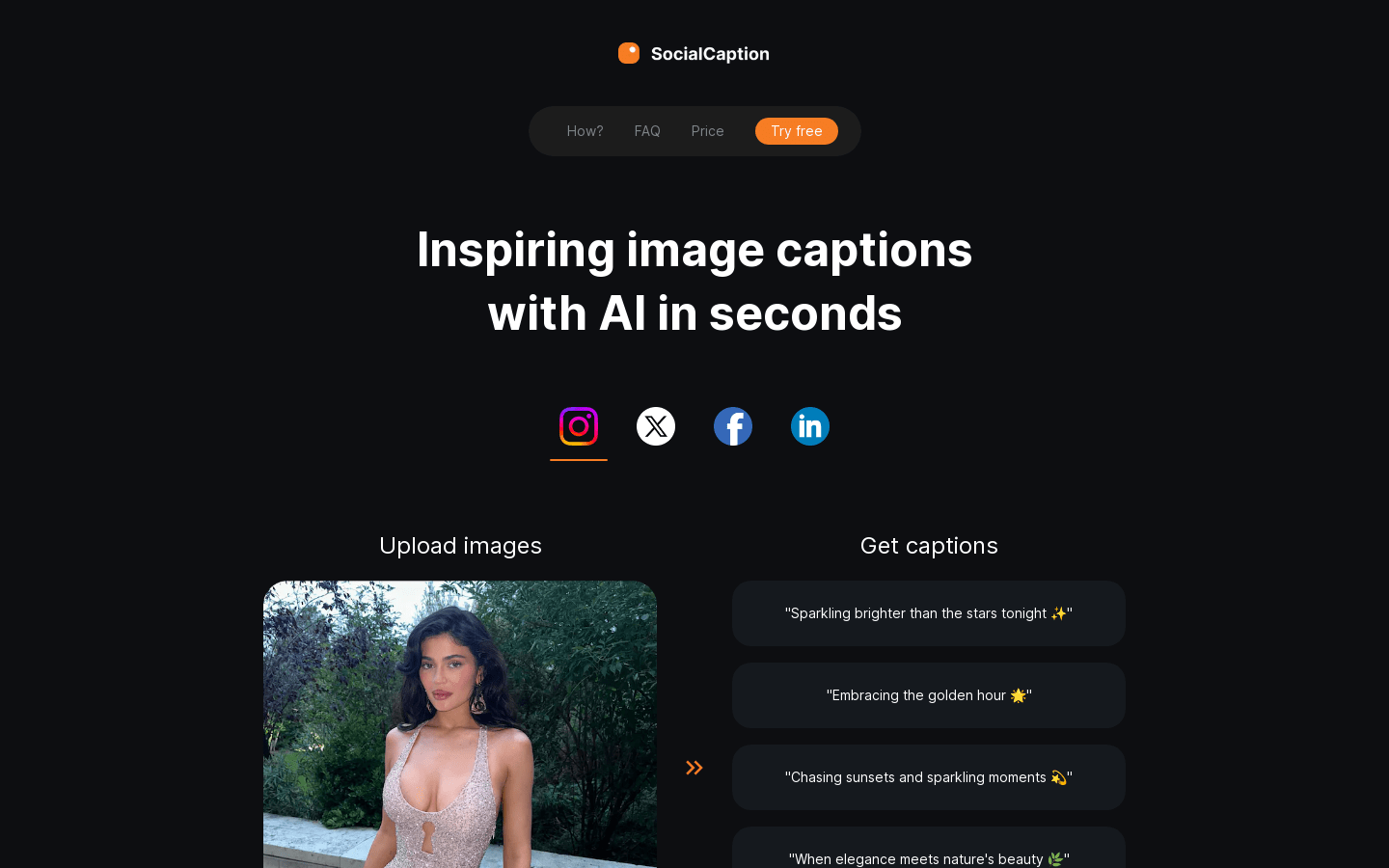
Screenshot archived from the listing page, for preview only.











