
Somio AI
AI music generator that turns text or lyrics into full-length tracks.Turn text or lyrics into complete, copyright-cleared songs in seconds.
Highlights
What you can do with it
- Create background music for fitness, travel, or promo videos
- Generate instrumental tracks and atmosphere music for games
- Turn a personal idea or your own lyrics into a finished song
How to use it
- 1 Open the Somio AI site and choose text input or lyrics mode
- 2 Describe the style and theme, or paste your lyrics
- 3 Optionally set the mood, style, and vocal options
- 4 Click create, preview the track, then download the MP3
Who it is for
Pros
- Produces complete, full-length tracks rather than short loops
- Simple controls for mood, style, and vocals before generating
- Generated music ships with a copyright license you can use
Limitations
- A free trial is offered, but continued use needs a paid plan and pricing can change
- Quality depends on the prompt, so vague requests may need retries
- Runs online, so it needs a stable internet connection
What Somio AI is
Somio AI is an online AI music generator built to turn short text prompts or your own lyrics into complete, full-length songs within seconds. It runs on advanced sound modeling and is aimed at people who want music without needing professional production skills or a studio. You describe the mood, style, or theme you want, or paste lyrics directly, and the model builds a finished track around them. The service offers a free trial, so you can test how it works before deciding whether a paid plan fits your needs. Every generated track comes with a full copyright license, which the maker says is safe for both personal and commercial use.
What you can do with it
- Turn a short text description into a finished song with melody and structure
- Paste your own lyrics and let the model build music around them
- Create instrumental-only tracks for video and game projects
- Adjust the mood, style, and vocal parts before generating
- Download the result as an MP3 and copy the lyrics with one click
Who it is for
Somio AI suits a wide range of users. Video creators who need background music that fits a scene can generate tracks quickly and match the pace of their edits. Game developers can produce atmospheric or action music for different levels and moods. Musicians and producers can use it to sketch ideas or gather raw material for a larger project. Ordinary music enthusiasts who have no formal training can still turn a personal idea into a song they can share with friends and family.
What to watch out for
Somio AI offers a free trial, but ongoing use relies on a paid plan, and the exact pricing or free limits can change over time, so check the site before you commit. Because it is a browser tool, you need a steady internet connection to generate and download tracks. Output quality also depends heavily on the prompt: short or vague descriptions may return results you do not like, so expect to refine your wording and generate again. Finally, while the maker says each track carries a copyright license, you should still read the current terms before using a song in a commercial release.
FAQ
Can I use Somio AI music in commercial projects?
The description states each generated song includes a full copyright license for personal and commercial use. Check the current terms before publishing.
Does Somio AI only make short clips?
No. It is designed to create seamless full-length tracks, not only short loops or 30-second clips.
Can I make music without vocals?
Yes. You can choose an instrumental version, which suits video and game projects that need background music.
Why it is free
What the official page says: free trial
Free limits, trial length and features are decided by the official site and can change at any time.
Product preview
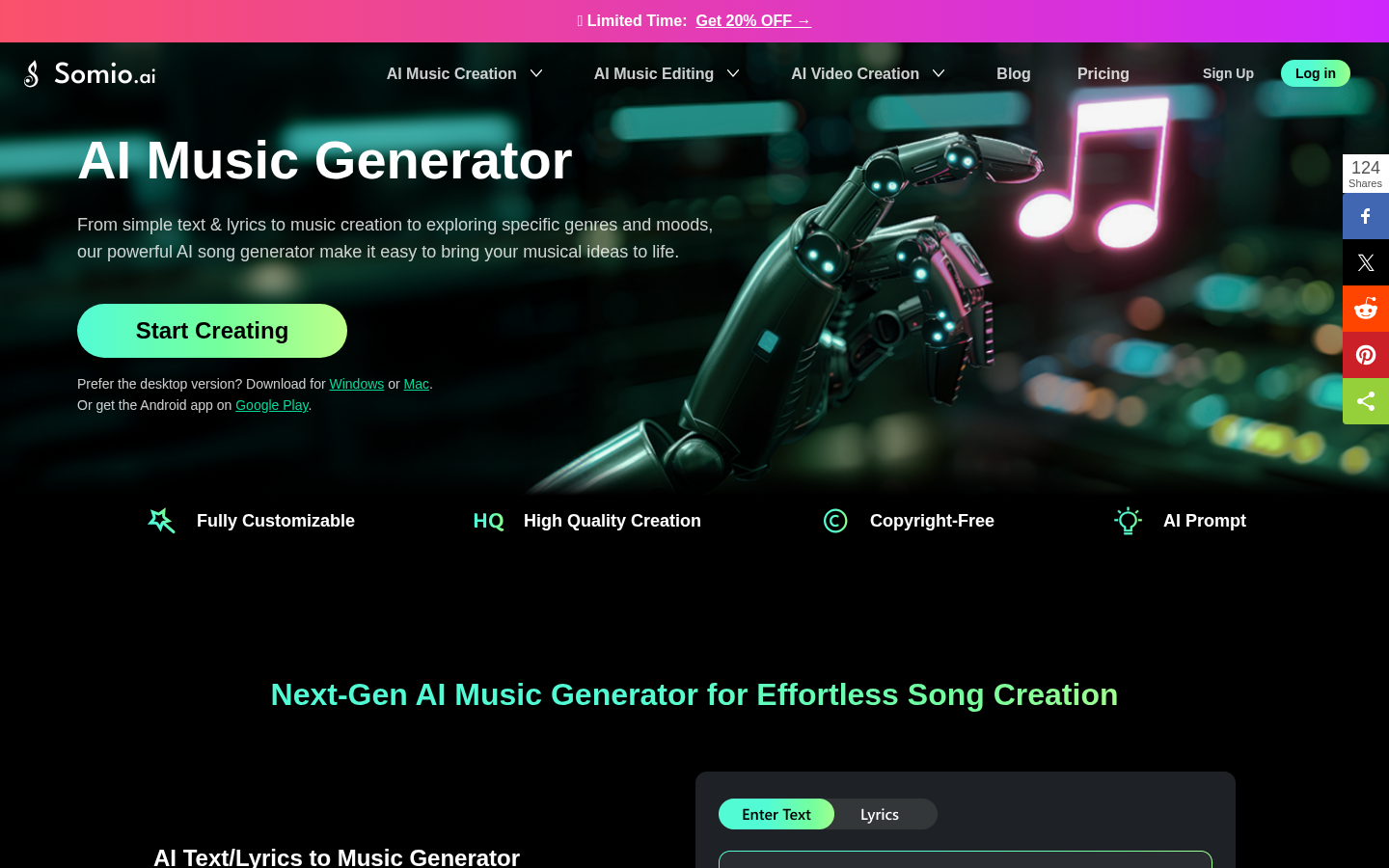
Screenshot archived from the listing page, for preview only.










