
Sonauto
AI songwriting with melody and lyricsWrite a song from a few choices
Highlights
What you can do with it
- Music enthusiasts creating original tracks for fun
- Producers generating background music quickly for a project
- Composers sketching film score ideas with AI assistance
How to use it
- 1 Sign up for the Sonauto free trial
- 2 Choose the genre you want the track in
- 3 Let the AI generate melody and lyrics
- 4 Adjust the direction and regenerate until the track fits
- 5 Export the finished song
Who it is for
Pros
- Free trial lets you hear real output before paying
- Covers melody, lyrics, and genre in one place
- Built for speed, so ideas become tracks quickly
- Useful for both hobby and professional sketching
Limitations
- The free trial is limited and continued use needs a subscription
- Generated tracks usually still need editing before release
- Genre choice shapes the result heavily, so experimentation matters
What Sonauto is
Sonauto is an AI music creation platform. You describe the kind of song you want, choose a genre, and the system generates the music and the words to go with it. The product is built around three functions: melody generation, lyric writing, and genre selection. Behind those sits a music material library and the algorithms that pick from it, and the stated aim is to compress the time between having an idea and hearing a finished track. Access starts with a free trial, and paid subscriptions exist for people who outgrow it.
What you can do with it
- Generate melodies without playing an instrument
- Write lyrics alongside the music instead of separately
- Pick a genre to steer the style of the result
- Sketch background music, score ideas, or full original songs quickly
Who it is for
- Music enthusiasts who want original tracks but lack production skills
- Producers who need background music on a deadline
- Composers who want a fast first sketch of a film or game cue
What to watch out for
The free trial is a sample, not a permanent free tier, so plan for a subscription if you intend to work regularly. AI-generated songs are drafts: vocals, arrangement, and mix usually need human editing before they are ready to publish, and the genre you select shapes the outcome strongly, so a poor choice of genre wastes a generation. Because the material library drives the output, two similar prompts can land in familiar territory, which matters if you are looking for something genuinely unusual. Processing speed depends on file size and network conditions, so retry later if a task stalls during peak hours.
FAQ
Is Sonauto free?
It offers a free trial, with paid subscription plans for ongoing use.
What does it generate?
Melody, lyrics, and genre-specific arrangements, so a full song rather than a single stem.
Is it only for professionals?
No. It is aimed at music enthusiasts as well as professionals who need quick drafts.
Why it is free
What the official page says: free trial
Free limits, trial length and features are decided by the official site and can change at any time.
Product preview
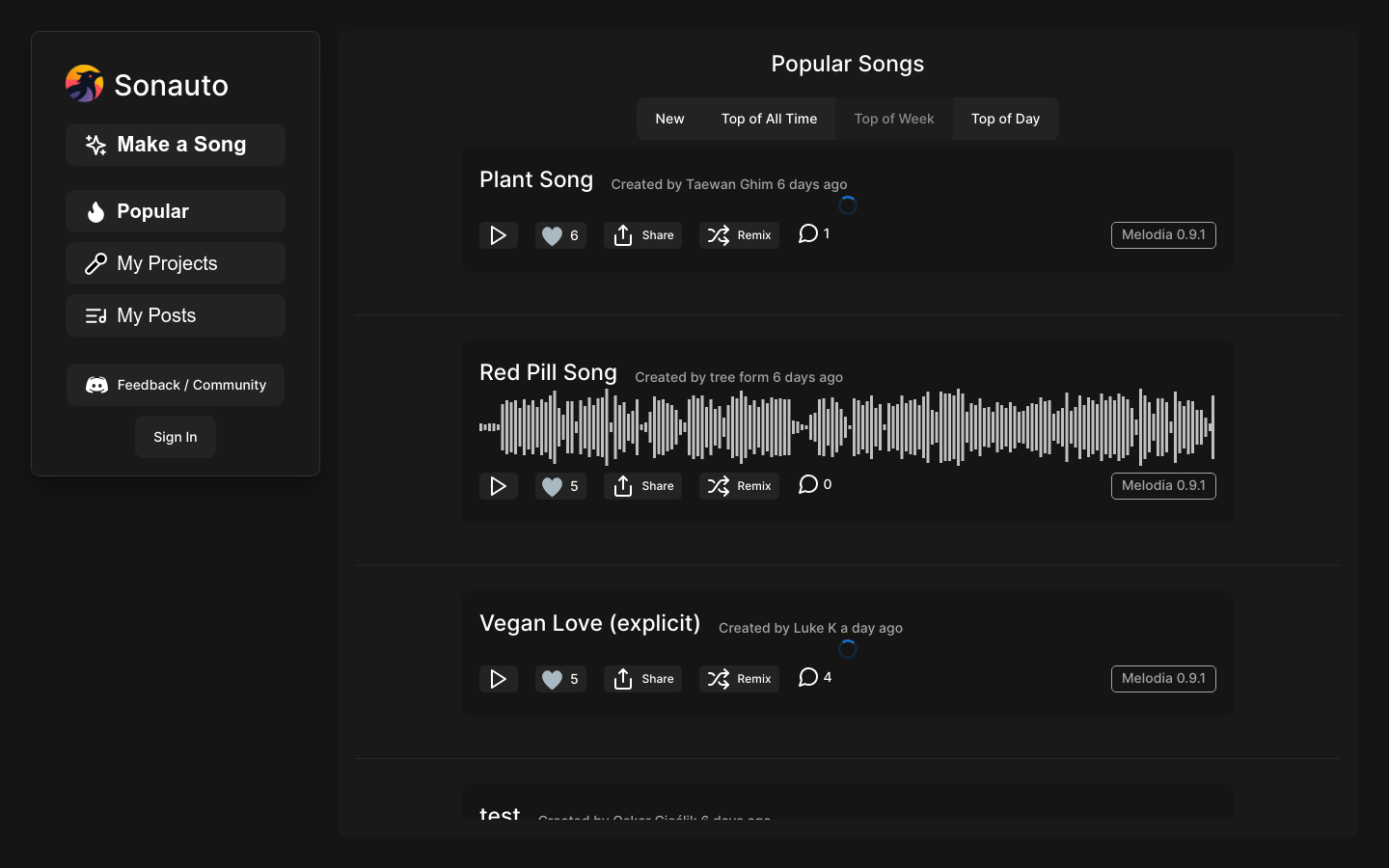
Screenshot archived from the listing page, for preview only.











