
Sonilo
AI music and sound effects for your videoGenerate video-timed music and sound effects in seconds
Highlights
What you can do with it
- Add relaxing music and nature effects to a travel video.
- Generate combat effects and exploration music inside a game engine.
- Create brand-style music for an advertisement from a text prompt.
How to use it
- 1 Visit sonilo.com and register; new users get 2,000 free credits.
- 2 Choose video-based or text-based generation.
- 3 Upload an MP4 or MOV file, or type a sound description.
- 4 Wait for the AI to analyze and generate the audio.
- 5 Pick a variant, then export mixed with the video or as separate files.
Who it is for
Pros
- Free trial with 2,000 credits and no credit card to start.
- Audio duration is timed precisely to the video length.
- Commercial use licensing is available on higher plans.
Limitations
- Generation consumes credits, and video outputs cost more per second.
- Commercial rights need a paid plan or eligible API access.
- Match quality depends on the video, so some clips need prompt tweaks.
What Sonilo is
Sonilo is an AI platform that creates music and sound effects to fit your video. Instead of searching stock libraries, you upload a clip and the AI reads the visuals to generate audio timed to the exact length of the footage, whether that is a few seconds or a full scene. It supports common video formats such as MP4 and MOV, and it can work even when the video already contains audio, letting you keep the original track or replace it. You are not limited to video: you can also type a text description to create music or sound effects from scratch. By default it returns several style variants so you can choose the one that fits your project, and it offers an open API for developers. New users start with a free trial of 2,000 credits and no credit card.
What you can do with it
- Generate music and sound effects that follow your video's content and length.
- Upload MP4 or MOV clips, including videos that already have audio.
- Create audio from a text prompt with no video at all.
- Compare several style variants and pick the right fit.
- Export audio mixed with the video or as separate files, and use the API.
Who it is for
- Video creators who need tracks timed to their footage.
- Game developers adding music and effects inside a game engine.
- Advertising and film teams producing custom audio for spots.
What to watch out for
Credits are the real cost: video-based generation is charged per second of output, so long clips add up fast, and commercial use requires a paid plan or eligible API access. The match is driven by the AI reading your video, so unusual or fast-cut footage may need prompt tweaks or a few tries to land the right mood. Free credits are a trial, not an ongoing supply, so heavy or commercial projects should budget for a plan. Confirm the current license terms before you publish anything client-facing, since commercial rights sit on specific tiers.
FAQ
Is there a free trial?
Yes. The page says new users get 2,000 credits to start a free trial, and no credit card is required.
What video formats are supported?
It supports common formats such as MP4 and MOV for upload.
How is the credit cost calculated?
The page lists video-to-music and video-to-sound-effects at 18 credits per second of output, text-to-music at 5 credits, and text-to-sound-effects at 4 credits.
Can I use the audio commercially?
Pro, Premium, and Enterprise users, and eligible API users, can obtain a commercial use license for the generated audio.
Why it is free
What the official page says: free trialno credit card
Free limits, trial length and features are decided by the official site and can change at any time.
Product preview
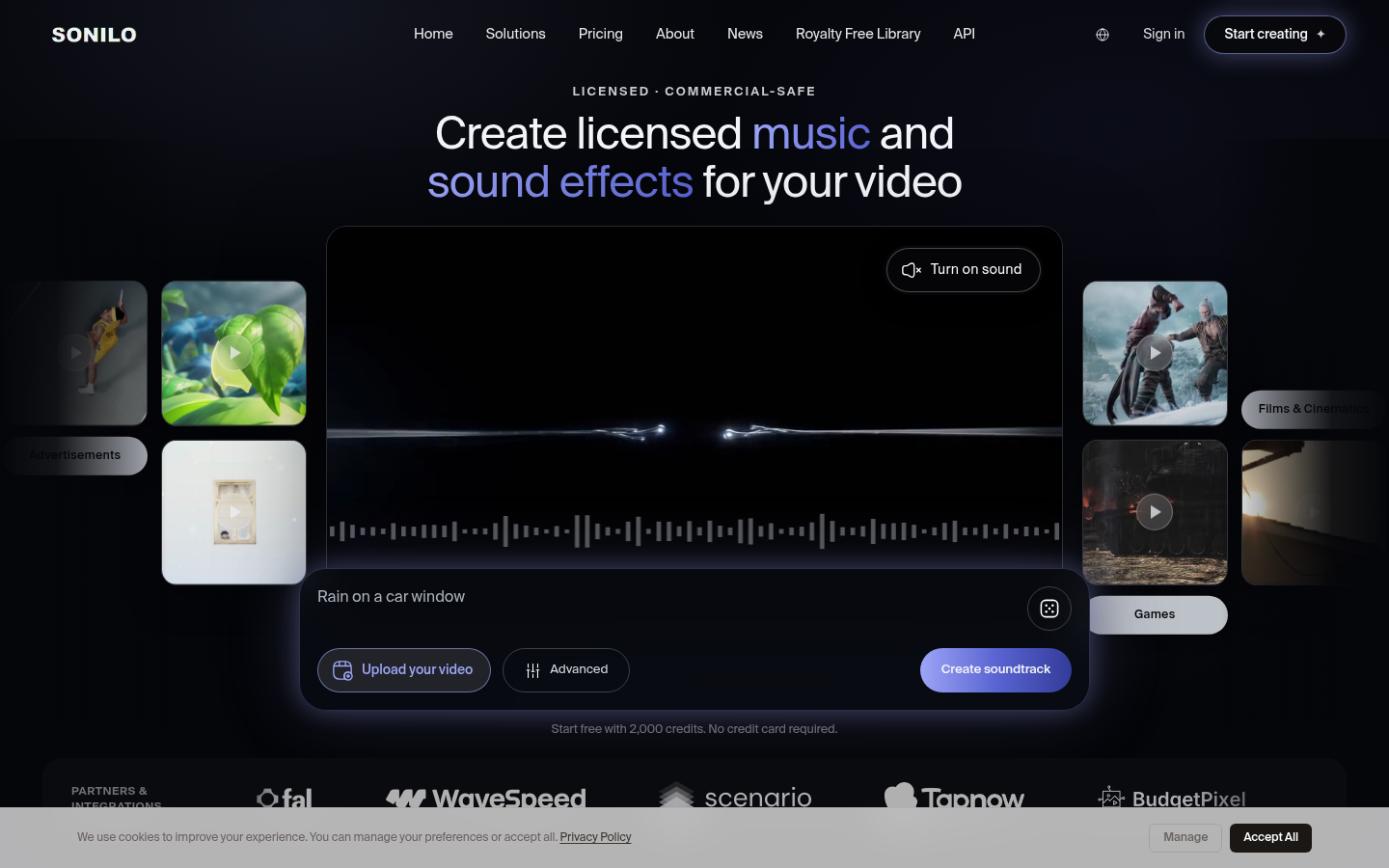
Screenshot archived from the listing page, for preview only.










