
Sora watermark remover
Sora watermark removerPaste a link, clean video in a second
Highlights
What you can do with it
- Strip the Sora mark from a short clip before personal review
- Prepare clean footage for an internal edit draft
- Test the tool once on the free account before paying
How to use it
- 1 Copy the link of the Sora video
- 2 Paste the link into the remover
- 3 Wait for processing, about a second on average
- 4 Download the watermark free video
- 5 Use the free trial or upgrade to a paid plan for more
Who it is for
Pros
- Very fast average processing time
- No need to upload video files
- A free trial and one free removal let you try before paying
Limitations
- Only one free removal per free account, then a paid plan is needed
- Free trial terms and quotas can change at any time
- Removing watermarks may conflict with platform terms or other people's rights, and you carry that risk
What Sora watermark remover is
Sora watermark remover is an online tool built for a single task: removing the watermark from videos generated by Sora. Instead of uploading a file, you paste the link to the video, and the site lists an average processing time of 0.91 seconds. That speed and the link based workflow are the two things the product leans on. A free trial is offered, and a free account gets one free watermark removal before you need to upgrade. Paid plans come as Pro and Pro Unlimited, and the site says multiple payment methods are supported. It is not a general video editor, it only handles Sora output.
What you can do with it
- Paste a Sora video link and get a version without the visible watermark.
- Skip the upload step entirely, since the tool works from the URL.
- Try the service once on a free account before spending anything.
- Move to Pro or Pro Unlimited when you need more than one removal.
Who it is for
- Creators experimenting with Sora clips and reviewing output.
- Editors assembling internal drafts who want clean frames quickly.
- Users comparing watermark removers before they commit to a subscription.
What to watch out for
One free removal per free account is a small window to judge quality, and the free trial terms and quotas can change at any time. The tool is narrow by design, so it will not help with footage from other generators. More seriously, removing a watermark may conflict with the terms of the platform that produced the video or with the rights of other people, and that risk sits with you rather than the service. Use it on material you control, and read the current pricing and usage rules before you rely on it.
FAQ
How fast is it?
The site lists an average processing time of 0.91 seconds.
Do I have to upload my video?
No, you paste the link instead.
Is there a free option?
There is a free trial, and a free account gets one free removal before paid Pro plans are needed.
Why it is free
What the official page says: 免费试用免费免费账户
Free limits, trial length and features are decided by the official site and can change at any time.
Product preview
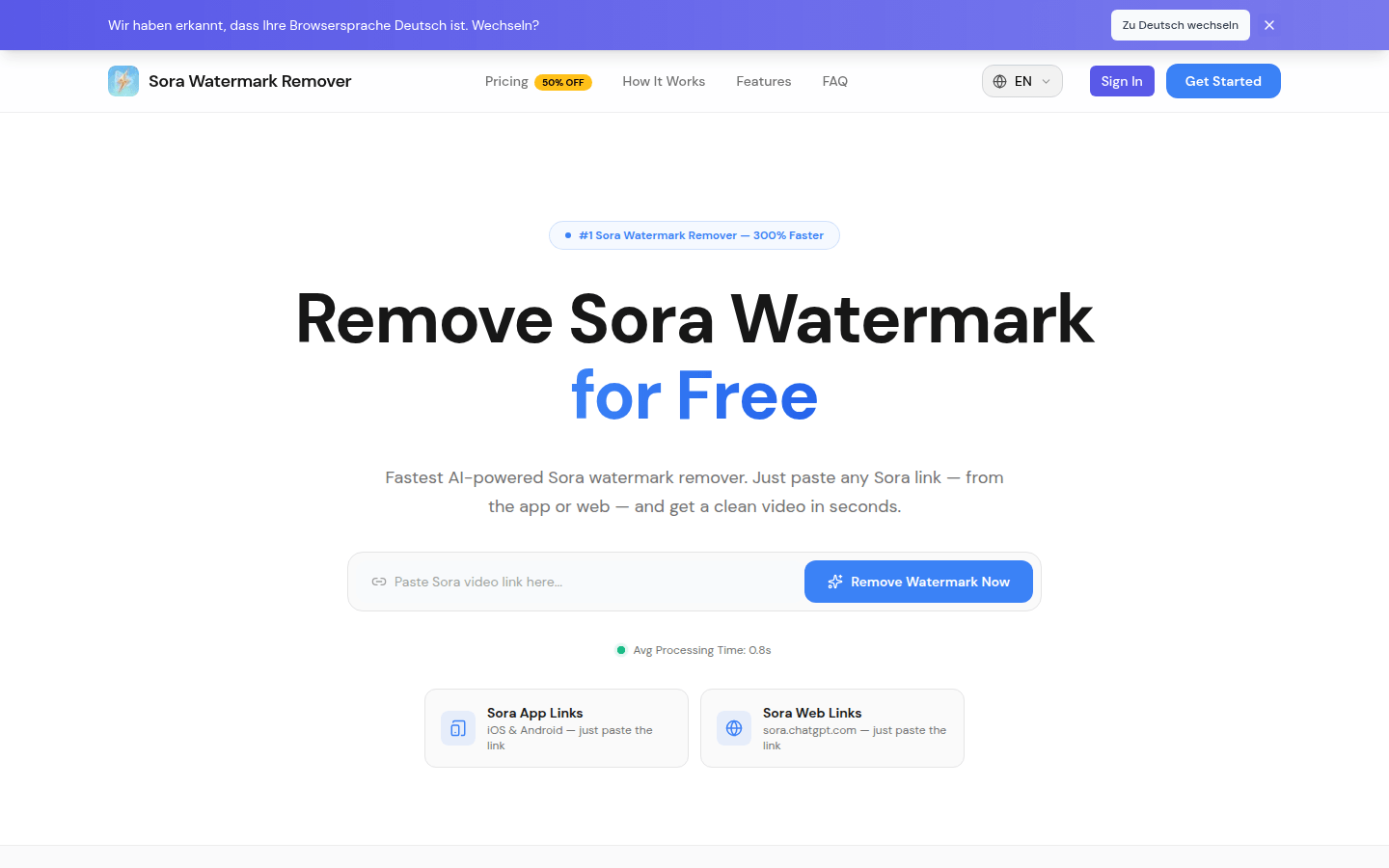
Screenshot archived from the listing page, for preview only.