
SparkBrief
No-signup AI article generatorArticles in 1-2 minutes, no signup
Highlights
What you can do with it
- Turn a source link into a draft article
- Set a tone and goal for a piece
- Get a quick first draft to edit
How to use it
- 1 Open SparkBrief in your browser
- 2 Paste a link or enter your brief
- 3 Set speaker, tone, length, and goal
- 4 Generate and edit the article
Who it is for
Pros
- No registration required
- Fine control over tone and goal
- Fast 1-2 minute generation
Limitations
- Only 2 free credits for first-time users
- Later use likely requires payment
- Drafts need editing before publication
What SparkBrief is
SparkBrief is an AI assistant writing tool that leverages OpenAI's GPT and Google's PaLM technology to generate articles from your preferences. You control the article length, speaker, tone, and goal, with more than 450 combinations of preferences listed. Generation takes about 1 to 2 minutes, and first-time users receive 2 free credits. No registration is required, and the listing highlights safety and privacy. It is aimed at people who need a quick article draft from a link or a short brief without creating an account or entering payment details.
What you can do with it
- Generate an article from a source link
- Set speaker, tone, length, and goal
- Draft content in about 1 to 2 minutes
- Start with 2 free credits, no signup
Who it is for
- Writers who need fast first drafts
- Marketers turning links into articles
- Anyone who wants AI writing without an account
What to watch out for
First-time users only get 2 free credits, so continued use will require payment. Drafts are starting points: facts, structure, and tone all need review before anything is published, and AI output can contain errors. Because there is no account, your history may not be saved, so keep copies of anything you want to reuse. Speed is the selling point, not depth, so complex, research-heavy pieces will still need substantial human work after generation. Start with a small sample to confirm the output meets your expectations before processing the full batch. Free tiers and usage limits can change, so check the current rules on the official page before relying on it long term. Processing speed depends on file size and network conditions, so retry later if a task stalls during peak hours.
FAQ
Do I need to register?
No. The listing says no registration is required.
How many free credits do I get?
First-time users receive 2 free credits.
How long does generation take?
The listing says about 1 to 2 minutes.
Why it is free
What the official page says: no registration
Free limits, trial length and features are decided by the official site and can change at any time.
Product preview
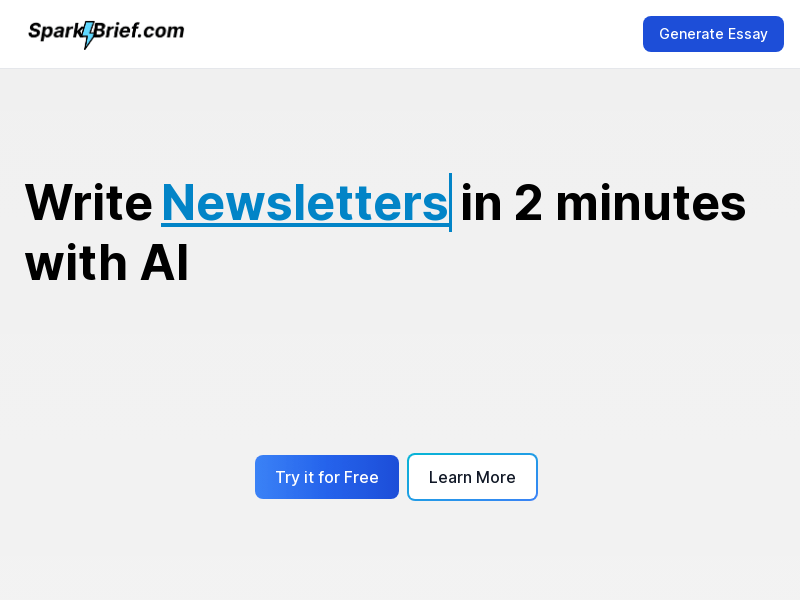
Screenshot archived from the listing page, for preview only.