
Speqy
AI conversation practice for languagesTalk to AI, get pronunciation feedback
Highlights
What you can do with it
- Speaking practice before a trip
- Pronunciation drills outside a classroom
- Building confidence when you have no speaking partner
How to use it
- 1 Open Speqy in your browser
- 2 Choose the language you want to practice
- 3 Pick a scenario to work through
- 4 Speak and read the instant feedback
- 5 Repeat the scenario until it feels natural
Who it is for
Pros
- Free version available
- Scenario-based practice is more useful than drills
- Instant feedback on pronunciation
- No tutor booking or scheduling needed
Limitations
- Free tier limits and paid pricing are not described
- The site was not responding during checks, so availability is uncertain
- Automated pronunciation scoring is imperfect
- More features require the paid version
What Speqy is
Speqy is an online language learning platform built around speaking. You choose a language and hold a conversation with the AI, working through scenarios drawn from real life such as ordering food in a restaurant or checking in at an airport. As you speak, it gives instant feedback aimed at refining your pronunciation, which is the part most self-study learners never get. The stated goal is fluency without a tutor, and the listing mentions diverse usage scenarios and engaging activities to keep practice from feeling like a drill. There are free and paid versions, with the paid version adding more features and support.
What you can do with it
- Practice conversation in the language you are learning
- Work through realistic scenarios before you need them
- Get instant feedback on pronunciation
- Repeat scenarios until responses feel automatic
- Use it as a supplement alongside a course or classroom
Who it is for
Learners with no speaking partner available are the core audience, since the barrier to speaking practice is usually finding someone to talk to. Travelers preparing for a trip can rehearse the specific situations they will face. Students supplementing classroom lessons get extra reps outside class hours, which is where most speaking progress actually happens.
What to watch out for
The free version is a limited entry point and the listing does not describe what is gated or what the paid plan costs. More importantly, the site was not responding during checks, which means availability is genuinely uncertain; test it before you plan study around it. Automated pronunciation scoring is also imperfect and can mark acceptable variation as wrong, so use the feedback as a hint rather than a verdict. Conversation practice helps fluency, but it is not a substitute for structured grammar study if you are starting from zero.
FAQ
Is Speqy free?
It offers free and paid versions. The paid version provides more features and support.
What can I practice?
Any language through conversation with AI, with scenarios such as ordering food at a restaurant or checking in at an airport.
Does it correct my pronunciation?
It gives instant feedback intended to help you refine pronunciation, though automated scoring is not perfect.
Do I need a tutor?
No. The positioning is improving fluency without needing a tutor, using AI conversation instead.
Why it is free
What the official page says: 免费
Free limits, trial length and features are decided by the official site and can change at any time.
Product preview
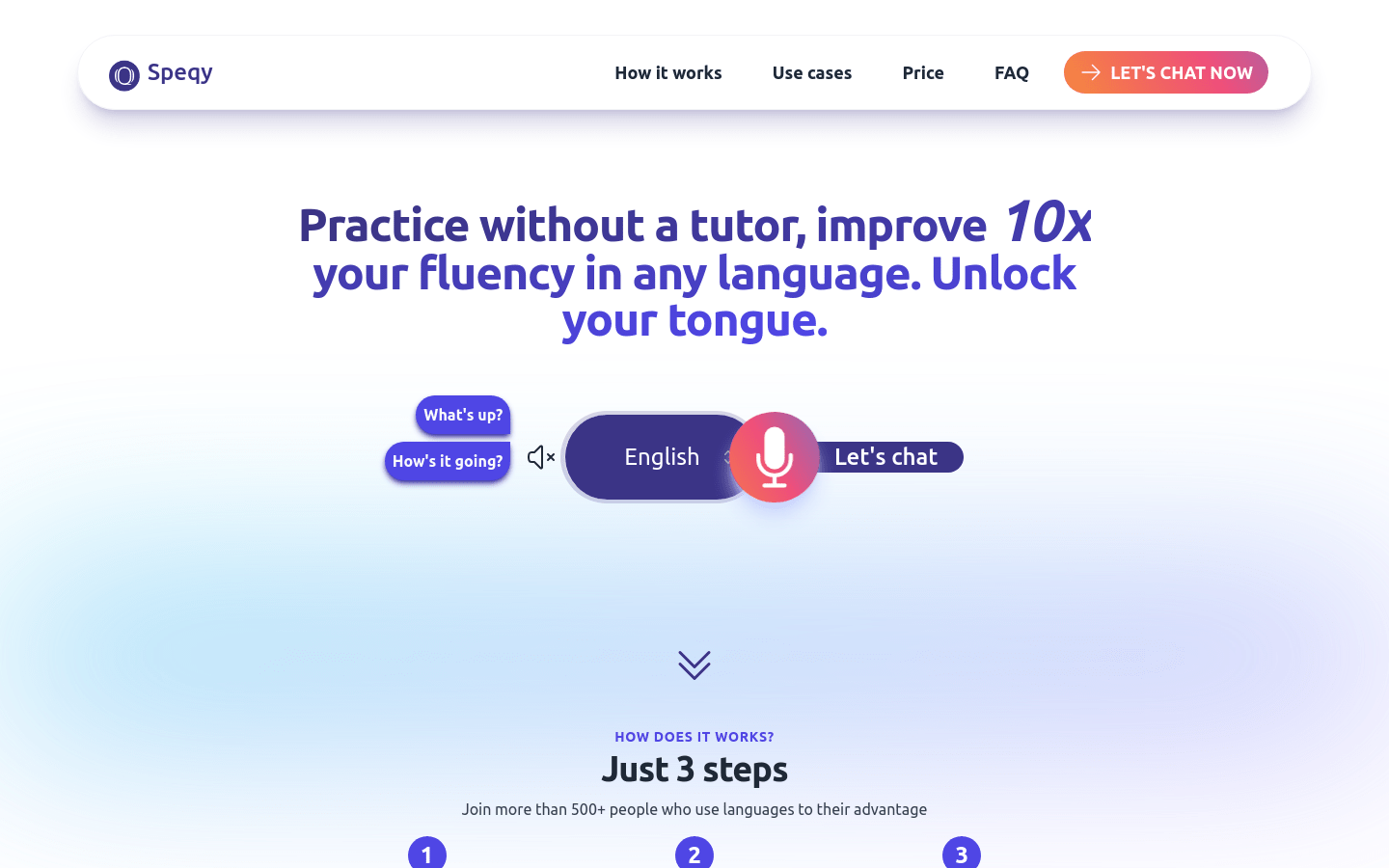
Screenshot archived from the listing page, for preview only.











