
Sponge Music
Online AI music creation platform for one-click tracks.Create your own AI music in one click.
Highlights
What you can do with it
- Create a song for a mood or theme.
- Make a traditional Chinese style track.
- Produce a quick R&B demo.
How to use it
- 1 Open Sponge Music and create an account.
- 2 Pick a style or emotional theme.
- 3 Use the AI tools to build the track.
- 4 Edit elements until you like the result.
- 5 Preview, then share or save it.
Who it is for
Pros
- No music background required.
- Several styles and moods to pick.
- One-click creation is fast.
Limitations
- A free trial, with pricing not fully listed.
- Tracks may need editing to finish.
- Free access and features can change.
What Sponge Music is
Sponge Music is an online music creation platform that uses AI to generate personalized musical works. It offers a variety of styles and emotional templates, such as R&B, traditional Chinese music, and EMO, so people without a music background can still create their own tracks. The site lists online editing of musical elements and sharing on social platforms, which helps you move from idea to a shareable clip. It offers a free trial, though full pricing is not clearly stated on the page. It is aimed at music fans, amateur producers, and even professionals looking for quick inspiration.
What you can do with it
- Create a track from a style or mood.
- Make songs in styles like R&B or traditional Chinese.
- Edit musical elements online.
- Share your finished track on social platforms.
Who it is for
- Music fans making their own songs.
- Amateur producers who need quick tracks.
- Pros looking for fast inspiration.
What to watch out for
The tool offers a free trial, and full pricing is not clearly listed, so confirm costs before you rely on it for ongoing work. AI-generated tracks are a starting point and may need editing to sound finished, since automated arrangements can feel rough. Free access and available features can change over time. Check the terms for how you may use or share the music you create. When quality matters, export a small draft first to confirm the result before producing the final file. Generated suggestions are for reference only, so verify anything that affects professional judgment or important data. Save a backup of the original file before large batch jobs, and keep an exported copy of key results in case the page or service becomes temporarily unavailable.
FAQ
Is Sponge Music free?
It offers a free trial, though full pricing is not clearly stated on the page.
What styles can I make?
The site lists R&B, traditional Chinese music, EMO, and more.
Do I need music skills?
No, it is designed so people without a music background can create tracks.
Why it is free
What the official page says: free trial
Free limits, trial length and features are decided by the official site and can change at any time.
Product preview
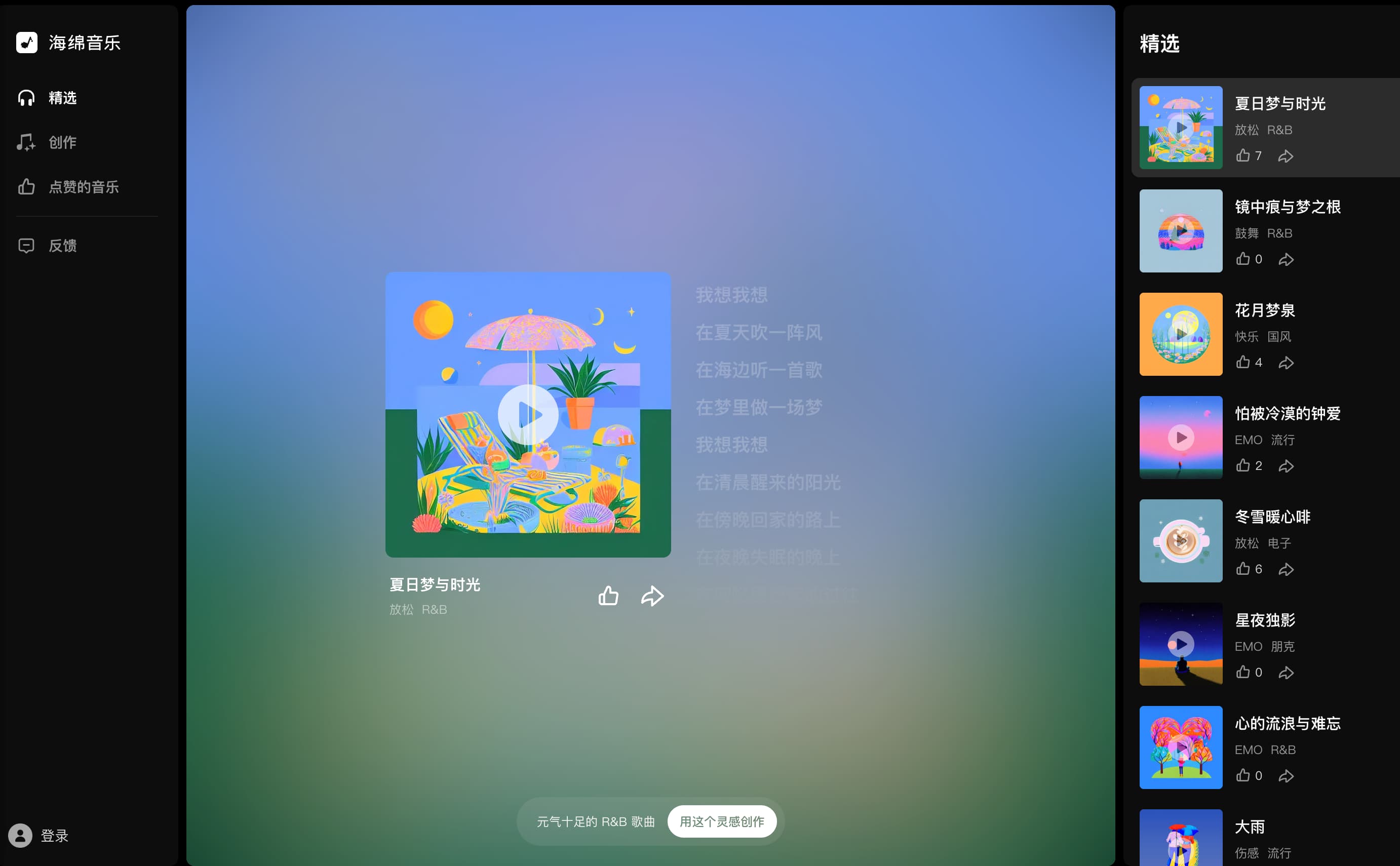
Screenshot archived from the listing page, for preview only.











