
Springbase
350+ AI models turned into automated workflowsPrompts in, workflows out
Highlights
What you can do with it
- Run a deal hunter recipe that scans retailers for prices and coupons
- Generate a competitor report every Monday at 9 am
- Create brand names and check domain availability
How to use it
- 1 Register for free without a credit card
- 2 Browse over 500 community recipes or build your own workflow
- 3 Add variables and connect the tools you use
- 4 Schedule the recipe or run it immediately
- 5 Share it with your team and monitor results
Who it is for
Pros
- Free version includes 100 credits per month
- Large model catalog without platform switching
- Scheduling turns one-off prompts into automation
Limitations
- Free credits are limited to 100 per month
- The visual canvas has a learning curve for complex flows
- Starter pricing is usage-based, so costs scale with volume
What Springbase is
Springbase is an AI automation platform that combines a catalog of over 350 models with tools for turning prompts into repeatable workflows. Recipes are the core unit: a recipe created for market research can be rerun next month with new inputs, and agents can be scheduled so tasks like daily briefings or weekly competitor reports run without reminders. A knowledge base accepts private files such as PDFs, Notion documents, and code so answers stay grounded in your own material. Meeting intelligence converts recordings into summaries, tasks, and follow-ups, while integrations with over 1,000 tools including Gmail, Notion, HubSpot, and GitHub move data between steps. The free version offers 100 credits monthly, and Starter is $9.99 per month with 1,000 credits.
What you can do with it
- Pick from over 350 models for text, data, and image tasks
- Build reusable recipes on a visual canvas with no code
- Schedule agents to run workflows automatically
- Ground answers in your own files through the knowledge base
- Connect Gmail, Notion, HubSpot, GitHub, and 1,000+ other tools
Who it is for
- Enterprise teams that want recurring work automated
- Content creators who need flexible model access
- Developers wiring tools together without custom scripts
What to watch out for
The free tier's 100 monthly credits run out quickly if you test many models or run frequent workflows, and Starter pricing scales with usage, so monitor consumption. Complex conditional workflows take time to design and debug even on a visual canvas. Model quality and latency vary across the 350+ catalog, so results need review. Free tier rules and credit costs can change, so confirm current terms before building critical automation.
FAQ
How many AI models does Springbase support?
The platform lists over 350 AI models for different tasks.
What does the free version include?
100 credits per month, access to free-tier models, 5 meetings per month, and community recipes.
Do I need to code?
No. Workflows are built on a visual canvas with conditional routing and dynamic data flow.
What does Starter cost?
Starter is $9.99 per month with 1,000 credits, priced based on usage.
Why it is free
What the official page says: free version
Free limits, trial length and features are decided by the official site and can change at any time.
Product preview
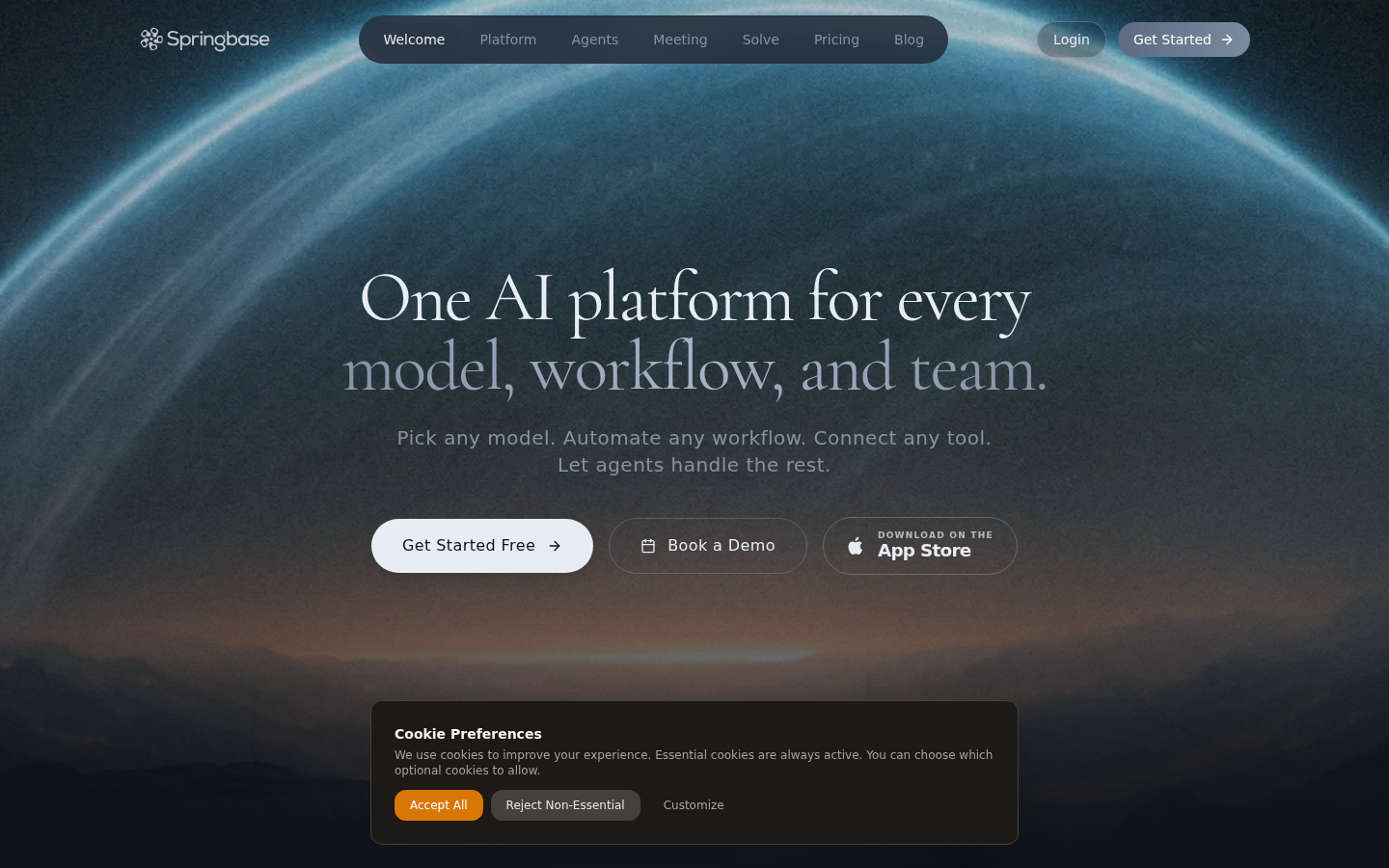
Screenshot archived from the listing page, for preview only.











