
Steel
Open source headless browser API for cloud automationRun cloud browser sessions for scraping and automation
Highlights
What you can do with it
- Large scale web data scraping projects
- Automated tasks like booking flows that need a real browser
- Teams adding cloud browser steps to existing test automation
How to use it
- 1 Register on the Steel website and pick a plan
- 2 Read the docs on creating and managing sessions
- 3 Use the SDK or direct API calls to start a session
- 4 Configure proxies and CAPTCHA handling as needed
- 5 Run your automation and debug with the session viewer
Who it is for
Pros
- Free plan available
- Handles CAPTCHAs, proxies, and fingerprinting for you
- Long sessions up to 24 hours with context reuse
Limitations
- Free plan limits and paid pricing may change over time
- Scraping can break site terms of service, so use it responsibly
- Automation still needs code and maintenance as sites change
What Steel is
Steel is an open source headless browser API that lets you control browsers running in the cloud. With simple API calls you can spin up instant sessions for automation, scraping, and testing. The service is built to keep automation running smoothly: it solves CAPTCHAs, manages proxies, and applies browser fingerprinting so scripts are less likely to be flagged as bots. Each session can run for up to 24 hours, and you can save and reuse context such as cookies and local storage. It integrates with Puppeteer, Playwright, and Selenium, and includes a session viewer for live debugging. There is a free plan plus paid options.
What you can do with it
- Start cloud browser sessions through a simple API
- Automate CAPTCHA solving, proxies, and fingerprinting
- Run long sessions up to 24 hours with reusable context
- Watch and debug live or recorded sessions in the viewer
Who it is for
- Developers running large scale web scraping jobs
- Teams that need reliable cloud browsers for automation
- Engineers adding browser steps to existing test frameworks
What to watch out for
Automated scraping can violate the terms of service of the sites you visit, and legal rules differ by region, so use the tool responsibly and respect robots rules. The free plan has limits, and paid pricing can change, so check current tiers. Even with CAPTCHA and fingerprint handling, target sites change often, so scripts need ongoing maintenance. Because it depends on upstream browser technology, occasional breakage is normal. Behavior may vary across browsers and devices, so test before production use and consult the help docs if errors appear. Features and interface details may change between versions, so review the latest notes on the page before you start.
FAQ
Is Steel free?
It offers a free plan along with paid plans for larger scale use.
What does Steel handle automatically?
It handles CAPTCHA solving, proxy management, and browser fingerprinting.
Which tools does it integrate with?
It integrates with Puppeteer, Playwright, and Selenium.
Why it is free
What the official page says: free plan
Free limits, trial length and features are decided by the official site and can change at any time.
Product preview
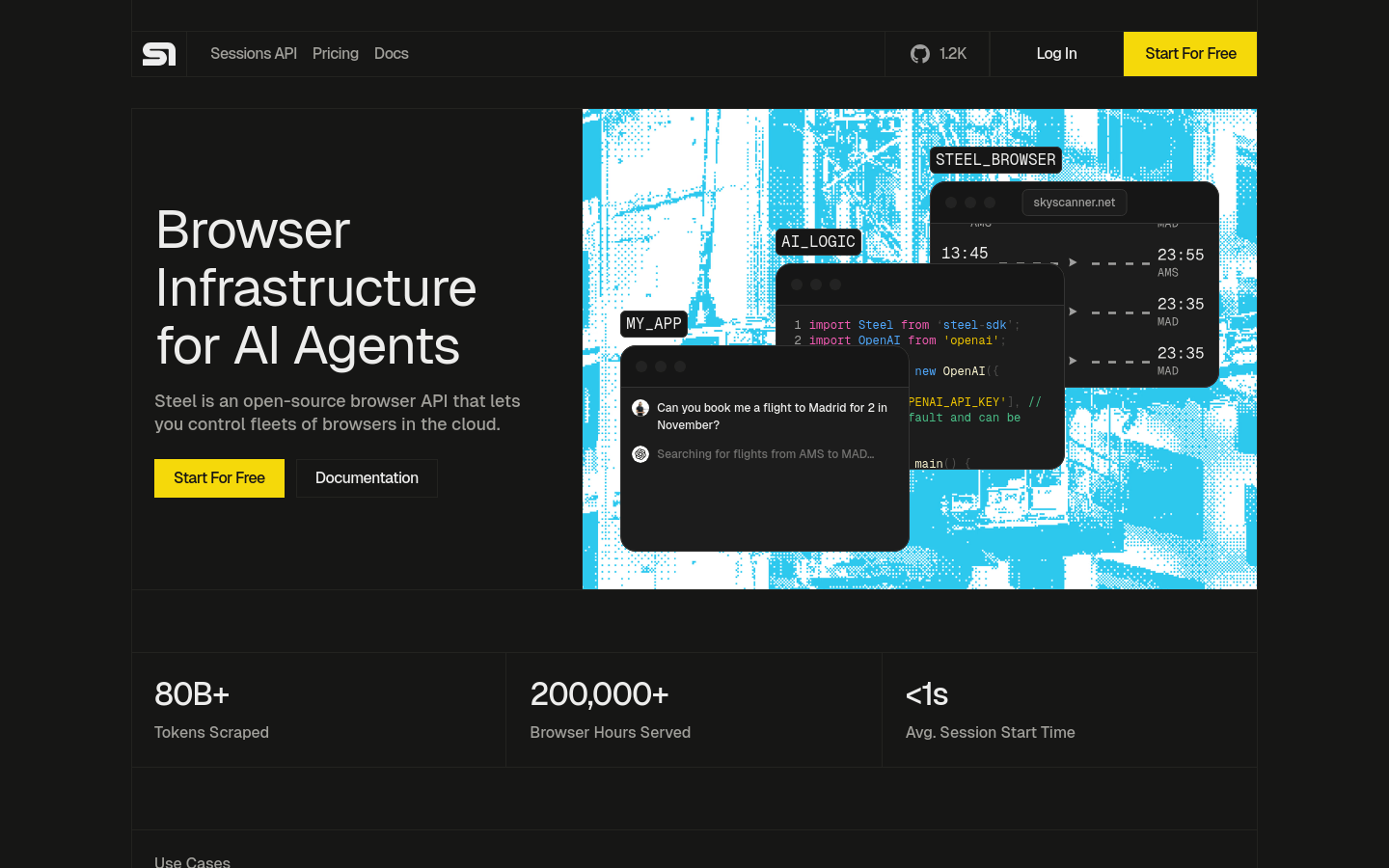
Screenshot archived from the listing page, for preview only.











