
Steev
AI model training optimizerTrain models faster with less setup
Highlights
What you can do with it
- Research teams improving model accuracy
- Developers catching training code errors
- Companies monitoring training for anomalies
How to use it
- 1 Install Steev using pip install steev
- 2 Log in with steev auth login
- 3 Run your script with steev run train.py
- 4 Monitor training and review suggestions
Who it is for
Pros
- Free trial with full features
- No configuration needed
- Automatic optimization saves effort
Limitations
- Command-line tool with a learning curve
- Free trial only before pricing
- Site was unreachable at last check
What Steev is
Steev is a tool designed to optimize AI model training and help users improve efficiency and model performance. It automatically adjusts training parameters, monitors the training process in real time, and reviews code for potential errors before training begins. The tool is built for ease of use and requires no configuration, making it suitable for engineers and researchers who want better results without complex setup. Steev is currently in a free trial phase where users can experience all its features at no cost. A Discord community is available for support and discussion.
What you can do with it
- Optimize training parameters automatically
- Monitor key variables in real time with alerts
- Review training code for errors before running
- Run experiments without manual configuration
- Get community help through Discord
Who it is for
- AI engineers running regular training jobs
- Researchers optimizing experiments and accuracy
- Teams that need real-time alerts during training
What to watch out for
Steev is a command-line tool, so users need comfort with terminal commands like pip and steev run. The free trial precedes paid pricing, and long-term costs are not listed. The site was unreachable during the last check, so confirm availability before building it into your workflow. Automatic optimization should be reviewed rather than trusted blindly, since model quality still depends on data and problem design. Processing speed depends on file size and network conditions, so retry later if a task stalls during peak hours. Run one full task end to end first, then expand once you are comfortable with the workflow and the result quality. Processing speed depends on file size and network conditions, so retry later if a task stalls during peak hours.
FAQ
What is Steev?
It is a tool that optimizes AI model training with automatic parameters and monitoring.
Do I need to configure it?
No, Steev requires no configuration and works out of the box.
Is there a free trial?
Yes, users can experience all features during the free trial.
Why it is free
What the official page says: free trial
Free limits, trial length and features are decided by the official site and can change at any time.
Product preview
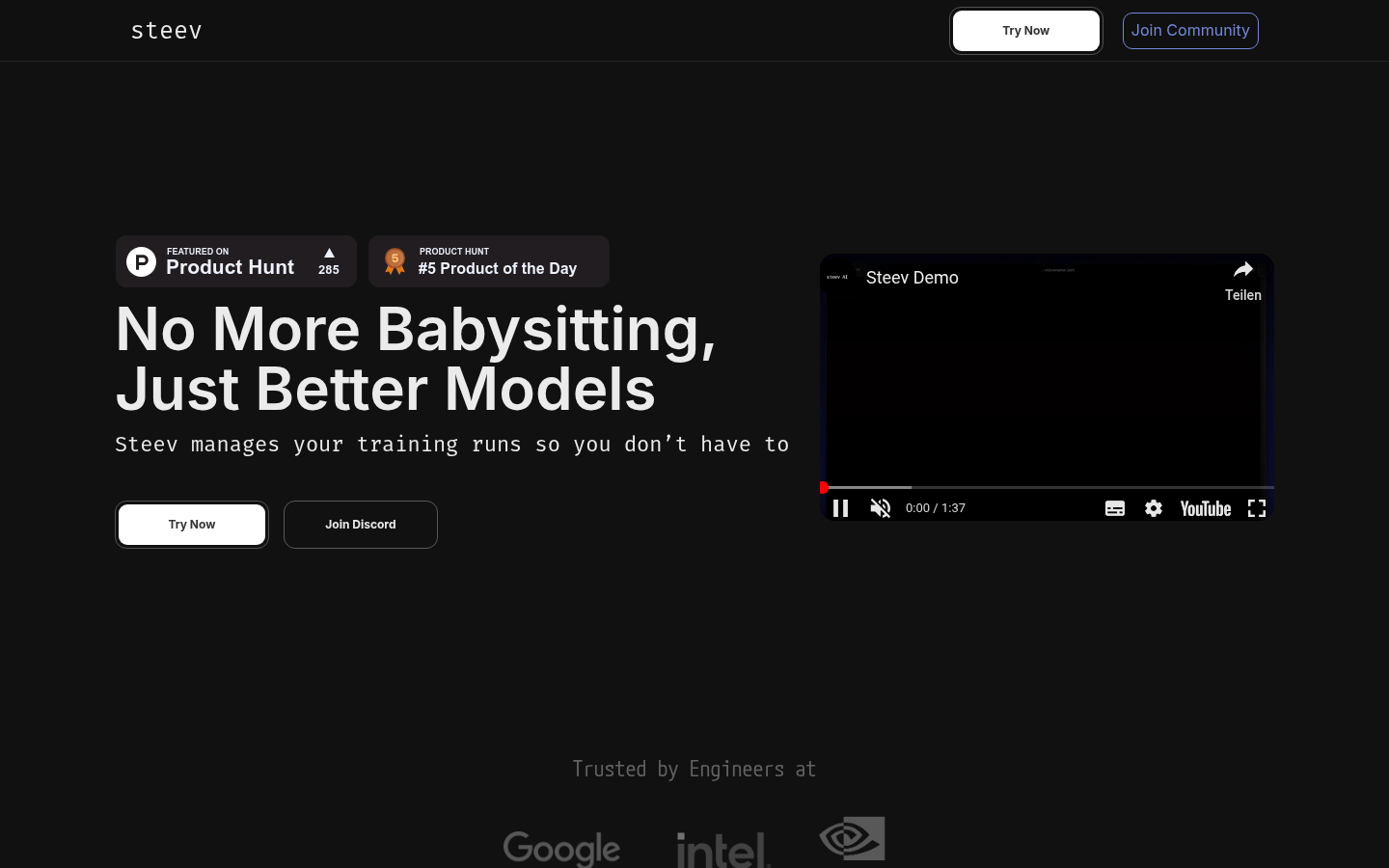
Screenshot archived from the listing page, for preview only.











