
Stencil by SUPERHANDS
Copy real web components in one clickGrab components instead of rebuilding them
Highlights
What you can do with it
- Copy a product display component for your own mockup.
- Reuse a navigation pattern across a team's designs.
- Collect button and form styles as reference while learning.
How to use it
- 1 Open superhands.ai and log in if the page asks for it.
- 2 Open the website you want to copy a component from.
- 3 Use the one click copy on the component you need.
- 4 Choose Lovable, Bolt, or V0 and add it there.
- 5 Adjust the component inside your design platform.
Who it is for
Pros
- One click instead of rebuilding a component by hand.
- Fits into Lovable, Bolt, and V0 workflows directly.
- Saves time and credits inside design tools.
Limitations
- Copying from live sites can conflict with their terms of service.
- Free usage rules can change at any time.
- Components often need cleanup to fit your own design system.
What Stencil by SUPERHANDS is
Stencil, from SUPERHANDS, is a browser tool for copying real web components from existing websites. You click once on a button, a form, or a navigation bar and the component is captured, ready to drop into a design platform such as Lovable, Bolt, or V0. The pitch is straightforward: designers rebuild the same elements over and over, and this removes that step from the workflow. It also saves the credits and time that mockup design in other tools tends to consume, which matters when you are iterating quickly and burning through allowances on work you did not really need to do by hand. SUPERHANDS describes usage as free and positions itself as an efficiency helper for individual designers and teams alike, with no complex setup described beyond opening the site and, where needed, logging in.
What you can do with it
- Copy a component from any website in a single click.
- Send that component straight into Lovable, Bolt, or V0.
- Capture buttons, forms, and navigation bars for reuse across projects.
- Skip repeated construction and spend the saved time on new design problems.
Who it is for
- Professional designers who work fast and need ready made parts to start from.
- Design teams that want consistent elements instead of five versions of the same card.
- Beginners who need reference material to study while they learn.
What to watch out for
Copying a component from a live website is a design shortcut, not a legal blanket. Some sites have terms of service that restrict scraping or reuse of their markup and assets, and copying a competitor's interface too closely can create problems of its own, so check before you publish something built this way. The tool is offered free, and free usage rules can change without much notice. Components lifted from another site also rarely fit straight into your own system, so expect to clean up spacing, tokens, and naming before they belong in a real product.
FAQ
What does Stencil copy?
Web elements such as buttons, forms, and navigation bars, captured from any website you can access.
Where can I send the copied component?
Straight into Lovable, Bolt, or V0, so it lands inside the design platform you already use.
Is it free?
SUPERHANDS describes usage as free, though those terms can change over time.
Why it is free
What the official page says: 免费使用免费
Free limits, trial length and features are decided by the official site and can change at any time.
Product preview
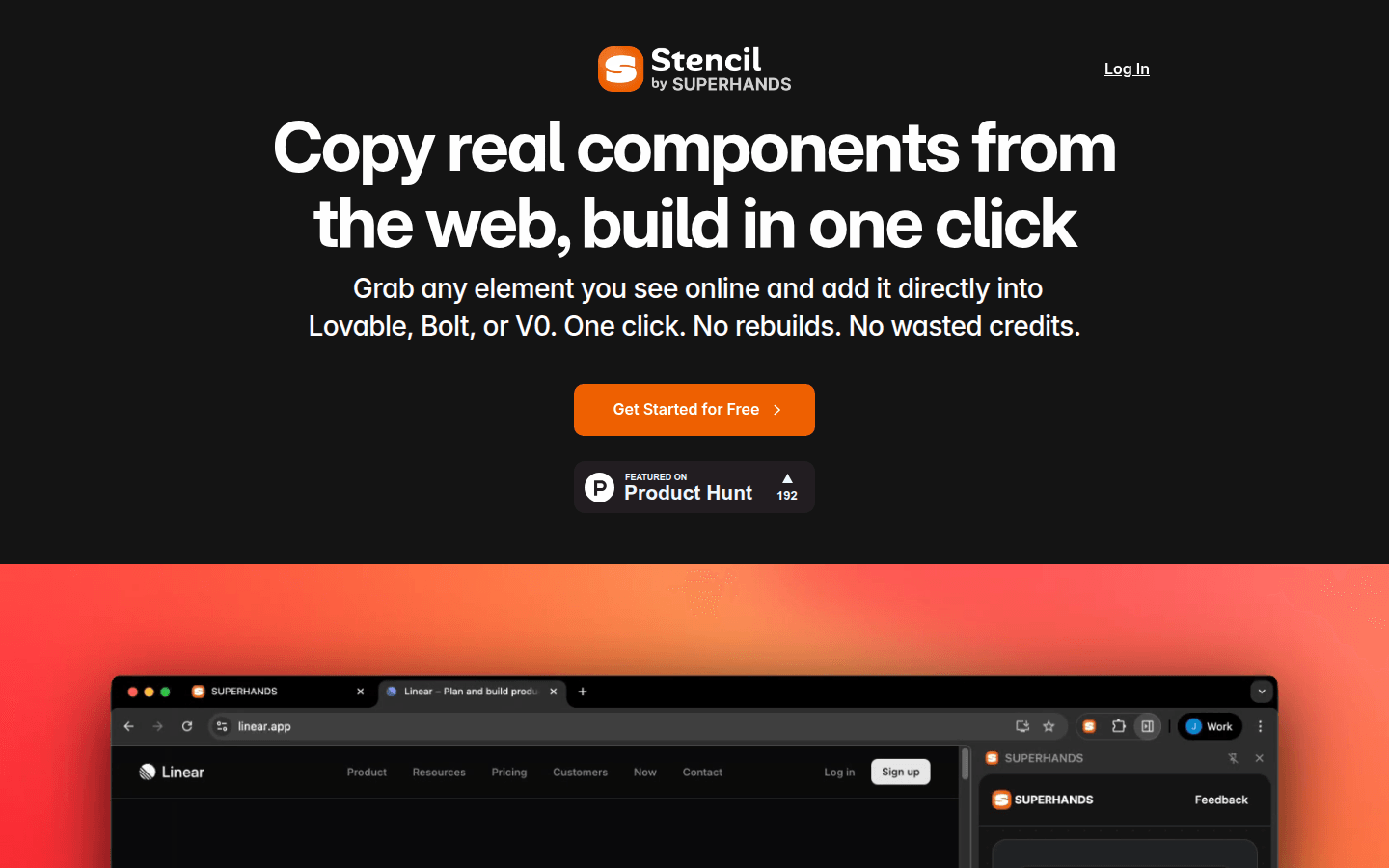
Screenshot archived from the listing page, for preview only.











