
STORYD
AI data presentation toolData stories leaders approve
Highlights
What you can do with it
- Turn quarterly numbers into a deck for leadership
- Present a metric review with clear visualization
- Reuse a storytelling template for a recurring report
How to use it
- 1 Open the STORYD website and choose the free version.
- 2 Bring in the data you need to present.
- 3 Pick one of the 500 storytelling templates as a base.
- 4 Let the AI data storytelling and slide design shape the deck.
- 5 Upgrade to the professional version if you need more.
Who it is for
Pros
- A free version is available to test the workflow
- 500 templates remove the blank-page problem
- Designed around data storytelling, not generic slides
Limitations
- The free version is a starting tier, and pricing can change
- A template cannot fix wrong or misleading data
- It focuses on presentation, not analysis or data cleaning
- Check that the template story matches what your numbers say
What STORYD is
STORYD is an AI data presentation tool for people who have to present numbers to decision makers. You bring the data, and the tool helps turn it into a clear, compelling presentation with data storytelling and professional slide design. It ships with 500 pre-written business data storytelling templates, so you are not starting from a blank slide when the meeting is tomorrow. The stated aim is to capture a leader's attention and win approval through clear data visualization rather than a wall of charts. There is a free version, and a professional version with more capability for people who present often.
What you can do with it
- Turn data into a presentation with AI data storytelling
- Start from one of 500 business storytelling templates
- Use professional slide design without building layouts by hand
- Try the free version before moving to the professional one
Who it is for
- Managers who present results to leadership
- Analysts who need slides a non-technical audience can follow
- Teams that present the same metrics on a regular cycle
What to watch out for
Templates speed up the deck, but the data behind it still has to be right, and a chart that misleads will fail the room faster than an ugly one. The free version is a starting tier, the professional version is where more capability lives, and pricing can change without notice. The tool focuses on data presentation, so it is not a spreadsheet, a BI platform, or a design suite, and complex data modeling happens elsewhere. Read the story the template tells against what your numbers actually say, and be ready to cut a slide that flatters the wrong conclusion.
FAQ
Is there a free version of STORYD?
Yes. Pricing options include a free version and a professional version.
What makes it different from a slide tool?
It is built around AI data storytelling, with 500 pre-written business templates and professional slide design.
Who is it aimed at?
It is aimed at people who present data to leaders and need approval, using clear visualization to hold attention.
Why it is free
What the official page says: free version
Free limits, trial length and features are decided by the official site and can change at any time.
Product preview
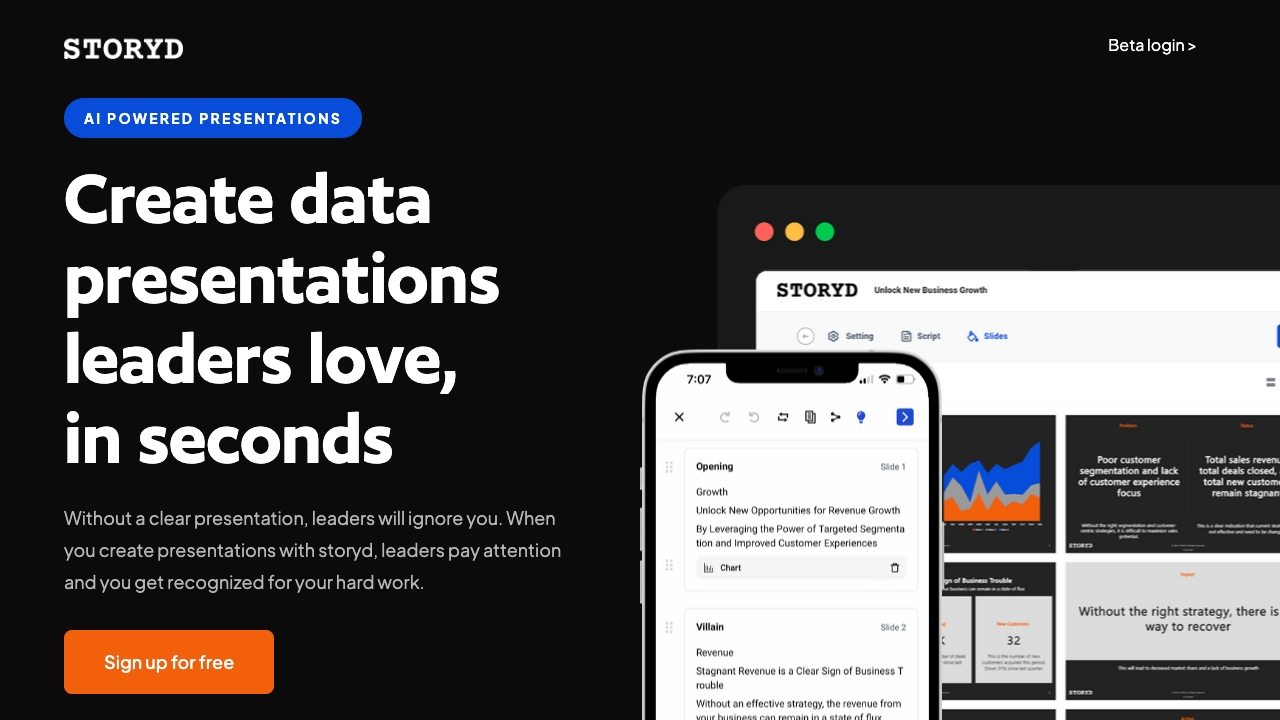
Screenshot archived from the listing page, for preview only.











