
Straion
Rules engine for AI codersKeep AI coding on your standards
Highlights
What you can do with it
- An enterprise manages AI coding tools with central rules
- A large team keeps AI code inside project and security rules
- A startup sets coding standards AI tools follow automatically
How to use it
- 1 Define rules by importing or creating standards in Straion
- 2 Add the Straion skill to Claude Code or Cursor
- 3 Let the CLI pull the right rule context for each task
- 4 Verify the AI plan against rules, then deliver compliant code
Who it is for
Pros
- One place for rules avoids scattered files
- Automatic injection saves manual prompts
- Plan verification catches problems before coding
- Free to start according to the description
Limitations
- Free start terms may change and paid plans are not detailed
- Value depends on how well rules are written and maintained
- It guides AI output but does not replace code review
What Straion is
Straion is a tool made specifically for AI coding agents such as Claude Code, Cursor, and Copilot. The problem it targets is that AI coding often lacks organizational standards, so output can drift from the rules a team cares about. Straion lets you centrally define architectural rules, security policies, and coding standards in one place, inject them automatically into each task, and pre-validate the plan an AI agent generates before any code is written. It keeps rules in sync so agents always use the latest version and produces verification reports. The description says it can be used for free at the beginning.
What you can do with it
- Define architecture, security, and coding rules in one place
- Inject rules into AI agents automatically for each task
- Verify AI plans against rules before coding starts
- Keep every agent on the latest synced standards
- Read verification reports of passed and violated rules
Who it is for
- Enterprise developers bound by strict standards
- Team leaders who want one rule set for the whole team
- New developers learning company coding rules
- Teams that use several AI coding tools at once
What to watch out for
The description says it is free at the beginning but does not detail later pricing, so costs or limits may change. Its value depends on how well your rules are written and maintained; vague rules give weak guidance. It helps AI output follow standards but does not replace human code review, especially for security-critical work. Because it plugs into third-party coding agents, changes to those tools can affect how injection and verification behave.
FAQ
Which AI coding tools does it support?
It is designed for tools such as Claude Code, Cursor, and Copilot.
How does rule injection work?
AI coding agents automatically get the rule context for each task through Straion, without manual prompts.
Is it free?
The description says it can be used for free at the beginning, though it does not detail later paid plans.
Why it is free
What the official page says: for free
Free limits, trial length and features are decided by the official site and can change at any time.
Product preview
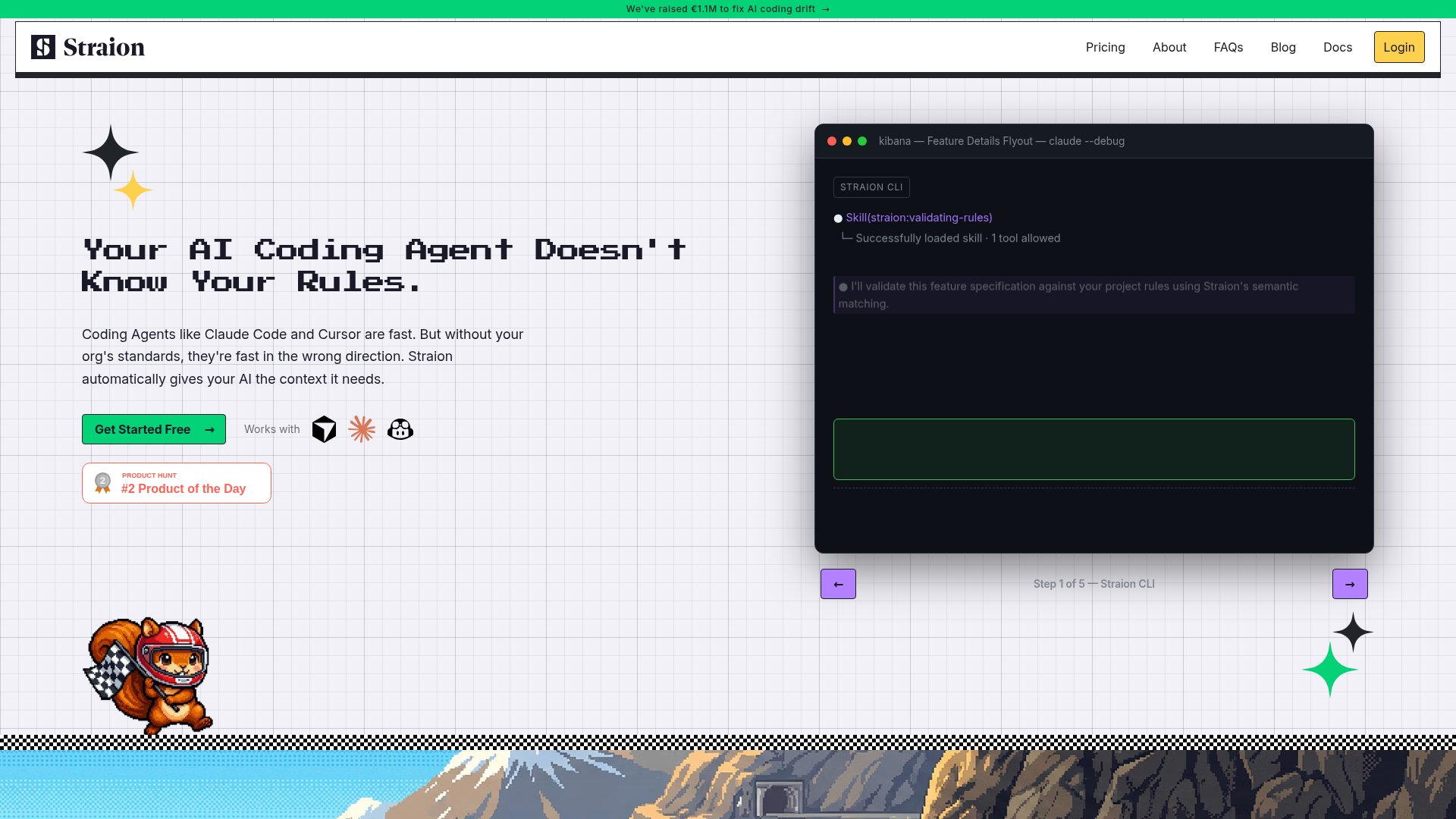
Screenshot archived from the listing page, for preview only.











