
SummarizeVideoToText
Video to text and summariesYouTube and TikTok links to summaries
Highlights
What you can do with it
- Summarize a long lecture or talk before a class
- Turn a tutorial video into readable notes
- Scan several short clips for research quickly
How to use it
- 1 Paste the video link from YouTube, TikTok or Instagram
- 2 Choose the language if needed
- 3 Generate the transcript and the AI summary
- 4 Read the summary, then check the transcript for detail
- 5 Log in with Google for the higher free daily limit
Who it is for
Pros
- Free daily quota without a download
- Google login raises the free limit
- Cached results return quickly
Limitations
- Free tier is capped at two summaries a day
- Accuracy depends on audio quality and accents
- A paid professional tier is planned, so limits may tighten
- Private or restricted videos may not be accessible
What SummarizeVideoToText is
SummarizeVideoToText is an online tool that turns videos from YouTube, TikTok and Instagram into text, then produces an AI summary of what the video covers. The use case is straightforward: instead of watching a twenty minute talk, you read a short version and decide whether the full video is worth your time. It runs in the browser with no download, supports multiple languages, and caches results so a repeat request comes back quickly. The free quota is two summaries per day, rising to ten if you log in with a Google account. The listing says a professional version with no daily limit is planned, which suggests the current free limits are temporary.
What you can do with it
- Convert a YouTube, TikTok or Instagram video into text
- Generate a short AI summary of the content
- Work in multiple languages without extra setup
- Return to cached results without regenerating them
Who it is for
- Students who need notes from lectures and tutorials
- Researchers scanning several video sources quickly
- Professionals pulling key points out of webinars and meetings
What to watch out for
The free limit is low. Two summaries a day is enough to test the tool, not to run a workflow, and even the ten per day after Google login will not cover a research sprint. Transcript accuracy depends on the source audio: background noise, heavy accents, overlapping speakers and fast speech all reduce quality, and the summary inherits those errors. A professional tier is planned, so today's free rules should not be treated as permanent. Videos that are private, region locked or removed may not work at all, and summarising someone else's content still raises the usual copyright questions if you republish the text.
FAQ
Is it free?
You can summarize two videos a day for free, or ten after logging in with a Google account.
Which platforms work?
YouTube, TikTok and Instagram are listed.
Do I need to install anything?
No, it runs online.
Will there be a paid version?
The listing says a professional version with no daily limit is planned.
Why it is free
What the official page says: 免费额度免费试用免费
Free limits, trial length and features are decided by the official site and can change at any time.
Product preview
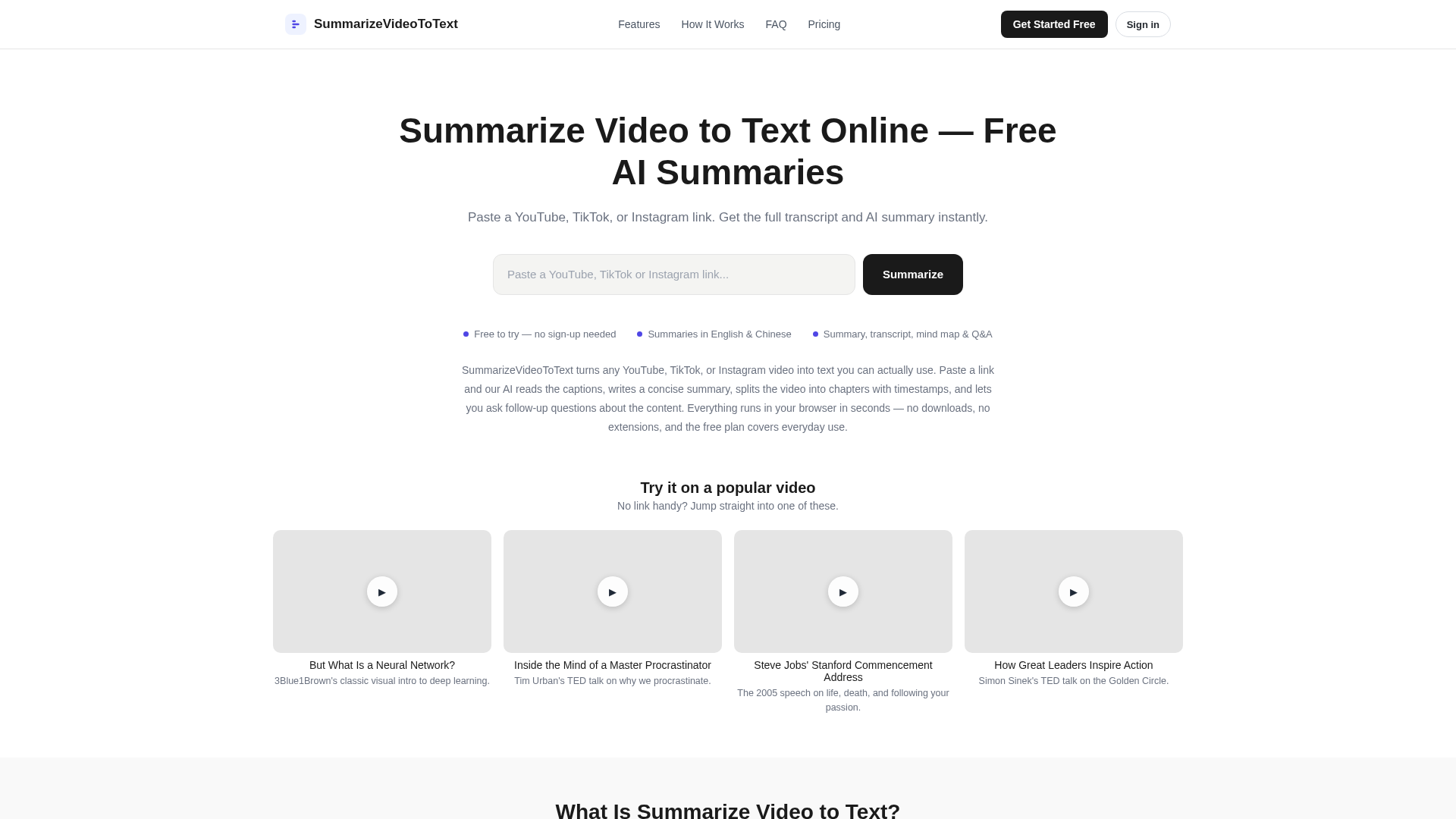
Screenshot archived from the listing page, for preview only.