
SVG Converter
Free image to vector converterVector conversion in your browser
Highlights
What you can do with it
- A designer turns a client's PNG logo into editable SVG.
- A print shop converts a scanned image to EPS for commercial printing.
- A developer generates matching icons and exports them as SVG.
How to use it
- 1 Open the SVG Converter website.
- 2 Upload an image or a vector file.
- 3 Choose the output format.
- 4 Wait for processing, usually a few seconds.
- 5 Download the converted file.
Who it is for
Pros
- Free with no account, subscription, or watermark.
- Works both ways between raster and vector formats.
- Runs in the browser on any major operating system.
Limitations
- Complex photos convert less cleanly than flat logos and line art.
- The free status and limits may change.
- AI-generated vectors often need manual cleanup for production use.
What SVG Converter is
SVG Converter is a fully online tool for moving between raster images and vector graphics. It converts PNG, JPEG, and WebP into SVG, PDF, EPS, or DXF, and it converts SVG, PDF, EPS, and DXF back into PNG, JPG, WebP, AVIF, or GIF. There is nothing to install and no account to create. If you have no file to upload, you can type a description such as a minimalist mountain badge and the AI generates a vector artwork. Processing tracks edges at sub-pixel precision, clusters colors to keep brand values accurate, and cleans up noise. Everything runs in the browser on macOS, Windows, Linux, ChromeOS, and mobile, and all tools are free with no watermark.
What you can do with it
- Convert photos and logos into editable vector files.
- Turn vector files back into web-ready images.
- Generate vector art from a written description.
- Download results with no account and no watermark.
Who it is for
- Designers who need vector versions of client artwork.
- Developers working with icons and web graphics.
- Print shops preparing files for output and embroidery.
What to watch out for
Flat logos and line art convert far better than busy photographs, which often need manual cleanup. AI-generated vectors are a starting point, not production-ready paths. The service is free today, but free status, file handling, and limits may change. Because files are uploaded for processing, avoid sending confidential artwork unless you have checked the privacy terms. For best results, start with a small test file and review the output carefully before working on anything important. Free tiers can change over time, so it is worth checking the current limits on the official page before you rely on the tool daily.
FAQ
Which formats can I convert?
Images such as PNG, JPEG, and WebP to SVG, PDF, EPS, or DXF, and vector files back to PNG, JPG, WebP, AVIF, or GIF.
Do I need an account?
No. The tool runs in the browser with no account and no watermark.
Can it create art without a file?
Yes, you can type a description and the AI generates a vector artwork.
Why it is free
What the official page says: for freecompletely free
Free limits, trial length and features are decided by the official site and can change at any time.
Product preview
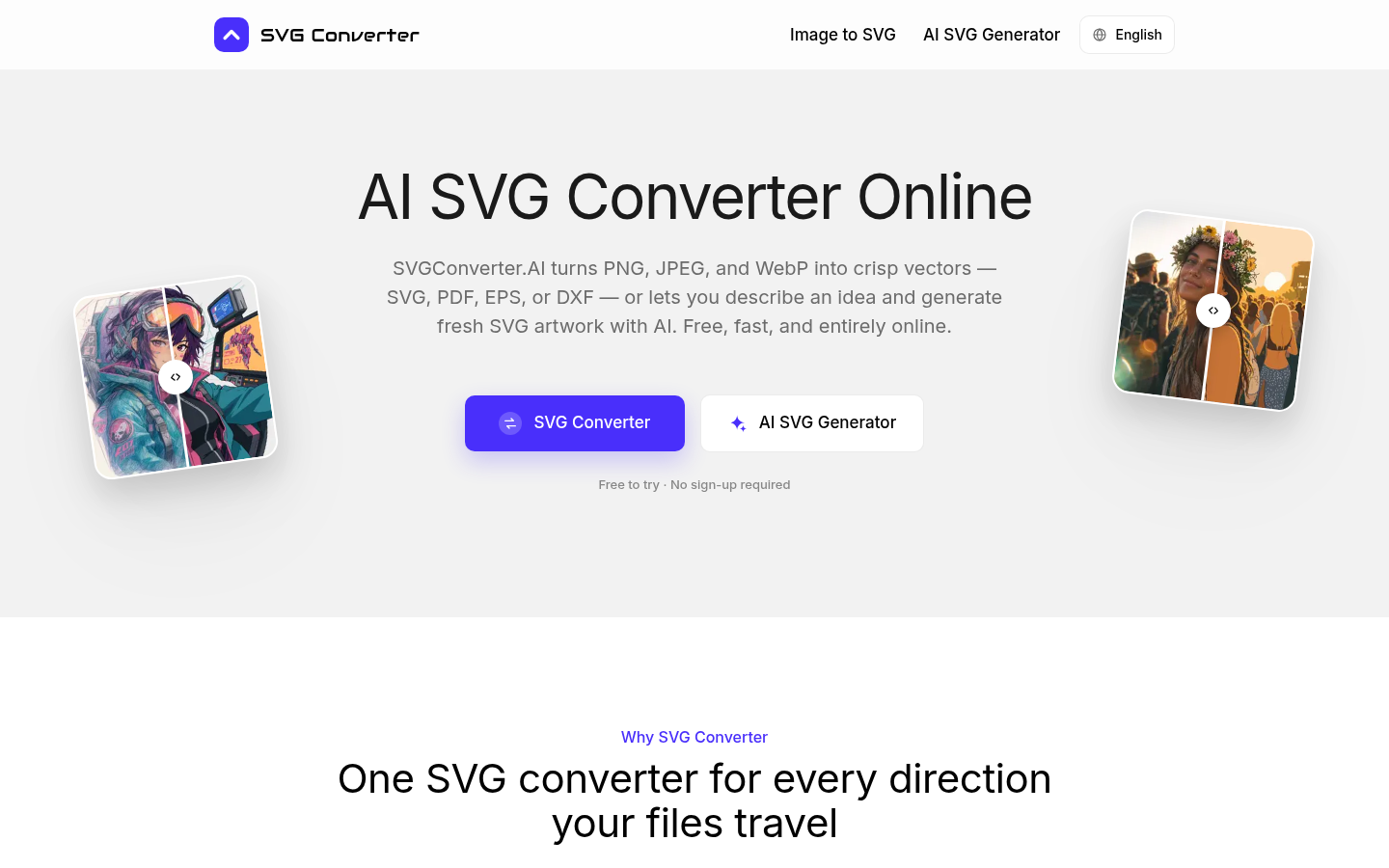
Screenshot archived from the listing page, for preview only.











